Why You're Seeing "1PASSWORD*" on Your Bank Statement
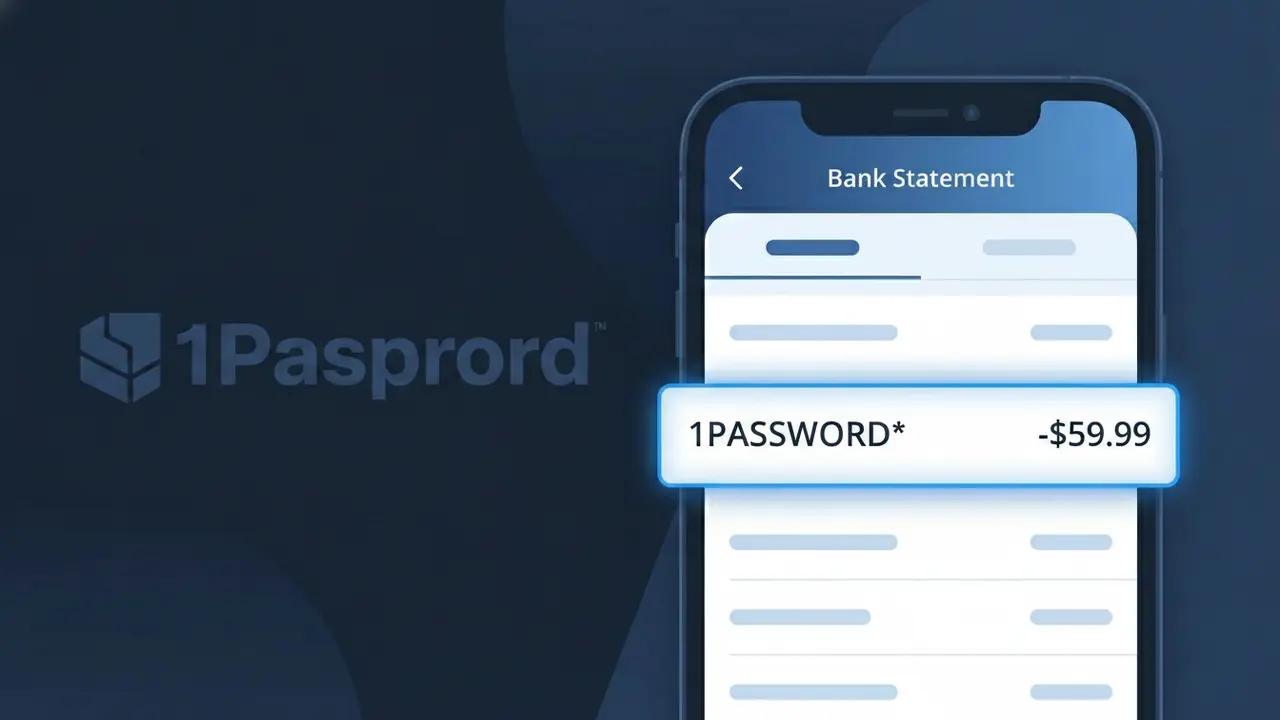
What Is "1PASSWORD*" on My Bank Statement?
The 1PASSWORD* charge on your bank statement comes from 1Password, a widely-used password manager application that securely stores and manages your passwords and sensitive information. This charge represents a subscription payment for access to their service, which is available for individuals, families, and businesses. If you see 1PASSWORD* on your statement, it typically means you or someone with access to your payment method signed up for a 1Password plan. The charge may appear monthly or annually depending on the billing cycle you selected at signup.
The descriptor 1PASSWORD* appears on your bank statement because payment processors often use a shortened or coded version of a company's name when recording transactions. The asterisk following the name is commonly used by payment systems to separate the merchant name from additional transaction details such as a subscription ID or billing region. This is a standard practice in recurring subscription billing and does not indicate any issue with the charge.
ℹ️ Note
In most cases, seeing "1PASSWORD*" on your statement is completely normal. Before assuming fraud, check your recent purchases — most mystery charges have a simple explanation.
Is the 1PASSWORD* Charge Legitimate or Fraud?
If you see 1PASSWORD* on your bank or credit card statement, this charge almost always comes from 1PASSWORD, the popular password manager service. 1Password offers individual, family, and business subscription plans billed monthly or annually, and the truncated descriptor 1PASSWORD* is their standard billing name.
- You or a family member signed up for a 1Password Individual or Families plan
- Your 1Password free trial ended and automatically converted to a paid subscription
- A 1Password Teams or Business subscription was renewed on your card
- A household member added your card as the payment method for their 1Password account
While most 1PASSWORD* charges are legitimate, unauthorized charges can occur if your card details were compromised. If you do not recall signing up for 1Password, take steps to verify before assuming fraud.
How to Verify the 1PASSWORD* Charge
- 1
Log into your 1Password account
Visit 1password.com and sign in. Go to Settings > Billing to view your active plan, billing history, and the exact amount charged matching the 1PASSWORD* transaction.
- 2
Search your email for 1Password receipts
Search your inbox for emails from 1Password (billing@1password.com or noreply@1password.com). Receipts for the 1PASSWORD* charge are sent at every renewal.
- 3
Check if a family member signed up
1Password Families plans allow up to 5 members. Ask family members whether they joined a shared 1Password account using your payment method.
- 4
Review your app subscriptions
If you signed up via the App Store or Google Play, the 1PASSWORD* charge may appear under Apple or Google billing. Check your subscription list on those platforms.
- 5
Contact your bank for more details
Ask your bank for the full merchant descriptor and transaction date for the 1PASSWORD* charge. This can help confirm whether the charge originated from 1Password directly.
How to Dispute a 1PASSWORD* Charge
- 1
Act within 60 days of the charge
Most banks require disputes to be filed within 60 days of the 1PASSWORD* charge appearing on your statement. Act quickly to preserve your chargeback rights.
- 2
Contact 1Password support first
Reach out to 1Password at support.1password.com before disputing with your bank. 1Password's support team can verify the charge and issue refunds for unauthorized or accidental billing.
- 3
File a chargeback with your bank
If 1Password cannot resolve the issue, contact your bank or card issuer to file a formal chargeback dispute for the 1PASSWORD* charge, providing any communication with 1Password as evidence.
- 4
Request a new card number
If the 1PASSWORD* charge is confirmed fraudulent, ask your bank to issue a replacement card to prevent further unauthorized charges from appearing on your account.
Tips for Managing 1PASSWORD* Charges
Enable billing notifications in your 1Password account so you're alerted before each 1PASSWORD* renewal charge.
Keep your 1Password billing email updated so renewal receipts for 1PASSWORD* always reach your active inbox.
Review your 1Password account plan annually — downgrading from Families to Individual can reduce your 1PASSWORD* charge amount.
Switch to an annual 1Password plan to save up to 17% compared to monthly billing and reduce frequent 1PASSWORD* charges.
Use a virtual card number for your 1Password subscription to limit exposure if your payment details are ever compromised.
Use WhatIsThisCharge.net to identify related charges that may appear alongside 1PASSWORD* on your statement.
Frequently Asked Questions About the 1PASSWORD* Charge
🔍 Decode this charge instantly
Search our database for 1PASSWORD* and similar charges.
Decode 1PASSWORD* →Was this article helpful?