Why You're Seeing "ADMIRAL*INSURANCE" on Your Bank Statement
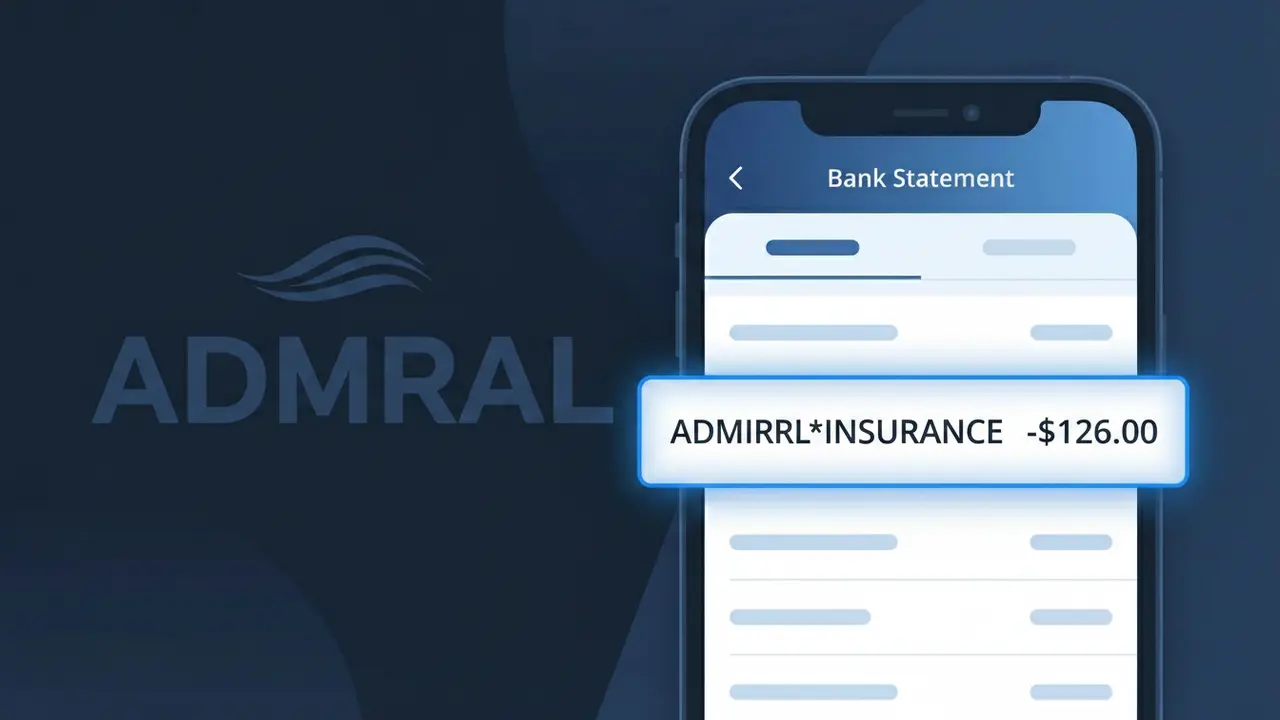
What Is "ADMIRAL*INSURANCE" on My Bank Statement?
The ADMIRAL*INSURANCE charge on your bank statement comes from Admiral Insurance, one of the UK's largest car and home insurance providers. This charge typically represents a premium payment for a policy you hold directly with Admiral, or through one of their sister brands such as Elephant Auto or Diamond Insurance. Admiral groups multiple insurance brands under the same parent company, which is why you may not immediately recognise the descriptor. If you have an active insurance policy with any Admiral Group brand, this charge is almost certainly your regular premium being collected.
The ADMIRAL*INSURANCE descriptor appears on your bank statement because Admiral Insurance processes all payments through their central billing system, regardless of which specific brand or policy type you purchased. This means customers who signed up under the Elephant or Diamond brand names may still see ADMIRAL*INSURANCE rather than the brand they recognise. The asterisk in the descriptor is a common formatting convention used by payment processors to separate the company name from the product or service type.
ℹ️ Note
In most cases, seeing "ADMIRAL*INSURANCE" on your statement is completely normal. Before assuming fraud, check your recent purchases — most mystery charges have a simple explanation.
Is the ADMIRAL*INSURANCE Charge Legitimate or Fraud?
The ADMIRAL*INSURANCE charge on your bank or credit card statement is most likely a legitimate billing from Admiral, one of the UK's leading insurance providers offering car, home, travel, and pet insurance policies. This charge typically appears when Admiral processes a premium payment, renewal, or instalment for one of your active insurance policies.
Common legitimate reasons you may see ADMIRAL*INSURANCE on your statement include:
- Monthly or annual car insurance premium payments to Admiral
- Automatic renewal of a home, travel, or pet insurance policy with Admiral
- A direct debit instalment as part of an Admiral monthly payment plan
- A policy amendment fee or add-on purchase made through Admiral's website or app
If you do not recognise the charge, it is possible a family member added a policy, or your policy renewed automatically. Contact Admiral directly before assuming fraud.
How to Verify the ADMIRAL*INSURANCE Charge
- 1
Log into your Admiral account
Visit admiral.com and sign in to your account. Check your active policies and recent payment history to match the ADMIRAL*INSURANCE charge amount and date.
- 2
Search your email for Admiral receipts
Search your inbox for emails from Admiral or noreply@admiral.com. Look for payment confirmations, renewal notices, or policy documents matching the charge date.
- 3
Check with household members
Ask family members if they purchased or renewed an Admiral insurance policy using your payment details, as MultiCar or household policies are common with Admiral.
- 4
Review your Admiral policy renewal dates
ADMIRAL*INSURANCE charges often appear around annual renewal dates. Cross-reference the charge date with any renewal reminders Admiral may have sent you.
- 5
Contact Admiral customer service
Call Admiral on 0333 220 2000 or use their online chat. Provide the charge date and amount so their team can confirm which policy the ADMIRAL*INSURANCE charge relates to.
How to Dispute an ADMIRAL*INSURANCE Charge
- 1
Act within 60 days of the charge
To protect your dispute rights, act promptly. Most banks require you to raise a chargeback claim within 60–120 days of the ADMIRAL*INSURANCE charge appearing on your statement.
- 2
Contact Admiral directly first
Reach Admiral at 0333 220 2000 or via admiral.com. Explain the unexpected ADMIRAL*INSURANCE charge — they can issue a refund directly if it was a billing error or unauthorised renewal.
- 3
File a chargeback with your bank
If Admiral cannot resolve the issue, contact your bank or card provider to raise a chargeback against the ADMIRAL*INSURANCE transaction. Provide all communication records with Admiral as evidence.
- 4
Request a new card if fraud is suspected
If you believe the ADMIRAL*INSURANCE charge is entirely fraudulent and someone used your details, ask your bank to cancel your card and issue a replacement to prevent further unauthorised charges.
Tips for Managing ADMIRAL*INSURANCE Charges
Set a calendar reminder before your Admiral policy renewal date to review your ADMIRAL*INSURANCE premium and avoid surprise charges.
Keep copies of all Admiral policy documents and payment confirmations so you can quickly match any ADMIRAL*INSURANCE charge on your statement.
Ensure your Admiral online account has up-to-date contact details so renewal notices reach you before the ADMIRAL*INSURANCE charge is processed.
If paying monthly, note your Admiral direct debit date and expected amount to spot any billing discrepancies early.
Enable bank transaction alerts so you are notified immediately when an ADMIRAL*INSURANCE charge appears, allowing faster action if unexpected.
Use WhatIsThisCharge.net to identify related charges that may appear alongside ADMIRAL*INSURANCE on your statement.
Frequently Asked Questions About ADMIRAL*INSURANCE
🔍 Decode this charge instantly
Search our database for ADMIRAL*INSURANCE and similar charges.
Decode ADMIRAL*INSURANCE →Was this article helpful?