Why You're Seeing "ADOBE*" on Your Bank Statement
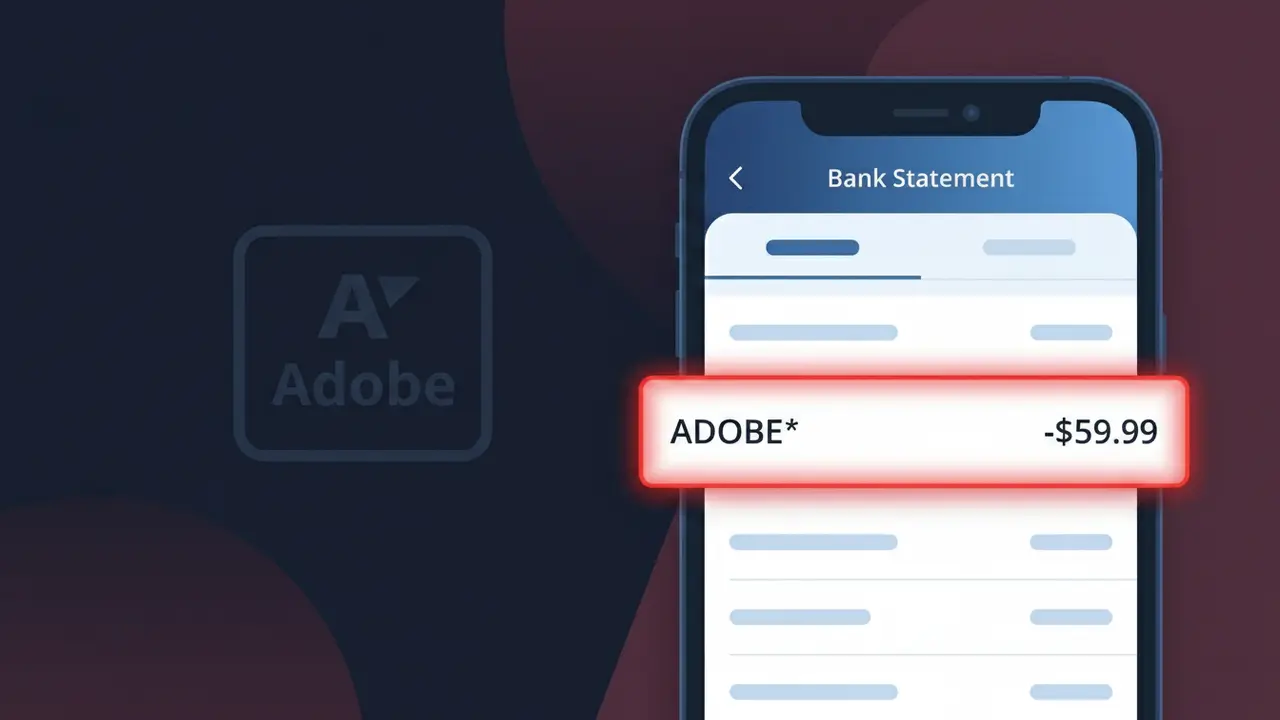
What Is "ADOBE*" on My Bank Statement?
The ADOBE* charge on your bank statement comes from Adobe Creative Cloud, the company's subscription-based suite of creative software and services. This charge typically appears when you have an active subscription to one or more Adobe products, such as Photoshop, Illustrator, Premiere Pro, or the full Creative Cloud All Apps plan. Adobe bills subscribers on a monthly or annual basis, which is why many people notice this recurring charge on their statements. If you see ADOBE* followed by additional characters or numbers, it still originates from Adobe's billing system.
Adobe uses the shortened descriptor ADOBE* on bank statements because payment processors often truncate merchant names to fit within character limits imposed by card networks like Visa and Mastercard. The asterisk following the name is a common convention used to separate the company identifier from additional billing details, such as the specific product or subscription tier. This abbreviated format is standard practice for large software companies managing multiple subscription products under a single billing system.
ℹ️ Note
In most cases, seeing "ADOBE*" on your statement is completely normal. Before assuming fraud, check your recent purchases — most mystery charges have a simple explanation.
Is the ADOBE* Charge Legitimate or Fraud?
The ADOBE* charge on your bank or credit card statement is most commonly a legitimate billing from Adobe Inc., the software company behind products like Photoshop, Acrobat, Premiere Pro, and the Adobe Creative Cloud suite. Adobe uses the prefix ADOBE* followed by a product name (e.g., ADOBE*ACROPRO, ADOBE*CREATIVE, ADOBE*STOCK) to identify subscription or one-time charges.
Common reasons you might see an ADOBE* charge include:
- A monthly or annual Adobe Creative Cloud subscription renewal
- A standalone app subscription such as Adobe Acrobat Pro or Adobe Photoshop
- An Adobe Stock image plan billing cycle
- A free trial that converted to a paid Adobe subscription
- A purchase made by a family member or colleague using your payment method
While most ADOBE* charges are legitimate, fraudulent use of your card details is possible. If you do not recognize the charge and have no active Adobe account, treat it as potentially unauthorized and take action promptly.
How to Verify the ADOBE* Charge
- 1
Log into your Adobe account
Visit account.adobe.com and sign in. Under 'Plans & Products' and 'Billing History,' you can see all active subscriptions and past ADOBE* charges tied to your account.
- 2
Search your email for Adobe receipts
Search your inbox for emails from adobe.com or noreply@adobe.com. Adobe sends a receipt for every billing event, and the amount should match the ADOBE* charge on your statement.
- 3
Check the full charge descriptor
Look at the complete charge name on your statement — ADOBE* is often followed by a product code like ACROPRO or CCSN that indicates exactly which Adobe product was billed.
- 4
Ask household members or colleagues
Someone in your home or workplace may have signed up for an Adobe plan using your shared payment method. Check with family or team members before escalating.
- 5
Contact Adobe Support directly
If you still cannot identify the charge, reach Adobe customer support at helpx.adobe.com or via their chat. They can look up any billing record associated with your card number.
How to Dispute an ADOBE* Charge
- 1
Act within 60 days
Most banks require disputes to be filed within 60 days of the charge appearing on your statement. Do not delay if you believe an ADOBE* charge is unauthorized or incorrect.
- 2
Contact Adobe first
Reach Adobe support at helpx.adobe.com/contact.html. Adobe can issue refunds for accidental renewals or charges on cancelled plans, often resolving the issue faster than a bank dispute.
- 3
Request a refund under Adobe's policy
Adobe offers a 14-day refund window for most subscription plans. Reference this policy when contacting Adobe support about an ADOBE* charge you want refunded.
- 4
File a chargeback with your bank
If Adobe does not resolve the issue, call the number on the back of your card and report the ADOBE* charge as unauthorized. Provide any evidence such as cancellation confirmations or email correspondence.
- 5
Request a new card number
If the ADOBE* charge appears fraudulent and you never had an Adobe account, ask your bank to issue a new card number to prevent further unauthorized charges.
Tips for Managing ADOBE* Charges
Enable Adobe billing email alerts so you're notified before each ADOBE* charge hits your account.
Review your Adobe account's Plans & Products page regularly to audit all active subscriptions generating ADOBE* charges.
Secure your Adobe account with a strong password and two-factor authentication to prevent unauthorized ADOBE* charges.
Note your Adobe subscription renewal date and set a calendar reminder 7 days before to avoid surprise ADOBE* charges.
Use a virtual card number for Adobe subscriptions to limit exposure if your payment details are compromised.
Use WhatIsThisCharge.net to identify ADOBE* and other related charges you don't immediately recognize.
Frequently Asked Questions About the ADOBE* Charge
Was this article helpful?