Why You're Seeing "ADYEN DEEZER" on Your Bank Statement
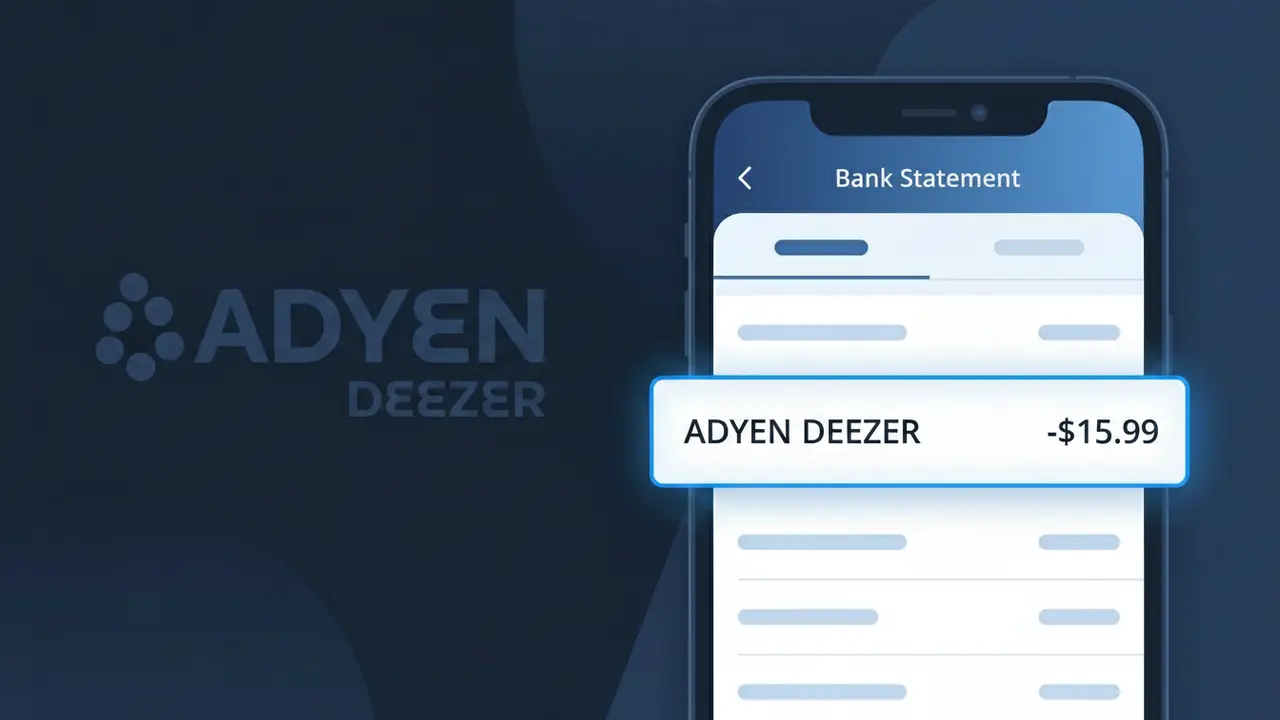
What Is "ADYEN DEEZER" on My Bank Statement?
The ADYEN DEEZER charge on your bank statement is a payment for a Deezer music streaming subscription, processed through Adyen, a global payment processing company. Deezer is a French-based music streaming platform offering millions of tracks, podcasts, and radio stations to listeners worldwide. When you sign up for a Deezer Premium or Family plan, your recurring subscription fee is handled by Adyen on Deezer's behalf. This is why the descriptor reads ADYEN DEEZER rather than simply showing Deezer's name alone.
Deezer uses Adyen as its third-party payment processor to securely handle subscription billing, which is why the charge descriptor on your bank statement includes both names — ADYEN DEEZER — rather than showing Deezer alone. Adyen is a Netherlands-based fintech company that processes payments for many major global brands, and its name often appears alongside or in place of the merchant's name depending on your bank's statement formatting. If you have an active Deezer subscription, this charge is legitimate and will typically recur monthly or annually based on your chosen plan.
ℹ️ Note
In most cases, seeing "ADYEN DEEZER" on your statement is completely normal. Before assuming fraud, check your recent purchases — most mystery charges have a simple explanation.
Is the ADYEN DEEZER Charge Legitimate or Fraud?
The ADYEN DEEZER charge on your bank or credit card statement is almost always a legitimate transaction. It appears because Deezer — the global music streaming service — uses Adyen as its payment processor. When you subscribe to Deezer Premium, Deezer Family, or any paid Deezer plan, the charge is routed through Adyen's payment platform, which is why you see 'ADYEN DEEZER' rather than just 'Deezer' on your statement.
- You or a family member signed up for a Deezer Premium or Deezer Family subscription
- A free trial of Deezer converted into a paid monthly or annual subscription
- Adyen is Deezer's official global payment processor, making this charge expected and normal
- The charge amount matches Deezer's current subscription pricing for your region
How to Verify the ADYEN DEEZER Charge
- 1
Log into your Deezer account
Visit deezer.com and sign in. Navigate to Settings > Subscription to confirm your active plan and the date it renews, which should match the ADYEN DEEZER charge date.
- 2
Search your email for Deezer receipts
Search your inbox for emails from 'deezer.com' or 'noreply@deezer.com'. Deezer sends payment confirmation emails that will correspond to the ADYEN DEEZER charge on your statement.
- 3
Check if a household member subscribed
Ask family members or roommates if they signed up for Deezer using a shared payment method. Deezer Family plans can be initiated by one person but billed to a shared card.
- 4
Review your active subscriptions
Check your Apple ID, Google Play, or PayPal subscriptions if you signed up for Deezer through those platforms — though direct Deezer web signups always bill via ADYEN DEEZER.
- 5
Contact your bank for details
Ask your bank for the full merchant descriptor and transaction date for the ADYEN DEEZER charge. Cross-reference this with your Deezer billing history under account settings.
How to Dispute an ADYEN DEEZER Charge
- 1
Act within 60 days
Most banks require disputes to be filed within 60 days of the charge date. Locate the ADYEN DEEZER charge on your statement and act quickly to preserve your right to a chargeback.
- 2
Contact Deezer support first
Reach out to Deezer directly at deezer.com/support before disputing with your bank. Deezer can issue refunds for accidental renewals and cancel your subscription, which is faster than a formal dispute.
- 3
File a chargeback with your bank
If Deezer does not resolve the issue, contact your bank or card issuer and reference the ADYEN DEEZER charge specifically. Provide any email receipts or account screenshots as evidence.
- 4
Request a new card number
If you believe the ADYEN DEEZER charge is genuinely fraudulent and not linked to any Deezer account you recognize, ask your bank to issue a new card to prevent future unauthorized charges.
Tips for Managing ADYEN DEEZER Charges
Enable Deezer billing alerts in your account settings so you're notified before each ADYEN DEEZER charge hits your card.
Keep a record of your Deezer subscription start date and renewal cycle so ADYEN DEEZER charges are never a surprise.
Use a unique email for your Deezer account so you can easily find all ADYEN DEEZER-related receipts in one search.
Mark your Deezer renewal date on your calendar — ADYEN DEEZER charges appear on the same date each month or year.
If you cancel Deezer, screenshot the confirmation to dispute any future unexpected ADYEN DEEZER charges as proof of cancellation.
Use WhatIsThisCharge.net to identify related charges from Adyen or other streaming payment processors on your statement.
Frequently Asked Questions About ADYEN DEEZER
🔍 Decode this charge instantly
Search our database for ADYEN DEEZER and similar charges.
Decode ADYEN DEEZER →Was this article helpful?