Why You're Seeing "AIRBNB PAYMENTS*" on Your Bank Statement
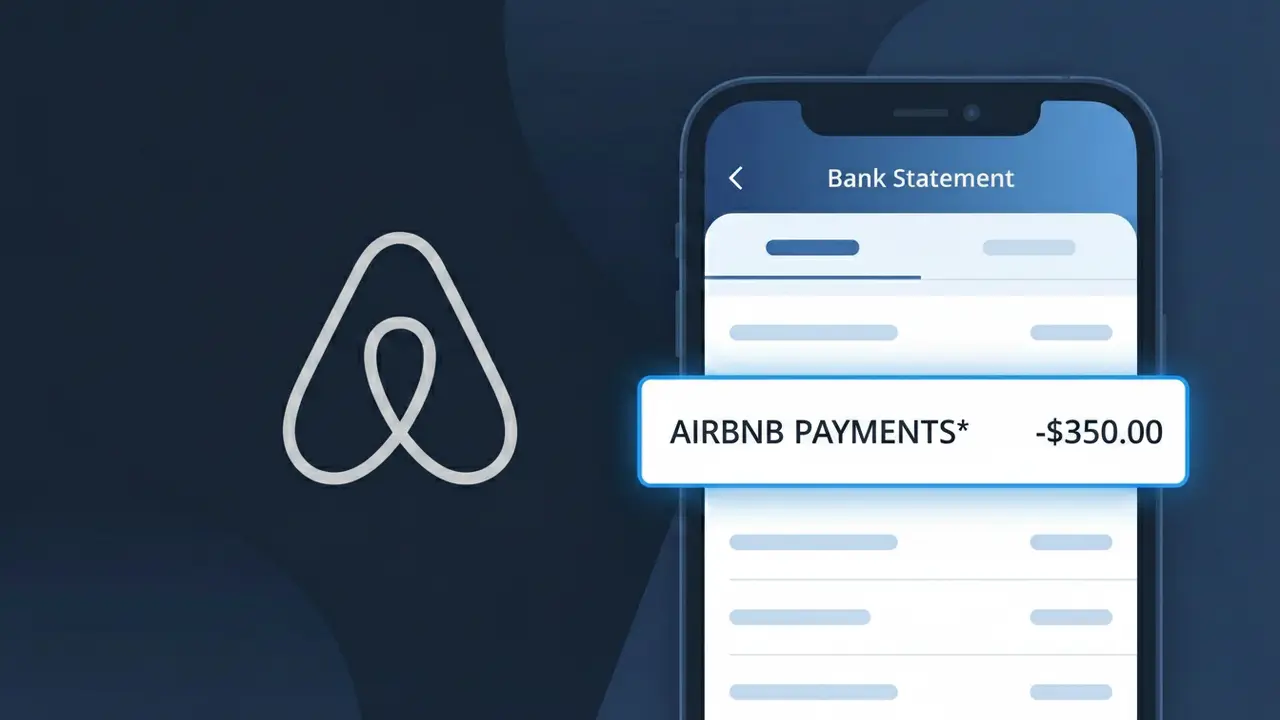
What Is "AIRBNB PAYMENTS*" on My Bank Statement?
The AIRBNB PAYMENTS* charge on your bank statement comes from Airbnb, the popular online marketplace for short-term vacation rentals and accommodations. This charge appears when you have booked and paid for a stay through the Airbnb platform, covering the cost of your accommodation along with any applicable service fees. Airbnb processes payments through their own dedicated payments system, which is why you may see this specific descriptor rather than simply 'Airbnb'. If you have recently booked a trip or your host has requested payment, this charge is almost certainly related to that transaction.
Airbnb routes all of its financial transactions through a dedicated payment processing arm called Airbnb Payments, which is why the descriptor appears as AIRBNB PAYMENTS* on your bank statement rather than just 'Airbnb'. This separation allows Airbnb to manage funds securely between guests and hosts, holding payments until after check-in before releasing them to the property owner. The asterisk (*) following the descriptor is commonly used by payment processors to indicate additional transaction detail or a truncated reference number that may not be visible on all bank statements.
ℹ️ Note
In most cases, seeing "AIRBNB PAYMENTS*" on your statement is completely normal. Before assuming fraud, check your recent purchases — most mystery charges have a simple explanation.
Is the AIRBNB PAYMENTS* Charge Legitimate or Fraud?
The AIRBNB PAYMENTS* charge on your bank or credit card statement is typically a legitimate transaction processed by AIRBNB PAYMENTS, the payment processing arm of Airbnb. This descriptor appears when you book a stay, pay a host, or are charged a service fee through the Airbnb platform.
Common legitimate reasons you may see an AIRBNB PAYMENTS* charge include:
- A completed or upcoming Airbnb accommodation booking payment
- Airbnb service fees applied at the time of reservation
- A security deposit hold placed by AIRBNB PAYMENTS on behalf of a host
- A damage claim or additional fee charged after your stay
- A travel credit or gift card purchase made through Airbnb
However, if you do not recognize the charge and have not recently used Airbnb, it could indicate unauthorized use of your payment details and should be investigated promptly.
How to Verify the AIRBNB PAYMENTS* Charge
- 1
Log into your Airbnb account
Visit airbnb.com and sign in. Navigate to 'Trips' and review your booking history to match the AIRBNB PAYMENTS* charge amount and date to a specific reservation.
- 2
Search your email for receipts
Search your inbox for emails from 'airbnb.com' or 'AIRBNB PAYMENTS'. Airbnb sends booking confirmations and payment receipts that should match the charge on your statement.
- 3
Check if a household member made the booking
Ask family members or anyone with access to your payment method if they booked an Airbnb stay. AIRBNB PAYMENTS processes charges for all accounts linked to a saved card.
- 4
Review your Airbnb payment history
In your Airbnb account, go to Account > Payments & Payouts > Payment History to see an itemized list of all transactions processed by AIRBNB PAYMENTS.
- 5
Contact your bank
If you still cannot identify the AIRBNB PAYMENTS* charge, call the number on the back of your card. Your bank can provide the exact transaction date, amount, and merchant details.
How to Dispute an AIRBNB PAYMENTS* Charge
- 1
Act within 60 days
Most banks require disputes to be filed within 60 days of the statement date. If you see an unauthorized AIRBNB PAYMENTS* charge, act quickly to protect your rights.
- 2
Contact AIRBNB PAYMENTS directly first
Reach out to Airbnb's customer support at airbnb.com/help or call 1-844-234-2500. AIRBNB PAYMENTS can issue a refund faster than a bank chargeback for legitimate billing errors.
- 3
File a chargeback with your bank
If AIRBNB PAYMENTS does not resolve your issue, contact your bank or card issuer to dispute the AIRBNB PAYMENTS* charge. Provide booking details and any communication with Airbnb as evidence.
- 4
Request a new card number
If the AIRBNB PAYMENTS* charge is confirmed fraudulent, ask your bank to cancel your current card and issue a new one to prevent any further unauthorized charges.
Tips for Managing AIRBNB PAYMENTS* Charges
Enable bank alerts for every transaction to catch any unexpected AIRBNB PAYMENTS* charge immediately.
Always save your Airbnb booking confirmation emails to easily match them against AIRBNB PAYMENTS* charges.
Secure your AIRBNB PAYMENTS account with a strong password and two-factor authentication to prevent unauthorized bookings.
Note that AIRBNB PAYMENTS may charge your card days before your check-in date — check your booking's payment schedule.
Use a credit card for Airbnb bookings — credit cards offer stronger chargeback protections against fraudulent AIRBNB PAYMENTS* charges.
Use WhatIsThisCharge.net to identify related charges that may appear alongside AIRBNB PAYMENTS* on your statement.
Frequently Asked Questions About the AIRBNB PAYMENTS* Charge
🔍 Decode this charge instantly
Search our database for AIRBNB PAYMENTS* and similar charges.
Decode AIRBNB PAYMENTS* →Was this article helpful?