Why You're Seeing "AIRBNB*" on Your Bank Statement
What Is "AIRBNB*" on My Bank Statement?
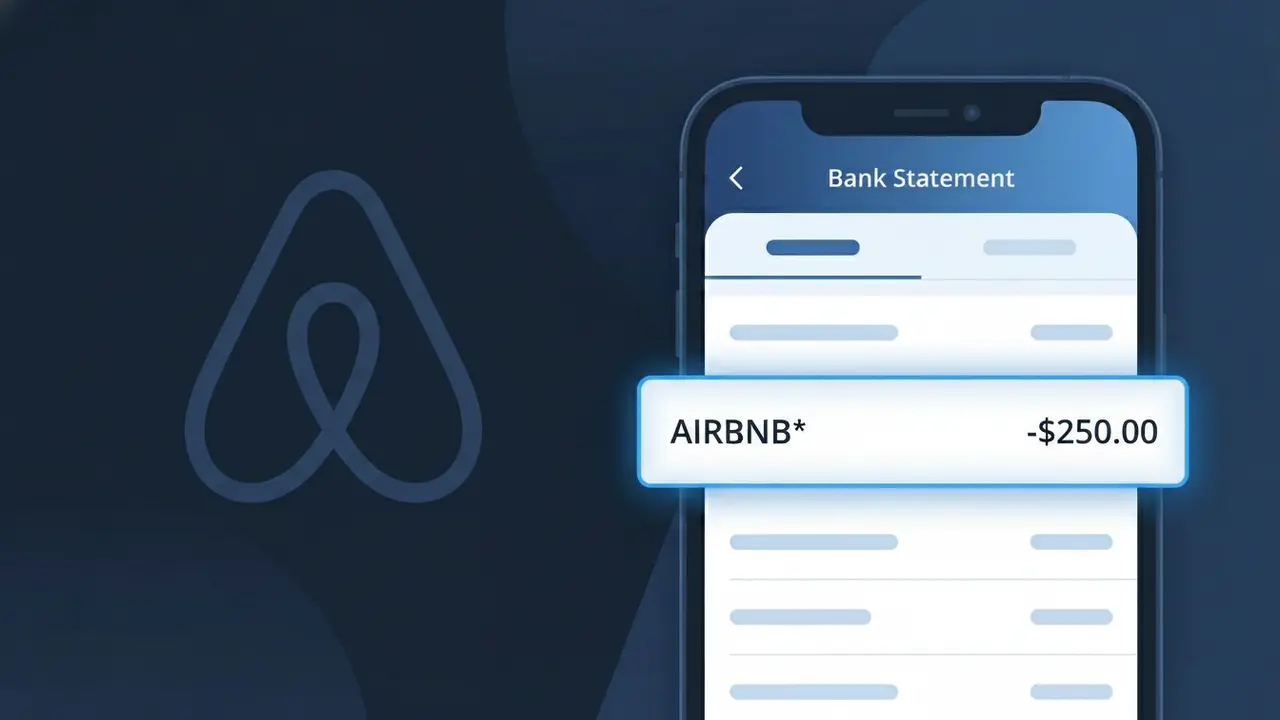
An AIRBNB* charge on your bank statement comes from Airbnb, the popular online marketplace for short-term home rentals and unique accommodations. This charge typically appears when you have booked a stay through Airbnb's platform, whether it's a private room, entire apartment, or vacation home. The asterisk following 'AIRBNB' is a common formatting convention used by payment processors to separate the company name from additional booking details. If you see this charge and recently made a reservation or had a booking payment installment due, it is almost certainly tied to your Airbnb accommodation.
The descriptor AIRBNB* appears on your bank statement because Airbnb processes payments through third-party payment systems that truncate or format merchant names with an asterisk to indicate supplementary transaction information. Banks and card networks display the merchant identifier provided at the time of the transaction, which is registered as 'AIRBNB*' rather than the full brand name. This descriptor may also be followed by a booking reference number or city name depending on your bank's statement formatting, helping you identify the specific reservation it relates to.
ℹ️ Note
In most cases, seeing "AIRBNB*" on your statement is completely normal. Before assuming fraud, check your recent purchases — most mystery charges have a simple explanation.
Is the AIRBNB* Charge Legitimate or Fraud?
If you see AIRBNB* on your bank or credit card statement, it is most likely a legitimate charge from Airbnb, the popular short-term rental and travel accommodation platform. Airbnb uses the descriptor AIRBNB* followed by a booking reference or location code when processing payments for reservations, service fees, or host payouts.
Common legitimate reasons you might see an AIRBNB* charge include:
- A completed or upcoming guest reservation booking through Airbnb
- Airbnb service fees charged at the time of booking confirmation
- A security deposit hold placed by Airbnb on behalf of a host
- A reservation modification or rebooking that triggered a new charge
- An Airbnb Experiences booking for a tour or activity
However, if you do not recall making any Airbnb reservation or authorizing a payment, the AIRBNB* charge could indicate unauthorized account access or a fraudulent transaction and should be investigated immediately.
How to Verify the AIRBNB* Charge
- 1
Log into your Airbnb account
Visit airbnb.com and sign in to your account. Navigate to 'Trips' to review your booking history and match the AIRBNB* charge to a specific reservation by date and amount.
- 2
Search your email for Airbnb receipts
Search your inbox for emails from no-reply@airbnb.com or automated@airbnb.com. Airbnb sends booking confirmations and payment receipts that should match the AIRBNB* charge on your statement.
- 3
Check if a household member made the booking
Ask family members or anyone who may have access to your payment method whether they booked an Airbnb stay. The AIRBNB* charge could be tied to a separate Airbnb account that used your card.
- 4
Review Airbnb Experiences or gift card purchases
AIRBNB* charges are not limited to lodging — they also appear when purchasing Airbnb Experiences, gift cards, or travel add-ons. Check your account under 'Experiences' for any matching transactions.
- 5
Contact your bank for transaction details
Ask your bank for the full merchant descriptor and transaction ID associated with the AIRBNB* charge. This information can help Airbnb's support team locate the exact booking tied to the payment.
How to Dispute an AIRBNB* Charge
- 1
Act within 60 days of the charge
Most banks require you to dispute unauthorized charges within 60 days of the statement date. If you spot an unrecognized AIRBNB* charge, begin the dispute process as soon as possible to protect your rights.
- 2
Contact Airbnb support first
Reach out to Airbnb directly at airbnb.com/help or via their 24/7 support line before filing a bank dispute. Airbnb can often issue a refund for erroneous AIRBNB* charges faster than a formal chargeback process.
- 3
File a chargeback with your bank
If Airbnb does not resolve the issue, contact your bank or credit card issuer to file a chargeback. Provide documentation such as your Airbnb account history showing no matching reservation for the AIRBNB* charge.
- 4
Request a new card number
If you suspect your payment details were compromised and used fraudulently on Airbnb, ask your bank to cancel the current card and issue a new one to prevent additional unauthorized AIRBNB* charges.
Tips for Managing AIRBNB* Charges
Enable bank alerts for all transactions so you're notified immediately when an AIRBNB* charge appears.
Always save your Airbnb booking confirmation emails to easily match them against AIRBNB* charges later.
Secure your Airbnb account with a strong password and two-factor authentication to prevent unauthorized bookings.
Note that AIRBNB* charges may appear days after booking — Airbnb sometimes delays billing until closer to check-in.
Use a credit card for Airbnb bookings to benefit from chargeback protections if a dispute arises.
Use WhatIsThisCharge.net to identify related charges that may appear alongside AIRBNB* on your statement.
Frequently Asked Questions About AIRBNB* Charges
Was this article helpful?