Why You're Seeing "AIRTEL INDIA*" on Your Bank Statement
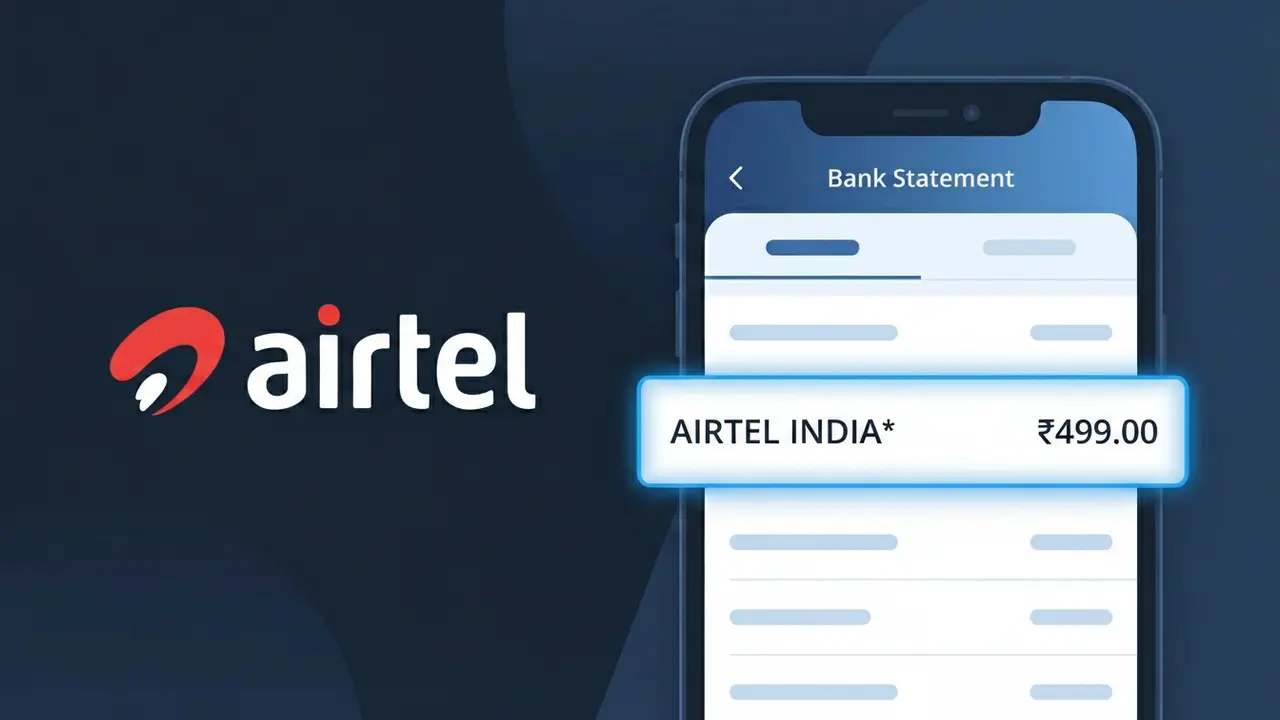
What Is "AIRTEL INDIA*" on My Bank Statement?
The AIRTEL INDIA* charge on your bank statement comes from Airtel India, one of India's largest telecommunications providers. This charge typically represents a payment for Airtel mobile services, broadband internet, or DTH (Direct-to-Home) television subscriptions. You'll see this descriptor appear when Airtel processes an automatic bill payment, online recharge, or subscription renewal through their digital payment system. If you or someone in your household uses Airtel services in India, this charge is almost certainly a legitimate billing transaction.
The AIRTEL INDIA* descriptor appears on your bank statement because Airtel's payment processing system uses this standardized merchant identifier when submitting charges to card networks and banks. The asterisk (*) is commonly used by payment processors to separate the merchant name from additional transaction details such as a reference number or service type.
Rather than displaying a longer or more descriptive billing name, Airtel India uses this shortened format which is a standard practice among large telecom companies processing high volumes of digital transactions across multiple banking systems in India.
ℹ️ Note
In most cases, seeing "AIRTEL INDIA*" on your statement is completely normal. Before assuming fraud, check your recent purchases — most mystery charges have a simple explanation.
Is the AIRTEL INDIA* Charge Legitimate or Fraud?
If you see AIRTEL INDIA* on your bank or credit card statement, it is most likely a legitimate charge from Airtel India, one of India's largest telecommunications companies. Airtel provides mobile, broadband, DTH, and digital TV services across India, and bills customers under the descriptor AIRTEL INDIA*.
Common reasons you may see this charge include:
- Monthly postpaid mobile plan billing from Airtel India
- Airtel Xstream broadband or fiber internet subscription renewal
- Airtel DTH (direct-to-home) television service payment
- Airtel Black bundled service plan billing
- One-time recharge or top-up for a prepaid Airtel mobile number
- Airtel Thanks app subscription or add-on service purchase
However, if you do not have any active Airtel India services and do not recognize the AIRTEL INDIA* charge, it could indicate unauthorized use of your payment method and should be investigated immediately.
How to Verify the AIRTEL INDIA* Charge
- 1
Log into your Airtel account
Visit airtel.in or open the Airtel Thanks app and log in. Check your billing history to see if the AIRTEL INDIA* charge matches a recent payment or auto-renewal for any active service.
- 2
Search your email for Airtel receipts
Search your inbox for emails from Airtel India using keywords like 'Airtel', 'bill', or 'recharge'. AIRTEL INDIA* transactions are typically accompanied by a digital receipt or SMS notification.
- 3
Check if a family member made the payment
Ask household members if they used your card to recharge or pay an Airtel India bill. Family plan payments or shared accounts often appear as AIRTEL INDIA* on the primary cardholder's statement.
- 4
Review your active Airtel subscriptions
In the Airtel Thanks app, navigate to 'My Account' and review all active services. Subscriptions like Airtel Xstream or Wynk Music may auto-renew and generate an AIRTEL INDIA* charge.
- 5
Contact your bank for transaction details
If you still cannot identify the AIRTEL INDIA* charge, call your bank and request the full merchant details, transaction ID, and date to help trace the origin of the payment.
How to Dispute an AIRTEL INDIA* Charge
- 1
Act within 60 days of the charge
Most banks require disputes to be filed within 60 days of the statement date. If you spot an unrecognized AIRTEL INDIA* charge, act quickly to preserve your right to a chargeback.
- 2
Contact Airtel India directly first
Reach out to Airtel India customer care at 121 (from your Airtel number) or visit airtel.in/contactus. Explain the unauthorized AIRTEL INDIA* charge and request a refund or clarification before escalating.
- 3
File a chargeback with your bank
If Airtel India cannot resolve the issue, contact your bank or card issuer to initiate a chargeback. Provide the AIRTEL INDIA* charge details, amount, date, and any correspondence with Airtel as evidence.
- 4
Request a new card number
If the AIRTEL INDIA* charge appears fraudulent and your card details were compromised, ask your bank to cancel your current card and issue a new one to prevent further unauthorized charges.
Tips for Managing AIRTEL INDIA* Charges
Enable SMS and email alerts for every AIRTEL INDIA* transaction to catch unexpected charges immediately.
Keep a record of all your active Airtel India plans and their renewal dates to anticipate AIRTEL INDIA* billing.
Secure your Airtel India account with a strong password and two-factor authentication via the Airtel Thanks app.
Note your Airtel India billing cycle — postpaid bills typically generate on a fixed monthly date as AIRTEL INDIA*.
Use a dedicated card for Airtel India payments to isolate AIRTEL INDIA* charges and simplify statement reviews.
Use WhatIsThisCharge.net to identify related charges that may appear alongside AIRTEL INDIA* on your statement.
Frequently Asked Questions About AIRTEL INDIA*
🔍 Decode this charge instantly
Search our database for AIRTEL INDIA* and similar charges.
Decode AIRTEL INDIA* →Was this article helpful?