Why You're Seeing "AIRTEL UGANDA" on Your Bank Statement
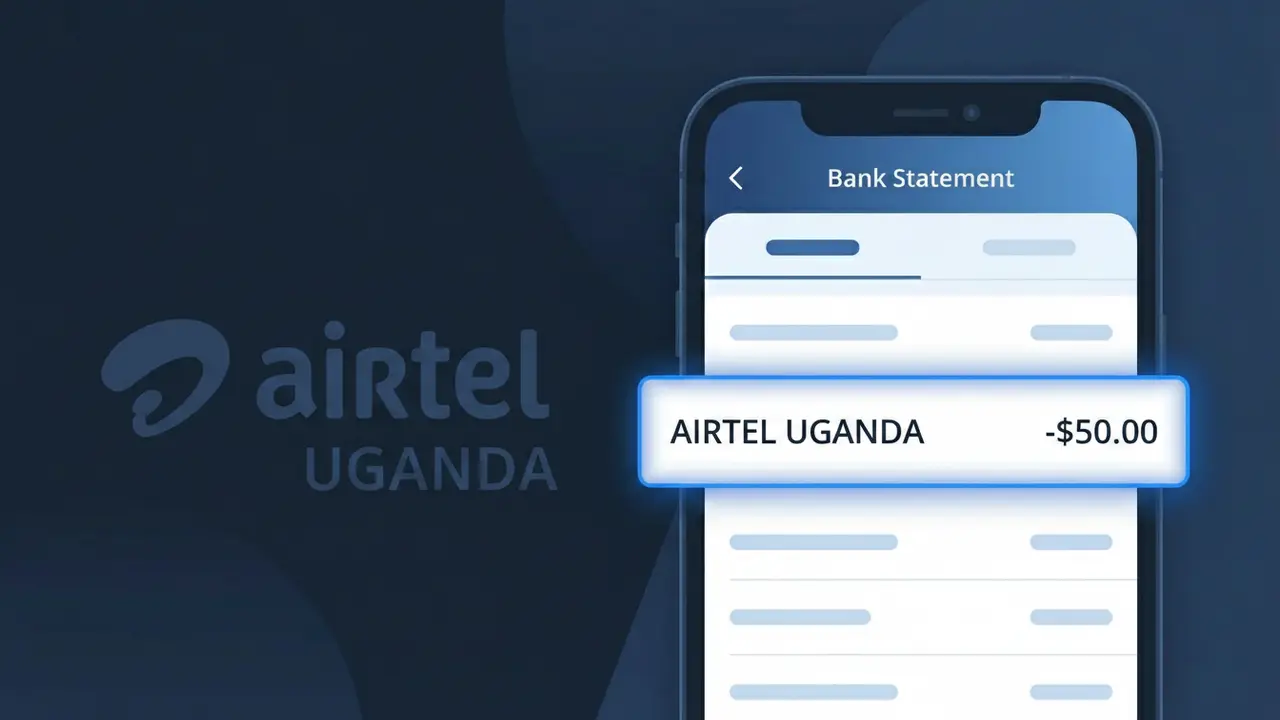
What Is "AIRTEL UGANDA" on My Bank Statement?
The AIRTEL UGANDA charge on your bank statement comes from Airtel Uganda, the country's second-largest mobile network operator. This charge typically represents your monthly mobile bill, covering services such as voice calls, mobile data, or Airtel Money transactions processed through your account. Airtel Uganda serves over 10 million subscribers across the country, making it one of the most widely used telecom providers in Uganda. If you or someone with access to your account uses an Airtel Uganda SIM card or mobile money service, this charge is almost certainly linked to that activity.
The descriptor AIRTEL UGANDA appears on your bank statement because it is the standardized merchant name that Airtel Uganda registers with payment processors and banking networks for billing purposes. When a payment is initiated — whether for a postpaid mobile plan, data bundle, or Airtel Money top-up — the transaction is submitted to your bank under this exact descriptor. Banks display the registered merchant name rather than any marketing or brand variation, which is why you may see AIRTEL UGANDA instead of a more descriptive label like "Airtel Mobile Bill."
ℹ️ Note
In most cases, seeing "AIRTEL UGANDA" on your statement is completely normal. Before assuming fraud, check your recent purchases — most mystery charges have a simple explanation.
Is the AIRTEL UGANDA Charge Legitimate or Fraud?
If you see AIRTEL UGANDA on your bank or mobile money statement, this charge is most likely a legitimate transaction from Airtel Uganda, one of Uganda's major telecommunications providers. Airtel Uganda offers mobile voice, data, mobile money (Airtel Money), and other digital services that may generate recurring or one-time charges on your account.
- You or a household member purchased an Airtel Uganda data bundle or airtime top-up
- A recurring Airtel Money wallet deduction for an active subscription or bill payment
- An Airtel Uganda service fee such as a loan repayment via Airtel Money
- A merchant payment processed through the Airtel Uganda mobile money platform
However, if you do not recognize the charge, it is worth verifying — unauthorized use of your Airtel Money account or card-linked services does occasionally occur and should be investigated promptly.
How to Verify the AIRTEL UGANDA Charge
- 1
Check your Airtel Uganda account activity
Dial *185# on your Airtel Uganda SIM or log into the Airtel Uganda app to review your recent transaction history and confirm any matching charges.
- 2
Review your Airtel Money wallet statement
If you use Airtel Money, dial *185*9# to access your mini-statement and look for a transaction that matches the amount shown on your bank statement.
- 3
Search your email for Airtel Uganda receipts
Search your inbox for emails from Airtel Uganda confirming bundle purchases, subscription renewals, or Airtel Money transaction notifications.
- 4
Ask household or family members
Check whether a family member used your linked payment method or Airtel Money account to purchase airtime, data, or pay a bill via Airtel Uganda services.
- 5
Contact your bank for transaction details
Call your bank and ask for the full merchant descriptor for the AIRTEL UGANDA charge, including the transaction date and reference number, to help pinpoint the source.
How to Dispute an AIRTEL UGANDA Charge
- 1
Act within 60 days of the charge
Most banks require you to dispute an unrecognized AIRTEL UGANDA charge within 60 days of your statement date, so act quickly once you spot the transaction.
- 2
Contact Airtel Uganda customer service first
Call Airtel Uganda on 0800 100 100 (toll-free) or visit an Airtel Uganda service center to request a reversal or clarification before escalating to your bank.
- 3
File a chargeback with your bank
If Airtel Uganda cannot resolve the issue, contact your bank to file a formal chargeback dispute, providing the transaction date, amount, and any reference numbers.
- 4
Request a new card or account number
If you suspect your card linked to Airtel Uganda services was compromised, ask your bank to issue a new card number to prevent further unauthorized charges.
Tips for Managing AIRTEL UGANDA Charges
Enable SMS and app notifications on your Airtel Uganda account to get instant alerts for every transaction.
Regularly check your Airtel Money mini-statement by dialing *185*9# to track all deductions.
Keep your Airtel Uganda MyAirtel app login secure with a strong, unique password to prevent unauthorized access.
Note your Airtel Uganda bundle renewal dates so you can anticipate recurring charges each month.
Never share your Airtel Money PIN with anyone to protect your wallet from fraudulent AIRTEL UGANDA charges.
Use WhatIsThisCharge.net to identify related charges that may appear alongside AIRTEL UGANDA on your statement.
Frequently Asked Questions About AIRTEL UGANDA Charges
🔍 Decode this charge instantly
Search our database for AIRTEL UGANDA and similar charges.
Decode AIRTEL UGANDA →Was this article helpful?