Why You're Seeing "ALIEXPRESS*" on Your Bank Statement
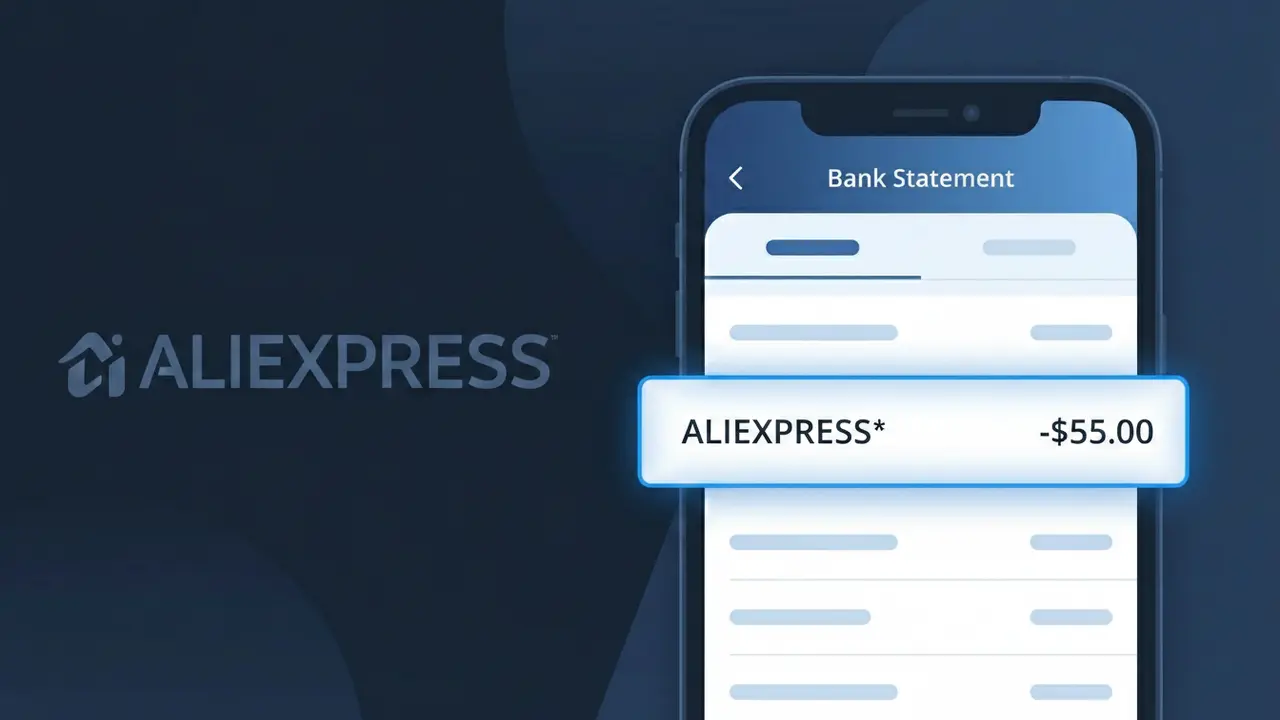
What Is "ALIEXPRESS*" on My Bank Statement?
The ALIEXPRESS* charge on your bank statement comes from AliExpress, one of the world's largest online retail marketplaces operated by Alibaba Group. This charge appears when you make a purchase from a seller listed on the AliExpress platform, whether it's clothing, electronics, home goods, or countless other product categories. The asterisk following the descriptor is a common formatting convention used by payment processors to separate the merchant name from additional transaction details. If you or someone with access to your account shops on AliExpress.com or the AliExpress mobile app, this is the charge you can expect to see.
The ALIEXPRESS* descriptor appears on your bank statement because AliExpress registers its merchant name with payment networks under this abbreviated format, which is standard practice for large e-commerce platforms processing high volumes of international transactions. The asterisk is typically followed by additional characters such as an order number or transaction ID, helping to uniquely identify the specific purchase within AliExpress's payment system. Because AliExpress operates as a marketplace hosting millions of individual sellers, all purchases are consolidated under this single merchant descriptor rather than displaying the name of the individual seller.
ℹ️ Note
In most cases, seeing "ALIEXPRESS*" on your statement is completely normal. Before assuming fraud, check your recent purchases — most mystery charges have a simple explanation.
Is the ALIEXPRESS* Charge Legitimate or Fraud?
Seeing ALIEXPRESS* on your bank or credit card statement almost always means a purchase was made on AliExpress, the global online retail marketplace owned by Alibaba Group. This descriptor appears when you buy products directly from AliExpress sellers, and it is a completely normal and expected charge for shoppers on the platform.
However, if you don't recall making a purchase, it's worth investigating further. Here are common legitimate reasons you might see ALIEXPRESS* on your statement:
- You recently ordered a product from AliExpress and the charge just posted
- A household member used your payment method to shop on AliExpress
- You signed up for AliExpress's Choice membership or a promotional subscription
- A delayed charge from a previous AliExpress order finally processed
- You purchased AliExpress coins or store credit for future shopping
If none of these apply, there is a chance your card details were compromised and used fraudulently on AliExpress. Always verify before assuming the charge is unauthorized.
How to Verify the ALIEXPRESS* Charge
- 1
Log into your AliExpress account
Visit AliExpress.com and sign in. Navigate to 'My Orders' to check your order history and see if any recent purchases match the ALIEXPRESS* charge amount and date.
- 2
Search your email for AliExpress receipts
Search your inbox for emails from AliExpress or noreply@aliexpress.com. AliExpress sends order confirmation emails that will show the exact amount billed under ALIEXPRESS*.
- 3
Check with household members
Ask family members or anyone who may have access to your payment details whether they placed an order on AliExpress, as shared accounts or saved card info can trigger an ALIEXPRESS* charge.
- 4
Review any AliExpress subscriptions or memberships
Log into your AliExpress account and check 'My Membership' to see if you enrolled in AliExpress Choice or any recurring service that would generate a periodic ALIEXPRESS* charge.
- 5
Contact your bank for transaction details
If you still can't identify the ALIEXPRESS* charge, call the number on the back of your card. Your bank can provide the exact merchant ID and transaction timestamp to help narrow it down.
How to Dispute an ALIEXPRESS* Charge
- 1
Act within 60 days of the charge
Most banks and credit card issuers require you to dispute an unauthorized ALIEXPRESS* charge within 60 days of the statement date. Act quickly to preserve your right to a chargeback.
- 2
Contact AliExpress customer support first
Reach out to AliExpress directly through their Help Center at aliexpress.com/help. If the charge was a billing error or a dispute over a product, AliExpress may issue a refund faster than a bank chargeback.
- 3
Open a dispute through AliExpress Buyer Protection
For orders that didn't arrive or weren't as described, open a dispute on your AliExpress order page. AliExpress's Buyer Protection program covers most purchases and can result in a full or partial refund.
- 4
File a chargeback with your bank
If AliExpress does not resolve the issue, contact your bank or credit card company to file a formal chargeback on the ALIEXPRESS* charge. Provide your order records and any communication with AliExpress as evidence.
- 5
Request a new card number
If the ALIEXPRESS* charge was confirmed fraudulent and you did not make the purchase, ask your bank to cancel your current card and issue a new one to prevent further unauthorized charges.
Tips for Managing ALIEXPRESS* Charges
Enable bank transaction alerts so you're notified immediately when an ALIEXPRESS* charge posts to your account.
Save your AliExpress order confirmation emails to easily match them against any ALIEXPRESS* charge on your statement.
Secure your AliExpress account with a strong, unique password and enable two-factor authentication to prevent unauthorized purchases.
Note that AliExpress charges may post days after your order due to international processing times, causing ALIEXPRESS* to appear unexpectedly.
Use a credit card rather than a debit card for AliExpress purchases to benefit from stronger chargeback protections if issues arise.
Use WhatIsThisCharge.net to identify related charges that may appear alongside ALIEXPRESS* on your statement.
Frequently Asked Questions About the ALIEXPRESS* Charge
🔍 Decode this charge instantly
Search our database for ALIEXPRESS* and similar charges.
Decode ALIEXPRESS* →Was this article helpful?