Why You're Seeing "ALLIANZ*INS" on Your Bank Statement
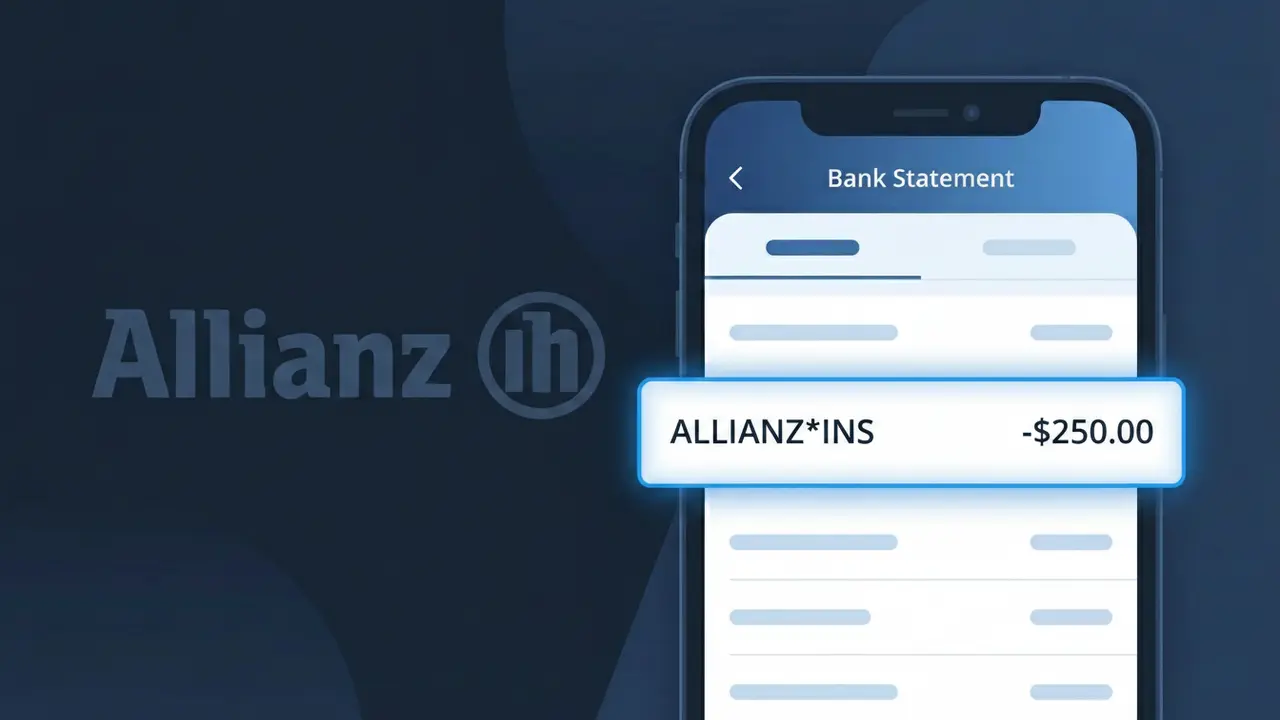
What Is "ALLIANZ*INS" on My Bank Statement?
The ALLIANZ*INS charge on your bank statement is a premium payment for an insurance policy held with Allianz, one of the world's largest and most trusted insurance and financial services companies headquartered in Germany. This descriptor typically appears when Allianz processes an automatic payment for products such as car insurance, home insurance, travel insurance, or life insurance. You may see this charge monthly, quarterly, or annually depending on how your policy payments are structured. If you recognize having an Allianz policy, this charge is almost certainly a legitimate premium deduction.
The descriptor ALLIANZ*INS appears on your bank statement because Allianz uses a shortened billing code format when processing card or direct debit transactions through their payment systems, where 'INS' is an abbreviation for insurance. This compressed format is commonly used by large multinational companies to standardize transaction descriptors across different countries and banking systems. Depending on your location or the specific Allianz subsidiary handling your policy, you might see slight variations such as ALLIANZ*INS DE, ALLIANZ*INS UK, or similar regional identifiers.
ℹ️ Note
In most cases, seeing "ALLIANZ*INS" on your statement is completely normal. Before assuming fraud, check your recent purchases — most mystery charges have a simple explanation.
Is ALLIANZ*INS a Legitimate Charge?
The ALLIANZ*INS charge on your bank or credit card statement is almost always a legitimate billing from Allianz Global Assistance (also known as Allianz Travel Insurance), one of the world's largest insurance providers. This charge typically appears when you have purchased a travel insurance policy, event ticket insurance, or another insurance product directly through Allianz or via a third-party partner like an airline, hotel, or ticketing platform.
- You recently bought travel insurance through Allianz when booking a flight, hotel, or vacation package
- You purchased event cancellation insurance via a ticketing site like Ticketmaster, which partners with Allianz
- You have an annual Allianz travel insurance plan that renews automatically each year
- A family member used your card to purchase an Allianz insurance product on your behalf
While the ALLIANZ*INS descriptor is legitimate in most cases, you should still verify the charge if you do not recall purchasing any insurance product, as unauthorized charges do occasionally occur.
How to Verify the ALLIANZ*INS Charge
- 1
Log into your Allianz account
Visit allianztravelinsurance.com and sign in to review your active policies. Any ALLIANZ*INS charge should correspond to a policy listed in your account dashboard.
- 2
Search your email for Allianz receipts
Search your inbox for emails from Allianz Global Assistance or 'do-not-reply@allianzassistance.com'. A confirmation email with policy details should match the ALLIANZ*INS charge amount and date.
- 3
Check recent travel or event bookings
Review any recent flight, hotel, or event ticket purchases. Many booking platforms automatically offer Allianz insurance add-ons that result in an ALLIANZ*INS charge if accepted.
- 4
Ask household members or authorized card users
Check with family members or anyone else who has access to your card, as they may have purchased an Allianz insurance policy without your direct knowledge.
- 5
Contact Allianz customer support directly
Call Allianz Global Assistance at 1-866-884-3556 and provide the charge date and amount. They can look up any policy tied to your payment method and confirm whether the ALLIANZ*INS charge is valid.
How to Dispute an ALLIANZ*INS Charge
- 1
Act within 60 days of the charge
Most banks require disputes to be filed within 60 days of the statement date. Don't wait — if you see an ALLIANZ*INS charge you don't recognize, begin the dispute process immediately.
- 2
Contact Allianz first
Reach out to Allianz Global Assistance at 1-866-884-3556 or via their online chat at allianztravelinsurance.com. Explain the situation and request a refund or cancellation; resolving it directly is often faster than a bank dispute.
- 3
File a chargeback with your bank
If Allianz cannot resolve the issue, contact your bank or card issuer to initiate a formal chargeback. Provide the ALLIANZ*INS charge details, the date, and any correspondence you've had with Allianz as supporting evidence.
- 4
Request a new card number
If you believe the ALLIANZ*INS charge is fraudulent and you did not authorize it, ask your bank to issue a new card number to prevent any further unauthorized charges from appearing on your account.
Tips for Managing ALLIANZ*INS Charges
Set a billing alert for ALLIANZ*INS so you're notified immediately whenever Allianz processes a charge to your card.
Save your Allianz policy confirmation emails so you can easily match any ALLIANZ*INS charge to a specific insurance policy.
Create an Allianz online account at allianztravelinsurance.com to view, manage, and cancel all active policies in one place.
Note your Allianz policy renewal dates — annual plans auto-renew and will generate a new ALLIANZ*INS charge each year.
Opt out of Allianz insurance add-ons during checkout on travel and ticketing sites to avoid unexpected ALLIANZ*INS charges.
Use WhatIsThisCharge.net to identify related charges that may appear alongside ALLIANZ*INS on your statement.
Frequently Asked Questions About ALLIANZ*INS
🔍 Decode this charge instantly
Search our database for ALLIANZ*INS and similar charges.
Decode ALLIANZ*INS →Was this article helpful?