Why You're Seeing "ALLSTATE*" on Your Bank Statement
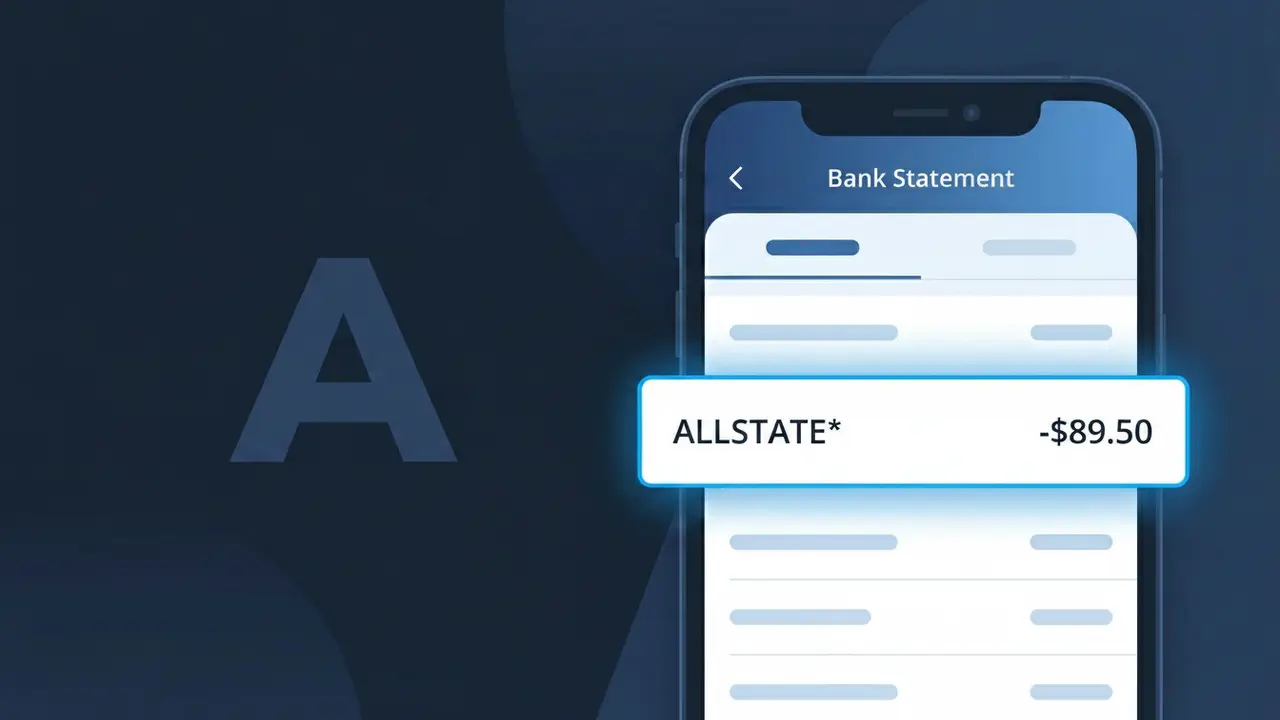
What Is "ALLSTATE*" on My Bank Statement?
The ALLSTATE* charge on your bank statement is a payment to Allstate Insurance, one of the largest insurance providers in the United States. This charge typically represents a premium payment for one of Allstate's many insurance products, such as auto, home, renters, or life insurance. If you have an active Allstate policy with automatic payments enabled, this descriptor will appear on your statement each time a scheduled premium is processed. Seeing ALLSTATE* means your coverage is being maintained and a payment has been successfully collected.
The ALLSTATE* descriptor appears on your bank statement because Allstate Insurance uses a truncated billing identifier when processing payments through card networks and electronic transfers. The asterisk (*) following the name is a common formatting convention used by large companies to separate a brand name from additional billing details, such as a policy number or payment type. This shortened descriptor is what your bank receives and displays rather than the full legal company name.
ℹ️ Note
In most cases, seeing "ALLSTATE*" on your statement is completely normal. Before assuming fraud, check your recent purchases — most mystery charges have a simple explanation.
Is the ALLSTATE* Charge Legitimate or Fraud?
If you see ALLSTATE* on your bank or credit card statement, this charge is most likely a legitimate billing from Allstate Insurance, one of the largest insurance providers in the United States. Allstate uses the truncated descriptor ALLSTATE* for automatic premium payments related to auto, home, renters, life, or other insurance policies.
- You or a household member recently paid or renewed an Allstate insurance policy
- Allstate auto-billed your card for a monthly, quarterly, or annual premium installment
- You signed up for Allstate's EasyPay automatic payment plan
- You purchased an add-on product such as roadside assistance or identity protection through Allstate
However, if you do not have any active Allstate policies and do not recognize the ALLSTATE* charge, treat it as potentially fraudulent and investigate immediately.
How to Verify the ALLSTATE* Charge
- 1
Log into your Allstate account
Visit allstate.com and sign in to review your active policies, billing history, and recent payment transactions to confirm the ALLSTATE* charge matches a known policy.
- 2
Search your email for Allstate receipts
Search your inbox for emails from Allstate using keywords like 'Allstate payment' or 'premium due.' Allstate typically sends payment confirmation emails that match the ALLSTATE* charge amount.
- 3
Check with household members
Ask family members or anyone else on your account whether they recently paid an Allstate premium or added a new Allstate policy that could have triggered the ALLSTATE* charge.
- 4
Review your Allstate policy billing schedule
Log into your Allstate account and check the billing schedule for each active policy. The ALLSTATE* charge amount should align with your monthly or installment premium amount.
- 5
Contact your bank
If you still cannot identify the ALLSTATE* charge, call the number on the back of your card and ask your bank for the full merchant details associated with the transaction.
How to Dispute an ALLSTATE* Charge
- 1
Act within 60 days
Credit card disputes under the Fair Credit Billing Act must typically be filed within 60 days of the statement date showing the unauthorized ALLSTATE* charge, so act quickly.
- 2
Contact Allstate directly first
Call Allstate customer service at 1-800-255-7828 or chat via allstate.com. Allstate agents can clarify billing errors or issue refunds faster than a bank chargeback process.
- 3
File a chargeback with your bank
If Allstate cannot resolve the ALLSTATE* charge, contact your credit card issuer to dispute the transaction. Provide transaction details and any communication you've had with Allstate.
- 4
Request a new card number
If the ALLSTATE* charge is confirmed fraudulent and you did not authorize it, request a new card number from your bank to prevent any further unauthorized charges from appearing.
Tips for Managing ALLSTATE* Charges
Set up billing alerts in your Allstate account so you're notified before each ALLSTATE* premium charge posts to your card.
Keep a record of all your active Allstate policies and their payment dates to quickly match any ALLSTATE* charge on your statement.
Enable two-factor authentication on your Allstate online account to prevent unauthorized policy changes that could trigger unexpected ALLSTATE* charges.
Note your Allstate billing cycle dates and check your statement around those days so ALLSTATE* charges are never a surprise.
Review your Allstate policy annually during renewal to ensure your premium amount matches what is billed as ALLSTATE* each month.
Use WhatIsThisCharge.net to identify related charges that may appear alongside or instead of the ALLSTATE* descriptor.
Frequently Asked Questions About the ALLSTATE* Charge
🔍 Decode this charge instantly
Search our database for ALLSTATE* and similar charges.
Decode ALLSTATE* →Was this article helpful?