Why You're Seeing "ALT BALAJI*" on Your Bank Statement
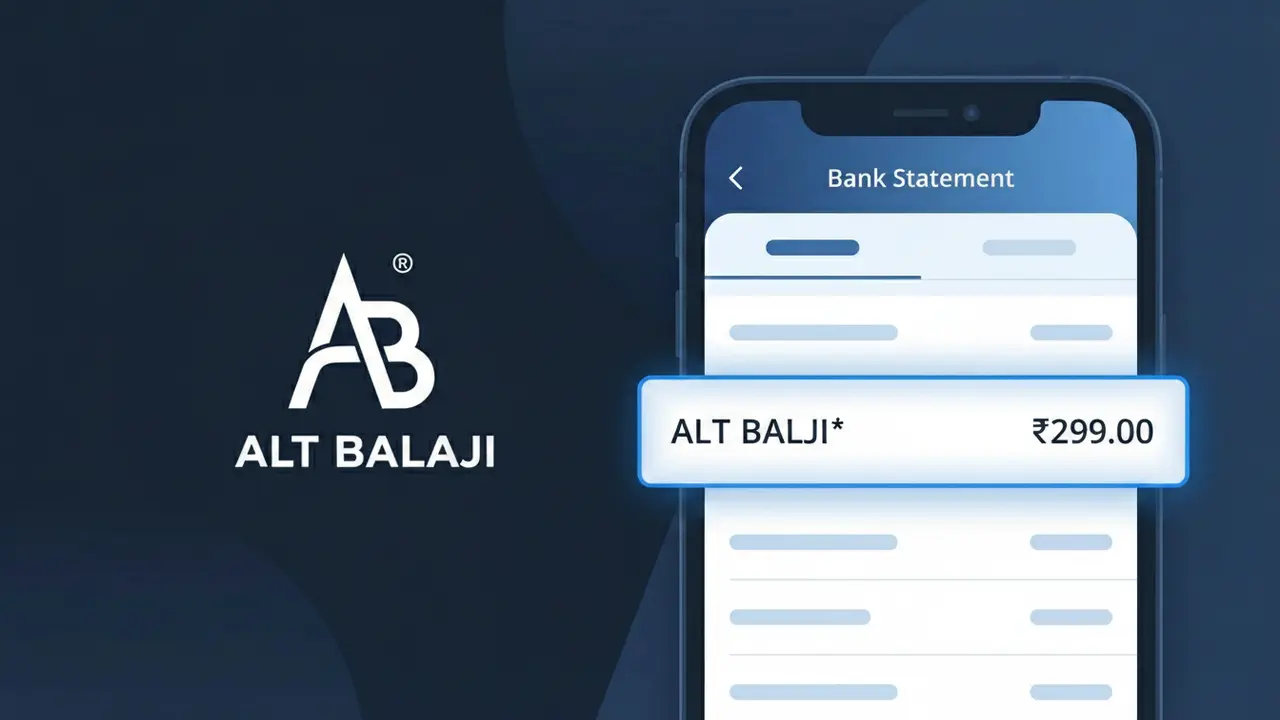
What Is "ALT BALAJI*" on My Bank Statement?
The ALT BALAJI* charge on your bank statement comes from ALTBalaji, a popular Indian streaming platform offering original web series, movies, and digital content. This charge typically represents a subscription fee for accessing ALTBalaji's premium content library. If you see ALT BALAJI* on your statement, it means you or someone with access to your payment method has signed up for a subscription plan on the ALTBalaji platform. ALTBalaji is one of India's leading homegrown streaming services, known for bold and exclusive original programming.
The descriptor ALT BALAJI* appears on your bank statement because payment processors use a shortened or coded version of the merchant's name to identify transactions, often truncating longer brand names to fit character limits. The asterisk following the descriptor is commonly used by subscription-based services to indicate a recurring billing arrangement. ALTBalaji's parent company, Balaji Telefilms, uses this abbreviated format to identify digital subscription charges processed through their payment gateway.
ℹ️ Note
In most cases, seeing "ALT BALAJI*" on your statement is completely normal. Before assuming fraud, check your recent purchases — most mystery charges have a simple explanation.
Is the ALT BALAJI* Charge Legitimate or Fraud?
If you see ALT BALAJI* on your bank or credit card statement, this charge is most likely legitimate and comes from ALT Balaji, the popular Indian OTT (over-the-top) streaming platform owned by Balaji Telefilms. ALT Balaji offers subscription-based access to Hindi web series, originals, and digital content across India and globally.
Common reasons you may see the ALT BALAJI* charge include:
- An active monthly or annual ALT Balaji subscription renewal
- A new subscription purchased directly on the ALT Balaji app or website
- A free trial on ALT Balaji that has converted to a paid plan
- A family member or household user who signed up for ALT Balaji using your payment method
While the charge is typically genuine, fraudulent use of your card details is always possible. If you do not recognize the ALT BALAJI* charge and have never used ALT Balaji, treat it as suspicious and follow the verification steps below.
How to Verify the ALT BALAJI* Charge
- 1
Log into your ALT Balaji account
Visit altbalaji.com or open the ALT Balaji app and sign in. Navigate to 'My Account' or 'Subscription' to check your current plan and billing date, which should match the ALT BALAJI* charge on your statement.
- 2
Search your email for ALT Balaji receipts
Search your inbox for emails from ALT Balaji (look for domains like @altbalaji.com). Subscription confirmation and payment receipt emails will show the exact amount and date that matches the ALT BALAJI* charge.
- 3
Check if a household member subscribed
Ask family members or anyone who has access to your payment method if they signed up for ALT Balaji. It is common for a shared card to be used without the primary cardholder's immediate knowledge.
- 4
Review linked payment methods on ALT Balaji
Inside your ALT Balaji account settings, check which payment card or UPI is linked. If your card number matches, the ALT BALAJI* charge is tied to that account and subscription.
- 5
Contact your bank for more details
If you still cannot verify the ALT BALAJI* charge, call the number on the back of your card. Your bank can provide the exact merchant ID and transaction details to help confirm whether the charge is from ALT Balaji.
How to Dispute an ALT BALAJI* Charge
- 1
Act within 60 days of the charge
Most banks and card networks require disputes to be filed within 60 days of the ALT BALAJI* charge appearing on your statement. Acting quickly gives you the best chance of a successful chargeback.
- 2
Contact ALT Balaji support first
Reach out to ALT Balaji customer support via their website at altbalaji.com or through the in-app help section. Explain that you were charged via ALT BALAJI* and request a refund or cancellation directly — this is often the fastest resolution.
- 3
File a chargeback with your bank
If ALT Balaji does not resolve the issue, contact your bank or card issuer to file a formal chargeback for the ALT BALAJI* transaction. Provide your communication records with ALT Balaji as supporting evidence.
- 4
Request a new card number
If you believe the ALT BALAJI* charge resulted from unauthorized use of your card details, ask your bank to issue a replacement card with a new number to prevent any further fraudulent charges.
Tips for Managing ALT BALAJI* Charges
Enable billing alerts on your bank app to get notified instantly when an ALT BALAJI* charge posts.
Keep your ALT Balaji subscription confirmation email so you can quickly match it to any ALT BALAJI* charge.
Secure your ALT Balaji account with a strong, unique password to prevent unauthorized subscription purchases.
Note your ALT Balaji renewal date in your calendar so the ALT BALAJI* charge never catches you off guard.
Use a virtual card number for your ALT Balaji subscription to limit exposure if your card details are compromised.
Use WhatIsThisCharge.net to identify related charges and other unfamiliar billing descriptors on your statement.
Frequently Asked Questions About the ALT BALAJI* Charge
🔍 Decode this charge instantly
Search our database for ALT BALAJI* and similar charges.
Decode ALT BALAJI* →Was this article helpful?