Why You're Seeing "AMAZON AE*" on Your Bank Statement
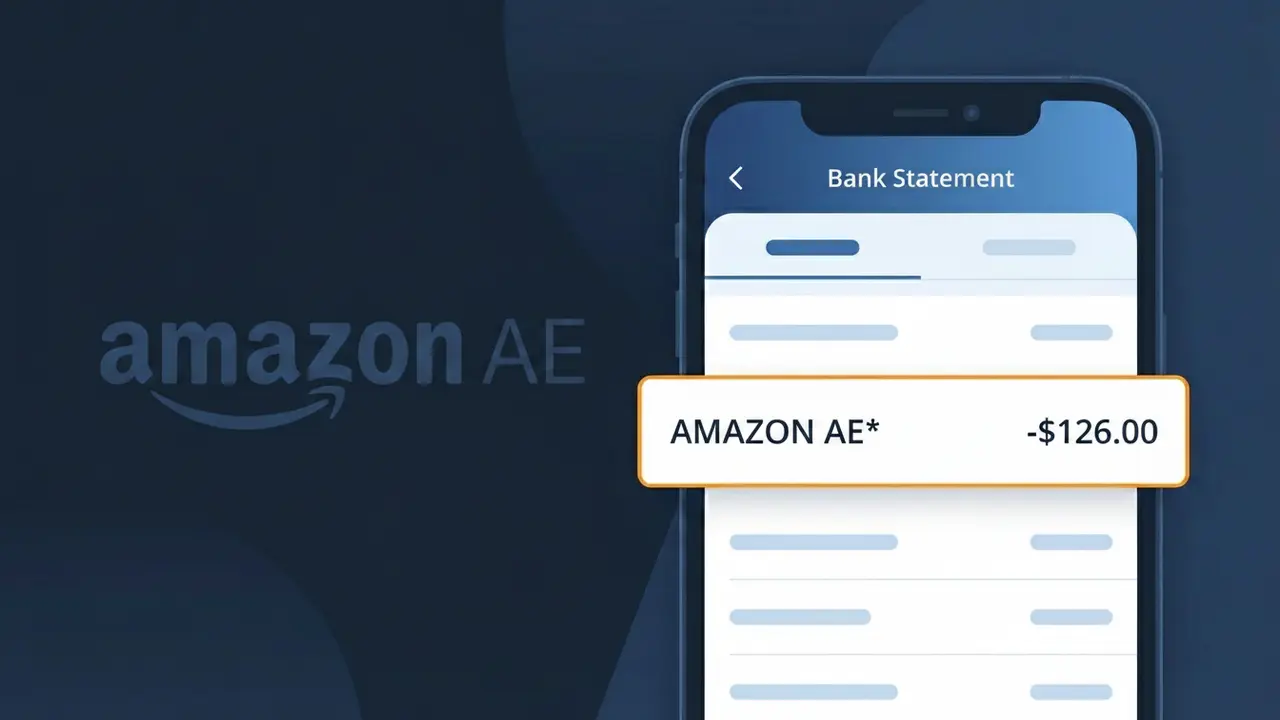
What Is "AMAZON AE*" on My Bank Statement?
The AMAZON AE* charge on your bank statement comes from Amazon UAE, the company's dedicated online marketplace for the United Arab Emirates. This descriptor appears when you make a purchase on Amazon.ae, the regional platform serving shoppers across the UAE. You may see it followed by a short order reference code, which helps identify the specific transaction. If you or someone with access to your account recently shopped on Amazon.ae, this charge is almost certainly the reason.
Amazon processes payments through regional billing systems, which is why the charge shows as AMAZON AE* rather than simply 'Amazon' on your bank statement. The 'AE' portion refers to the UAE country code, indicating the transaction was processed through Amazon's United Arab Emirates platform, Amazon.ae. The asterisk following the descriptor is a standard formatting character used by payment processors to separate the merchant identifier from any accompanying order or transaction reference.
ℹ️ Note
In most cases, seeing "AMAZON AE*" on your statement is completely normal. Before assuming fraud, check your recent purchases — most mystery charges have a simple explanation.
Is the AMAZON AE* Charge Legitimate or Fraud?
The AMAZON AE* charge on your bank or credit card statement originates from AMAZON AE, which is Amazon's marketplace operating in the United Arab Emirates (amazon.ae). This charge is typically legitimate and appears when you or someone with access to your account makes a purchase, subscribes to a service, or renews a membership through the UAE-based Amazon platform.
Common legitimate reasons you might see an AMAZON AE* charge include:
- A product purchase made on amazon.ae, Amazon's UAE storefront
- An Amazon Prime membership subscription billed through the UAE platform
- A digital purchase such as a Kindle book, Prime Video rental, or in-app purchase
- An Amazon Web Services (AWS) charge billed via the UAE region
However, if you do not recognize the AMAZON AE* charge and have never shopped on amazon.ae, it could indicate unauthorized use of your payment details and should be investigated promptly.
How to Verify the AMAZON AE* Charge
- 1
Log into your Amazon AE account
Visit amazon.ae and sign in, then navigate to 'Returns & Orders' to review recent purchases. Look for any order that matches the AMAZON AE* charge amount and date on your statement.
- 2
Search your email for Amazon AE receipts
Search your inbox for emails from amazon.ae or noreply@amazon.ae. Amazon AE sends order confirmation and payment receipts that will match the AMAZON AE* charge details.
- 3
Check for Amazon Prime or subscription renewals
Log into your Amazon AE account and go to 'Manage Prime Membership' or 'Manage Your Subscriptions' to see if a renewal triggered the AMAZON AE* charge.
- 4
Ask household members or authorized users
Check with family members or anyone who may share your Amazon AE account or payment method, as they may have made a purchase that generated the AMAZON AE* charge.
- 5
Contact your bank for more details
If you still cannot identify the AMAZON AE* charge, call the number on the back of your card. Your bank can provide the exact merchant ID and transaction details to help confirm or dispute the charge.
How to Dispute a AMAZON AE* Charge
- 1
Act within 60 days of the charge
Most banks and card issuers require disputes to be filed within 60 days of the AMAZON AE* charge appearing on your statement. Act quickly to preserve your right to a chargeback.
- 2
Contact Amazon AE customer service first
Reach out to Amazon AE support via amazon.ae/help or through the Amazon app. Explain the unrecognized AMAZON AE* charge — Amazon can often resolve billing errors or unauthorized orders faster than a bank dispute.
- 3
File a chargeback with your bank
If Amazon AE does not resolve the issue, contact your bank or card issuer to formally dispute the AMAZON AE* charge. Provide transaction details, your case number from Amazon, and any supporting evidence.
- 4
Request a new card number
If the AMAZON AE* charge appears fraudulent and your card details were compromised, ask your bank to issue a new card. Update your payment method on amazon.ae to prevent further unauthorized charges.
Tips for Managing AMAZON AE Charges
Enable transaction alerts on your bank app so you're notified instantly when an AMAZON AE* charge posts to your account.
Regularly review your Amazon AE order history to reconcile each AMAZON AE* charge with a specific purchase or subscription.
Secure your Amazon AE account with a strong, unique password and enable two-step verification to prevent unauthorized charges.
Note your Amazon Prime UAE renewal date so AMAZON AE* membership billing charges never catch you off guard each cycle.
Use a virtual card number for Amazon AE purchases to limit exposure and make it easier to block future unwanted AMAZON AE* charges.
Use WhatIsThisCharge.net to identify related charges that may appear alongside AMAZON AE* on your statement.
Frequently Asked Questions About AMAZON AE*
🔍 Decode this charge instantly
Search our database for AMAZON AE* and similar charges.
Decode AMAZON AE* →Was this article helpful?