Why You're Seeing "AMAZON AU*" on Your Bank Statement
What Is "AMAZON AU*" on My Bank Statement?
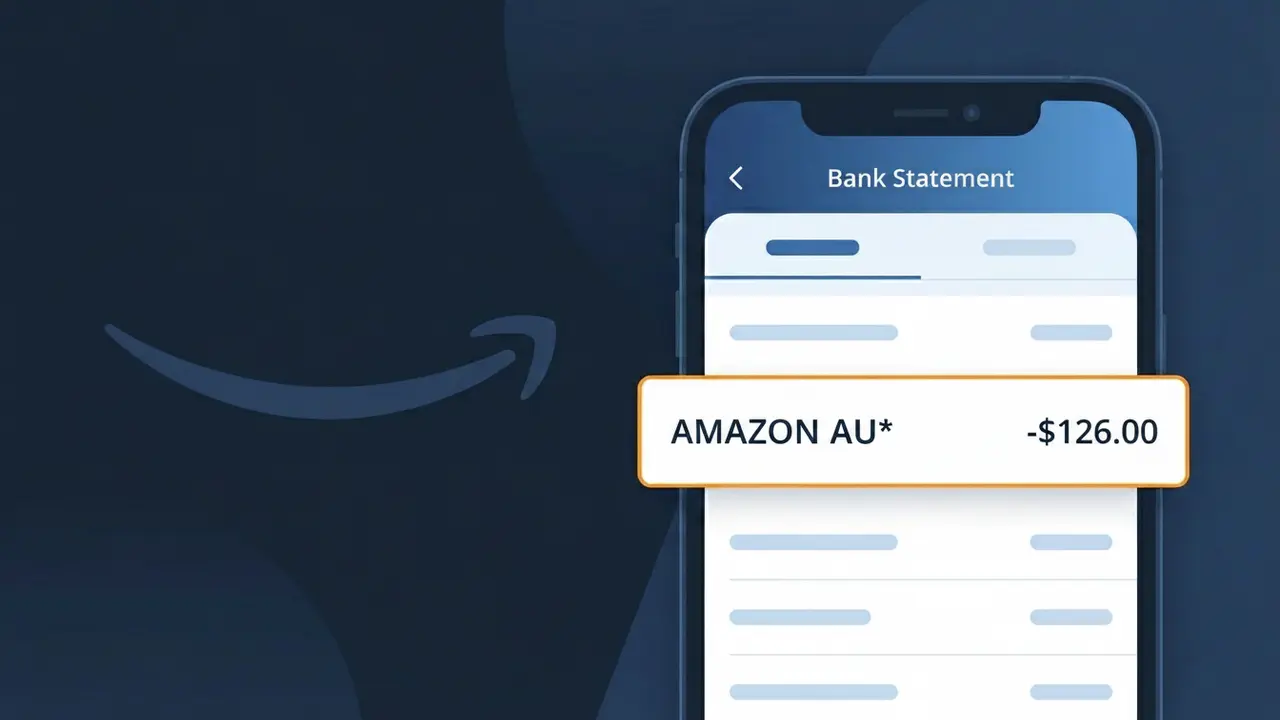
The AMAZON AU* charge on your bank statement comes from Amazon Australia, the local arm of the global e-commerce giant. This descriptor appears whenever you make a purchase through the Amazon Australia marketplace or are billed for an Australian Amazon subscription service such as Prime. The 'AU' in the charge label distinguishes it from Amazon charges originating in other countries, helping identify it as a transaction processed through Amazon's Australian operations. If you see AMAZON AU* followed by additional characters or numbers, those typically reference a specific order or transaction ID.
The AMAZON AU* descriptor appears on your bank statement because Amazon Australia uses a shortened billing name that fits within the character limits imposed by payment processors and banking systems. Rather than displaying the full company name, the payment system condenses it to AMAZON AU* to indicate the charge originated from Amazon's Australian entity. This format is standard practice for large retailers operating across multiple regions, as it allows the country code to be included while still keeping the descriptor recognisable to cardholders.
ℹ️ Note
In most cases, seeing "AMAZON AU*" on your statement is completely normal. Before assuming fraud, check your recent purchases — most mystery charges have a simple explanation.
Is the AMAZON AU* Charge Legitimate or Fraud?
If you've spotted AMAZON AU* on your bank or credit card statement, it is most likely a legitimate charge from AMAZON AU, the Australian branch of Amazon's retail and digital services platform. This charge appears when you make purchases on Amazon Australia, subscribe to Amazon Prime AU, or use any Amazon digital service billed through their Australian entity.
- Purchases made on Amazon.com.au will show as AMAZON AU* on your statement
- Amazon Prime Australia subscriptions are billed under the AMAZON AU* descriptor
- Kindle, Audible, or other digital content bought via Amazon AU may appear with this label
- Third-party sellers fulfilled through Amazon AU can also trigger an AMAZON AU* charge
However, if you do not recognise the specific amount or date, it is worth investigating further, as fraudulent charges sometimes mimic legitimate merchant names like AMAZON AU*.
How to Verify the AMAZON AU* Charge
- 1
Log into your Amazon AU account
Visit Amazon.com.au and go to 'Returns & Orders' to check your order history. Match the charge date and amount from your statement to a recent AMAZON AU order.
- 2
Search your email for receipts
Search your inbox for emails from 'auto-confirm@amazon.com.au'. AMAZON AU sends order confirmation emails immediately after every transaction.
- 3
Check your Amazon Prime AU subscription
Go to 'Manage Prime Membership' in your Amazon AU account settings to see if a recurring AMAZON AU* charge matches your Prime billing date and amount.
- 4
Ask household members
Family members sharing your payment method may have made an Amazon AU purchase. Check if anyone placed an order that would appear as AMAZON AU* on your statement.
- 5
Review digital subscriptions
Audible AU, Kindle Unlimited, or Amazon Music subscriptions all bill under AMAZON AU*. Check your Amazon AU account under 'Memberships & Subscriptions' for active plans.
How to Dispute an AMAZON AU* Charge
- 1
Act within 60 days
Contact your bank or card issuer promptly. Most institutions require disputes to be raised within 60 days of the AMAZON AU* charge appearing on your statement.
- 2
Contact AMAZON AU customer service first
Visit Amazon.com.au and use the 'Contact Us' page to report the unrecognised AMAZON AU* charge. Amazon AU can often issue a refund faster than a bank dispute.
- 3
File a chargeback with your bank
If AMAZON AU does not resolve the issue, contact your bank to initiate a chargeback. Provide the charge date, amount, and any correspondence with AMAZON AU as evidence.
- 4
Request a new card number
If you suspect your card details were stolen and used for fraudulent AMAZON AU* charges, ask your bank to cancel your card and issue a new one immediately.
Tips for Managing AMAZON AU* Charges
Enable purchase notifications in your Amazon AU account to get instant alerts whenever an AMAZON AU* charge is processed.
Regularly review 'Memberships & Subscriptions' in your Amazon AU account to track all recurring AMAZON AU* billing.
Secure your Amazon AU account with a strong password and two-factor authentication to prevent unauthorised AMAZON AU* charges.
Note your Amazon Prime AU renewal date so you are not surprised when the annual or monthly AMAZON AU* subscription charge appears.
Use a dedicated card for Amazon AU purchases to make it easy to spot any unexpected AMAZON AU* charges in your statement.
Use WhatIsThisCharge.net to identify related charges that may appear alongside AMAZON AU* on your bank statement.
Frequently Asked Questions About AMAZON AU*
🔍 Decode this charge instantly
Search our database for AMAZON AU* and similar charges.
Decode AMAZON AU* →Was this article helpful?