Why You're Seeing "AMAZON CA*" on Your Bank Statement
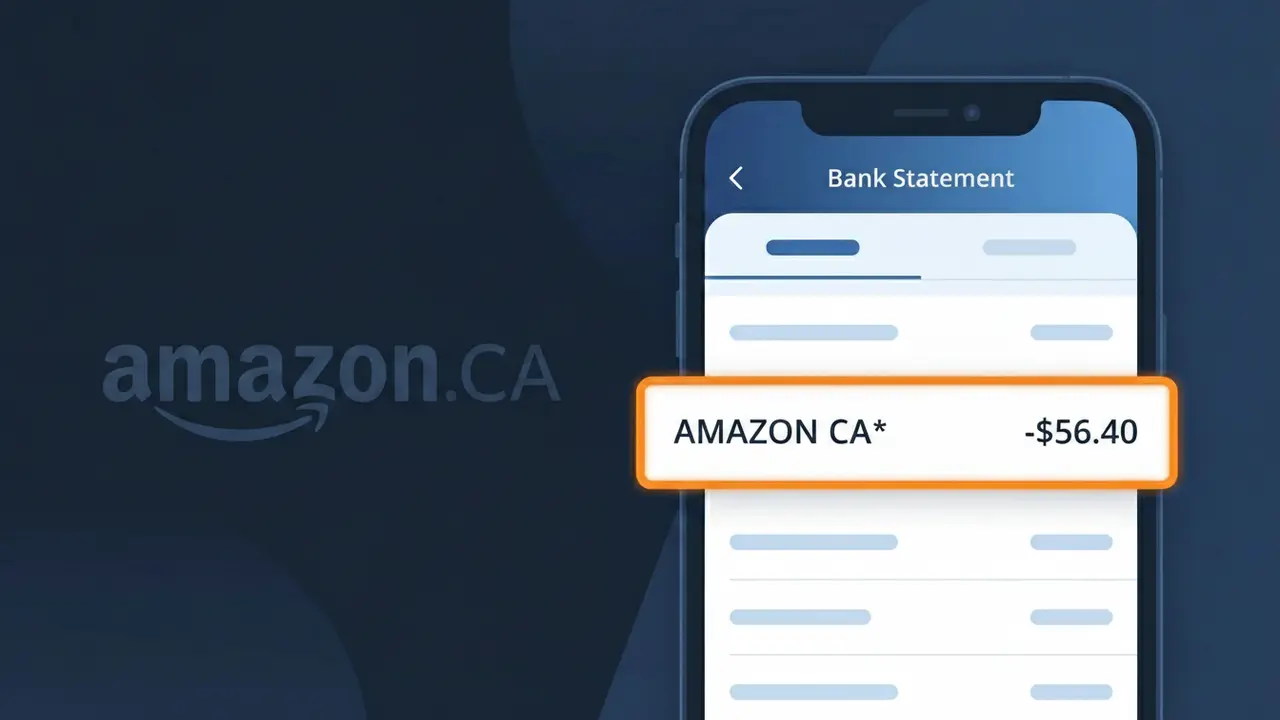
What Is "AMAZON CA*" on My Bank Statement?
The AMAZON CA* charge on your bank statement comes from Amazon Canada and indicates a purchase or subscription made through the Amazon.ca marketplace. This descriptor is used by Amazon's Canadian operations to identify transactions processed through their platform, whether for physical products, digital content, or recurring services. If you shop on Amazon.ca or have an active Canadian Amazon subscription such as Prime, you will likely see this charge appear. The asterisk following 'AMAZON CA' may be accompanied by additional characters referencing a specific order or transaction ID.
The AMAZON CA* descriptor appears on your bank statement because Amazon Canada processes payments through their own internal payment system, which reports a standardized merchant code to financial institutions rather than displaying a full brand name. Canadian banking networks have character limits and formatting requirements for transaction descriptors, which is why you see the abbreviated 'AMAZON CA*' format instead of 'Amazon Canada' spelled out in full. This is completely normal and is the standard way Amazon Canada identifies itself across all major Canadian banks and credit card networks.
ℹ️ Note
In most cases, seeing "AMAZON CA*" on your statement is completely normal. Before assuming fraud, check your recent purchases — most mystery charges have a simple explanation.
Is the AMAZON CA* Charge Legitimate or Fraud?
If you've spotted AMAZON CA* on your bank or credit card statement, this charge almost certainly comes from AMAZON CA — Amazon's Canadian marketplace at amazon.ca. It typically appears when you make a purchase, renew a Prime membership, or are billed for a digital service through Amazon Canada.
Common reasons you might see AMAZON CA* on your statement include:
- A recent product order placed on amazon.ca
- An Amazon Prime Canada membership renewal or sign-up
- A Kindle, Audible, or Prime Video purchase tied to your Canadian Amazon account
- A subscription to Amazon Music, Channels, or another digital service billed in CAD
While the vast majority of AMAZON CA* charges are legitimate, fraudulent charges can occur if your card details were compromised. Always cross-reference the charge amount with your Amazon Canada order history before assuming it's valid.
How to Verify the AMAZON CA* Charge
- 1
Log into your Amazon Canada account
Go to amazon.ca and sign in. Navigate to 'Returns & Orders' to review recent purchases and match the AMAZON CA* charge amount and date.
- 2
Search your email for Amazon CA receipts
Search your inbox for emails from 'auto-confirm@amazon.ca' or 'shipment-tracking@amazon.ca' to find order confirmations matching the AMAZON CA* charge.
- 3
Check your Amazon Canada subscriptions
Visit amazon.ca, go to 'Account & Lists' > 'Memberships & Subscriptions' to see if an Amazon Prime Canada or digital subscription triggered the AMAZON CA* billing.
- 4
Ask household members
If your card is shared or linked to a family Amazon household, another member may have made a purchase on AMAZON CA that resulted in this charge.
- 5
Contact your bank for details
Ask your bank for the full merchant descriptor and transaction ID for the AMAZON CA* charge, which can help you pinpoint the exact transaction on Amazon CA.
How to Dispute an AMAZON CA* Charge
- 1
Act within 60 days of the statement
Most banks require you to dispute an unrecognized AMAZON CA* charge within 60 days of your statement date, so don't delay investigating this charge.
- 2
Contact AMAZON CA customer service first
Visit amazon.ca/contact-us or call Amazon Canada support. Explain the charge and request a refund — AMAZON CA often resolves billing errors quickly without needing a formal dispute.
- 3
File a chargeback with your bank
If AMAZON CA does not resolve the issue, contact your bank or card issuer and formally dispute the AMAZON CA* charge by providing transaction details and any communication with Amazon.
- 4
Request a new card number
If the AMAZON CA* charge appears to be fraudulent and you did not authorize it, ask your bank to cancel your current card and issue a new one to prevent further unauthorized charges.
Tips for Managing AMAZON CA* Charges
Enable purchase alerts on your bank app to get notified instantly whenever AMAZON CA* posts a charge.
Regularly review your amazon.ca order history monthly to reconcile every AMAZON CA* charge on your statement.
Secure your Amazon CA account with a strong password and two-factor authentication to prevent unauthorized AMAZON CA* charges.
Note your Amazon Prime Canada renewal date so AMAZON CA* annual or monthly billing never catches you off guard.
Use a dedicated card for Amazon CA purchases to easily isolate and track all AMAZON CA* charges in one place.
Use WhatIsThisCharge.net to identify related charges that may appear alongside AMAZON CA* on your statement.
Frequently Asked Questions About the AMAZON CA* Charge
🔍 Decode this charge instantly
Search our database for AMAZON CA* and similar charges.
Decode AMAZON CA* →Was this article helpful?