Why You're Seeing "AMAZON.COM*" on Your Bank Statement
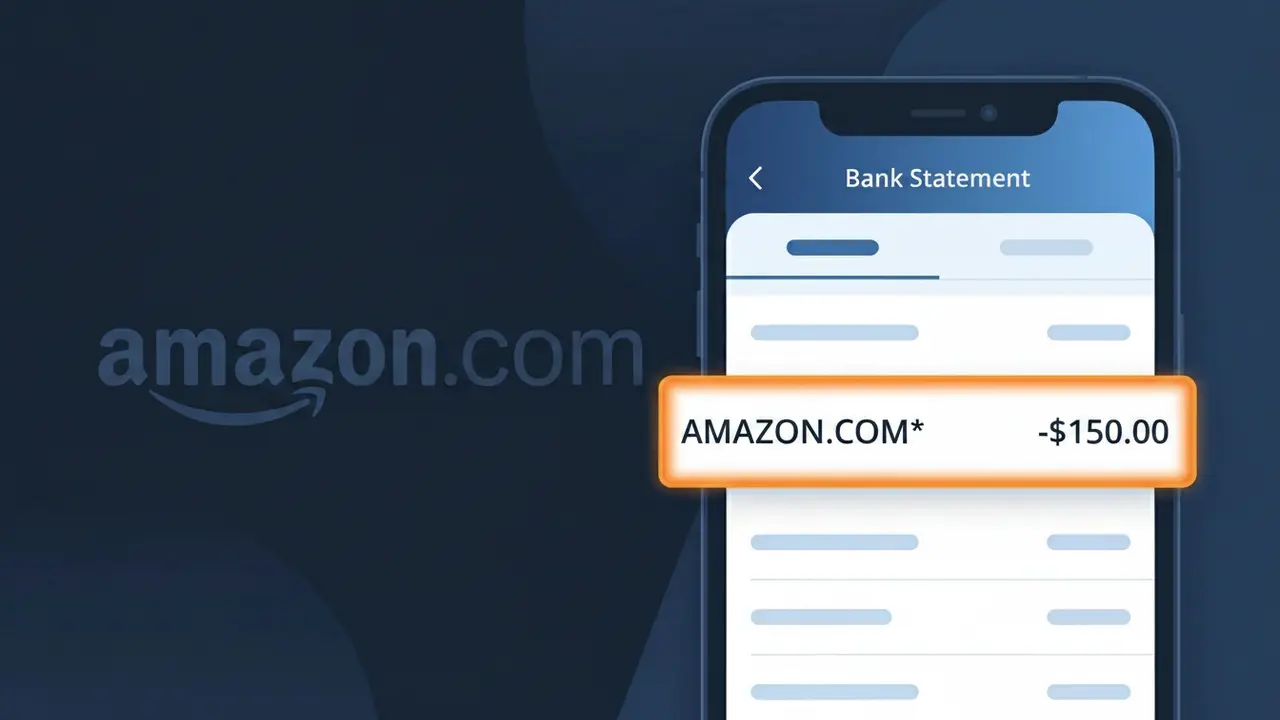
What Is "AMAZON.COM*" on My Bank Statement?
An AMAZON.COM* charge on your bank statement is a purchase made through Amazon, one of the world's largest online retailers. This descriptor appears when you buy products directly from Amazon's website or app, including items sold by Amazon itself or third-party marketplace sellers. The asterisk following AMAZON.COM is a common formatting choice used to separate the base descriptor from additional order or seller details that may follow. If you see this charge, it almost certainly relates to a recent online shopping order, digital purchase, or Amazon service.
Amazon uses the AMAZON.COM* descriptor on bank and credit card statements to identify transactions processed through their payment system, often appending order numbers or abbreviated product details after the asterisk to help distinguish between multiple purchases made around the same time. Payment processors and banks sometimes truncate these longer descriptors, which is why you may only see AMAZON.COM* without the trailing information. This format is a standard practice among large e-commerce platforms to ensure their charges are recognizable while still fitting within the character limits imposed by financial institutions.
ℹ️ Note
In most cases, seeing "AMAZON.COM*" on your statement is completely normal. Before assuming fraud, check your recent purchases — most mystery charges have a simple explanation.
Is AMAZON.COM* Legitimate or Fraud?
The AMAZON.COM* charge on your bank or credit card statement is almost always a legitimate transaction processed by AMAZON.COM, one of the world's largest online retailers. This charge descriptor appears for a wide variety of Amazon purchases and services, so it can sometimes look unfamiliar even when it's valid.
Common reasons you may see an AMAZON.COM* charge include:
- A product purchase made on Amazon.com, including third-party marketplace items
- An Amazon Prime membership renewal (monthly or annual)
- An Amazon digital subscription such as Kindle Unlimited, Audible, or Amazon Music
- An Amazon Web Services (AWS) usage charge billed to your personal card
- A purchase made by a family member sharing your Amazon household account
- A one-click or accidental purchase via Alexa or the Amazon app
While most AMAZON.COM* charges are genuine, fraudulent charges using this descriptor do occur. If you don't recognize the amount, verify it carefully before assuming it's legitimate.
How to Verify the AMAZON.COM* Charge
- 1
Log into your Amazon.com account
Visit Amazon.com and go to 'Returns & Orders' in the top right corner. Cross-reference the charge amount and date with your recent order history to find a match.
- 2
Search your email for Amazon receipts
Search your inbox for emails from 'auto-confirm@amazon.com' or 'shipment-tracking@amazon.com'. AMAZON.COM sends a receipt email for every transaction, making it easy to match charges.
- 3
Check your Amazon subscriptions and memberships
Go to Amazon.com > Account > Memberships & Subscriptions to review all active services like Prime, Kindle Unlimited, or Amazon Music that may be generating recurring AMAZON.COM* charges.
- 4
Check with household members
If you have Amazon Household sharing enabled, another adult or teen in your household may have made a purchase that resulted in the AMAZON.COM* charge on your card.
- 5
Contact your bank if still unclear
If you cannot match the AMAZON.COM* charge to any order or subscription, call the number on the back of your card. Your bank can provide the full merchant descriptor and transaction details.
How to Dispute a AMAZON.COM* Charge
- 1
Act within 60 days of the charge
Most banks require disputes to be filed within 60 days of the statement date. Don't delay if you believe the AMAZON.COM* charge is unauthorized or incorrect.
- 2
Contact AMAZON.COM customer service first
Visit Amazon.com/help or call 1-888-280-4331 to speak with Amazon support. They can issue refunds for unauthorized charges or billing errors faster than a bank dispute in many cases.
- 3
File a chargeback with your bank or card issuer
If AMAZON.COM cannot resolve the issue, contact your bank and formally dispute the AMAZON.COM* charge as unauthorized. Provide any evidence such as emails or order history screenshots.
- 4
Request a new card number
If the AMAZON.COM* charge appears to be fraudulent and you didn't make the purchase, ask your bank to issue a replacement card to prevent further unauthorized charges from appearing.
Tips for Managing AMAZON.COM* Charges
Enable real-time purchase alerts on your card to catch any unexpected AMAZON.COM* charges the moment they post.
Review your Amazon.com order history monthly and match it against your bank statement to spot discrepancies early.
Secure your Amazon.com account with two-factor authentication to prevent unauthorized purchases generating AMAZON.COM* charges.
Note your Amazon Prime renewal date to avoid being surprised by the annual or monthly AMAZON.COM* membership billing.
Use a dedicated card solely for Amazon.com purchases to make AMAZON.COM* charges easy to track and isolate.
Use WhatIsThisCharge.net to identify related charges that may appear alongside AMAZON.COM* on your statement.
Frequently Asked Questions About AMAZON.COM*
🔍 Decode this charge instantly
Search our database for AMAZON.COM* and similar charges.
Decode AMAZON.COM* →Was this article helpful?