Why You're Seeing "AMAZON DE*" on Your Bank Statement
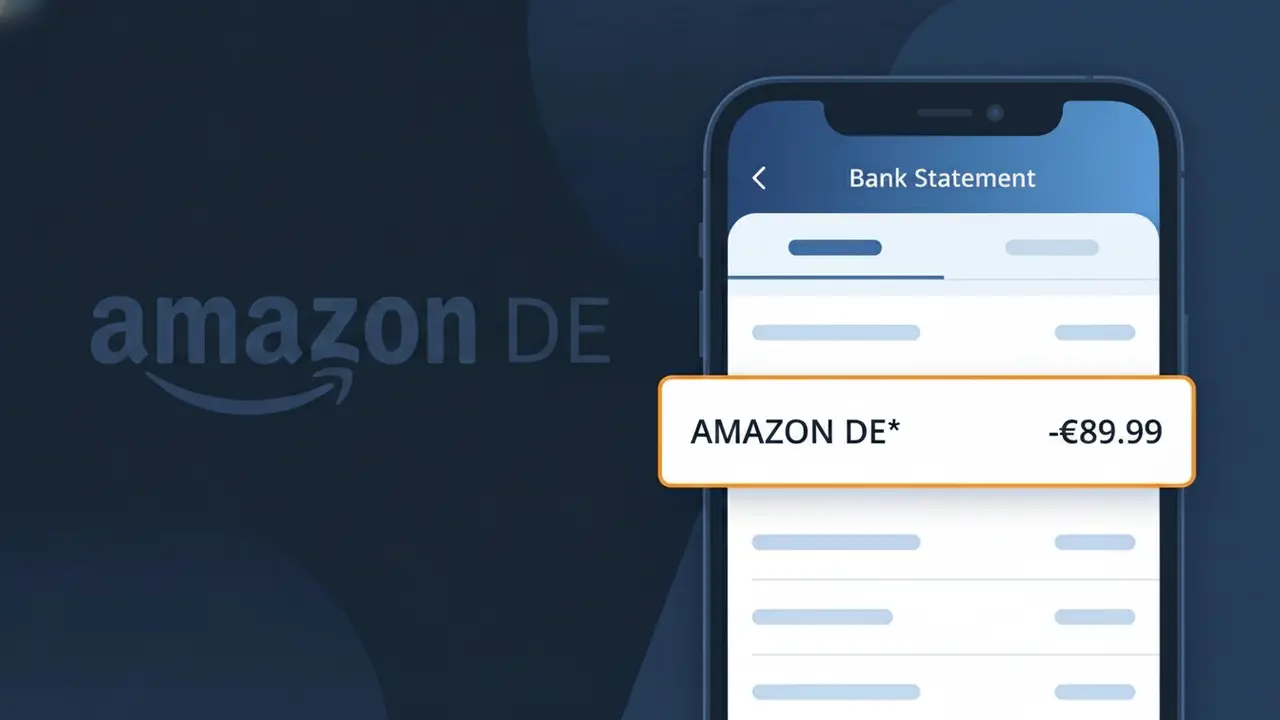
What Is "AMAZON DE*" on My Bank Statement?
The AMAZON DE* charge on your bank statement is a purchase made through Amazon Deutschland, the German branch of the global Amazon marketplace. This descriptor appears when you buy products directly from Amazon.de or from third-party sellers fulfilled through the German platform. It is a completely normal charge tied to online shopping activity, and the 'DE*' portion indicates the transaction was processed through Amazon's German entity. If you or someone with access to your payment details has recently shopped on Amazon.de, this charge is almost certainly legitimate.
Amazon processes payments through regional entities, so purchases made on Amazon.de are billed by Amazon Deutschland, resulting in the shortened AMAZON DE* descriptor on your bank statement rather than a fuller brand name. Payment processors and banks have strict character limits for transaction descriptors, which is why you see an abbreviated code instead of 'Amazon Germany' or 'Amazon.de'. The asterisk following 'DE' is a common formatting convention used by Amazon to separate the regional identifier from any additional order reference details your bank may display.
ℹ️ Note
In most cases, seeing "AMAZON DE*" on your statement is completely normal. Before assuming fraud, check your recent purchases — most mystery charges have a simple explanation.
Is the AMAZON DE* Charge Legitimate or Fraud?
The AMAZON DE* charge on your bank or credit card statement is typically a legitimate transaction processed by AMAZON DE, which is Amazon's German marketplace (amazon.de). This charge appears when you make a purchase, subscribe to a service like Amazon Prime DE, or are billed for a digital product through the German Amazon platform.
Common reasons you might see an AMAZON DE* charge include:
- A product order placed on amazon.de, Amazon's German storefront
- An Amazon Prime membership billed through AMAZON DE
- A Kindle eBook, digital movie, or app purchase via the German Amazon marketplace
- An Amazon Music, Audible, or other subscription billed through AMAZON DE
If you do not recognize the charge, it is possible a household member made a purchase, or it could indicate unauthorized account access. Always verify before assuming fraud.
How to Verify the AMAZON DE* Charge
- 1
Log into your Amazon DE account
Visit amazon.de and sign in. Navigate to 'Returns & Orders' to review recent purchases that may correspond to the AMAZON DE* charge on your statement.
- 2
Search your email for receipts
Search your inbox for emails from 'amazon.de' or 'no-reply@amazon.de'. AMAZON DE sends order confirmation emails with the exact amount billed.
- 3
Check your Amazon subscriptions
Go to your Amazon DE account settings and select 'Memberships & Subscriptions' to see if an active Prime or other subscription triggered the AMAZON DE* charge.
- 4
Ask household members
Check with family members or anyone who has access to your payment method. AMAZON DE allows shared payment methods across multiple Amazon accounts.
- 5
Contact your bank for details
If you still cannot identify the AMAZON DE* charge, call your bank and request the full merchant descriptor and transaction date to narrow down the source.
How to Dispute an AMAZON DE* Charge
- 1
Act within 60 days
Most banks require you to dispute an unrecognized AMAZON DE* charge within 60 days of the statement date. Act quickly to preserve your chargeback rights.
- 2
Contact AMAZON DE customer service first
Reach out to Amazon DE support at amazon.de/contact-us. Explain the charge and request a refund — Amazon DE often resolves billing issues faster than a formal bank dispute.
- 3
File a chargeback with your bank
If AMAZON DE does not resolve the issue, contact your bank or card issuer and formally dispute the AMAZON DE* charge, providing any supporting emails or order records.
- 4
Request a new card if fraud is suspected
If you believe the AMAZON DE* charge is the result of unauthorized account access or card theft, ask your bank to cancel and reissue your card immediately.
Tips for Managing AMAZON DE* Charges
Enable bank transaction alerts to get notified the moment any AMAZON DE* charge hits your account.
Regularly review your Amazon DE order history to match every AMAZON DE* charge to a specific purchase.
Secure your Amazon DE account with a strong password and two-factor authentication to prevent unauthorized charges.
Note your Amazon Prime DE renewal date to anticipate annual or monthly AMAZON DE* billing charges.
Use a dedicated card for Amazon DE purchases to make AMAZON DE* charges easier to track and dispute.
Use WhatIsThisCharge.net to identify related charges that may appear alongside AMAZON DE* on your statement.
Frequently Asked Questions About the AMAZON DE* Charge
🔍 Decode this charge instantly
Search our database for AMAZON DE* and similar charges.
Decode AMAZON DE* →Was this article helpful?