Why You're Seeing "AMAZON DIGITAL*" on Your Bank Statement
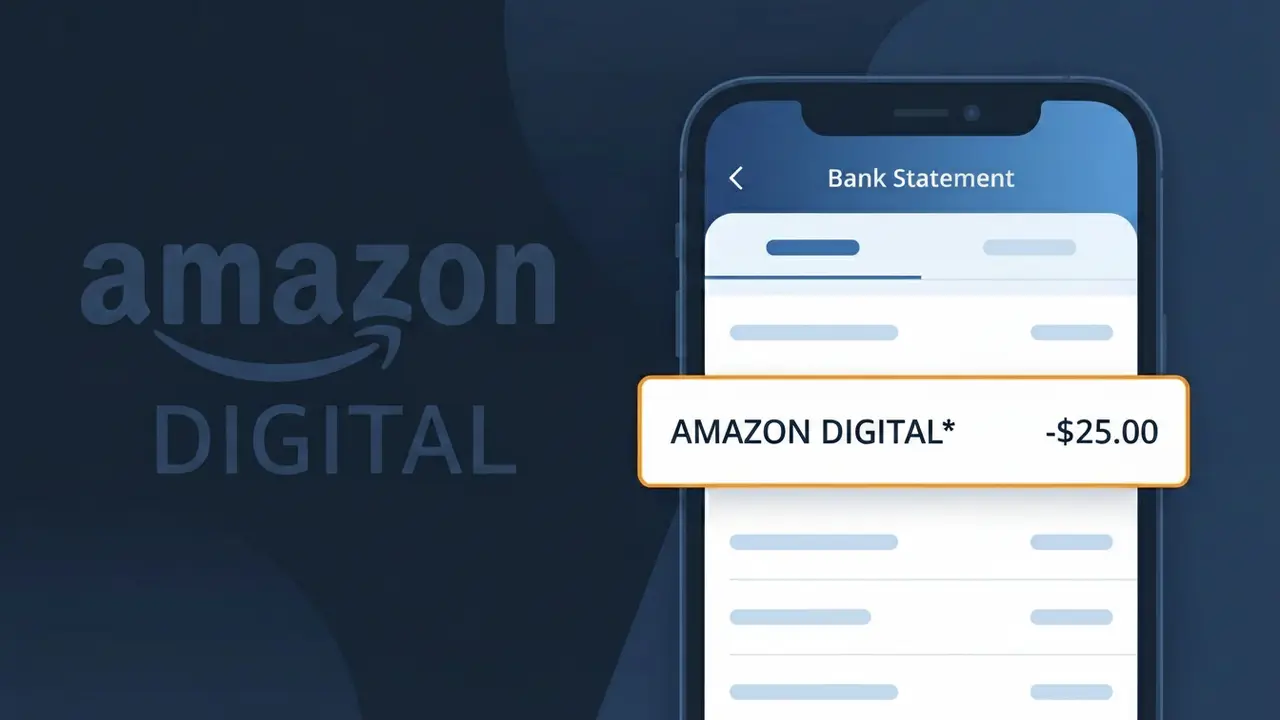
What Is "AMAZON DIGITAL*" on My Bank Statement?
An AMAZON DIGITAL* charge on your bank statement comes from Amazon Digital, the digital content and services division of Amazon. This charge typically appears when you've purchased or subscribed to digital content such as eBooks, music, movies, TV shows, apps, or in-app purchases through Amazon's platform. The asterisk following 'AMAZON DIGITAL*' is often accompanied by additional characters that may reference the specific product or service purchased. If you see this charge and don't immediately recognize it, it could also be from a family member sharing your payment method on their Amazon account.
The descriptor AMAZON DIGITAL* appears on your bank statement because Amazon uses a shortened billing identifier specifically for its digital content transactions, separate from physical product purchases which may show differently. Payment processors and banks have character limits for transaction descriptors, so Amazon uses this concise label to distinguish digital purchases from other transaction types. The 'AMAZON DIGITAL' prefix is a standardized billing name registered with card networks, which is why it shows up instead of a more descriptive product name.
ℹ️ Note
In most cases, seeing "AMAZON DIGITAL*" on your statement is completely normal. Before assuming fraud, check your recent purchases — most mystery charges have a simple explanation.
Is the AMAZON DIGITAL* Charge Legitimate or Fraud?
The AMAZON DIGITAL* charge on your bank or credit card statement is most commonly a legitimate charge from AMAZON DIGITAL, Amazon's digital content and services division. This charge typically appears when you purchase or subscribe to digital products through Amazon's ecosystem.
Common reasons you may see an AMAZON DIGITAL* charge include:
- An active Amazon Prime membership billed monthly or annually
- A Kindle eBook, audiobook, or Audible credit purchase
- An Amazon Music Unlimited subscription (individual or family plan)
- A purchase or rental of a movie or TV show via Amazon Prime Video
- An in-app purchase or subscription through the Amazon Appstore
While most AMAZON DIGITAL* charges are legitimate, unauthorized charges can occur if your Amazon account credentials have been compromised or if a household member made a purchase without your knowledge. Always verify the charge against your Amazon order history before assuming fraud.
How to Verify the AMAZON DIGITAL* Charge
- 1
Check your Amazon order history
Log into your Amazon account at amazon.com, navigate to 'Returns & Orders', and look for any digital purchases or subscription renewals that match the AMAZON DIGITAL* charge date and amount.
- 2
Search your email for receipts
Search your inbox for emails from 'digital@amazon.com' or 'auto-confirm@amazon.com'. AMAZON DIGITAL sends receipts for every purchase, so a matching email will confirm the charge is legitimate.
- 3
Review your Amazon subscriptions
Go to amazon.com, click your account name, then 'Memberships & Subscriptions' to see all active AMAZON DIGITAL services, including Prime, Music Unlimited, and Kindle Unlimited.
- 4
Check with household members
If you share an Amazon household or have children with Amazon Kids accounts, another family member may have made a digital purchase that resulted in the AMAZON DIGITAL* charge on your card.
- 5
Contact your bank for details
Ask your bank for the full merchant descriptor associated with the AMAZON DIGITAL* charge. The suffix after the asterisk often indicates the specific service (e.g., AMAZON DIGITAL*PRIME or AMAZON DIGITAL*MUSIC).
How to Dispute an AMAZON DIGITAL* Charge
- 1
Act within 60 days of the charge
Most banks require you to dispute an unrecognized AMAZON DIGITAL* charge within 60 days of your statement date. Acting quickly protects your chargeback rights under the Fair Credit Billing Act.
- 2
Contact AMAZON DIGITAL customer service first
Visit amazon.com/contact-us or call 1-888-280-4331 to reach AMAZON DIGITAL support. Explain the charge and request a refund — Amazon often resolves billing disputes quickly, especially for accidental purchases or free trial conversions.
- 3
File a chargeback with your bank
If AMAZON DIGITAL refuses to refund the charge or you believe it is fraudulent, contact your bank or credit card issuer to file a formal chargeback dispute. Provide your Amazon case number if you have one.
- 4
Request a new card number
If you suspect your payment information was compromised and used for unauthorized AMAZON DIGITAL* charges, ask your bank to issue a new card number and update your payment method on your Amazon account immediately.
Tips for Managing AMAZON DIGITAL* Charges
Enable Amazon purchase notifications so you get an alert every time an AMAZON DIGITAL* charge is processed to your card.
Regularly audit your AMAZON DIGITAL subscriptions under 'Memberships & Subscriptions' to cancel any services you no longer use.
Secure your AMAZON DIGITAL account with a strong password and two-factor authentication to prevent unauthorized purchases.
Note your AMAZON DIGITAL billing cycle dates so you can anticipate renewal charges and avoid being caught off guard.
Set up parental controls on Amazon Kids to prevent unexpected AMAZON DIGITAL* charges from children's in-app purchases.
Use WhatIsThisCharge.net to identify related charges that appear alongside AMAZON DIGITAL* on your statement.
Frequently Asked Questions About AMAZON DIGITAL*
🔍 Decode this charge instantly
Search our database for AMAZON DIGITAL* and similar charges.
Decode AMAZON DIGITAL* →Was this article helpful?