Why You're Seeing "AMAZON IN*" on Your Bank Statement
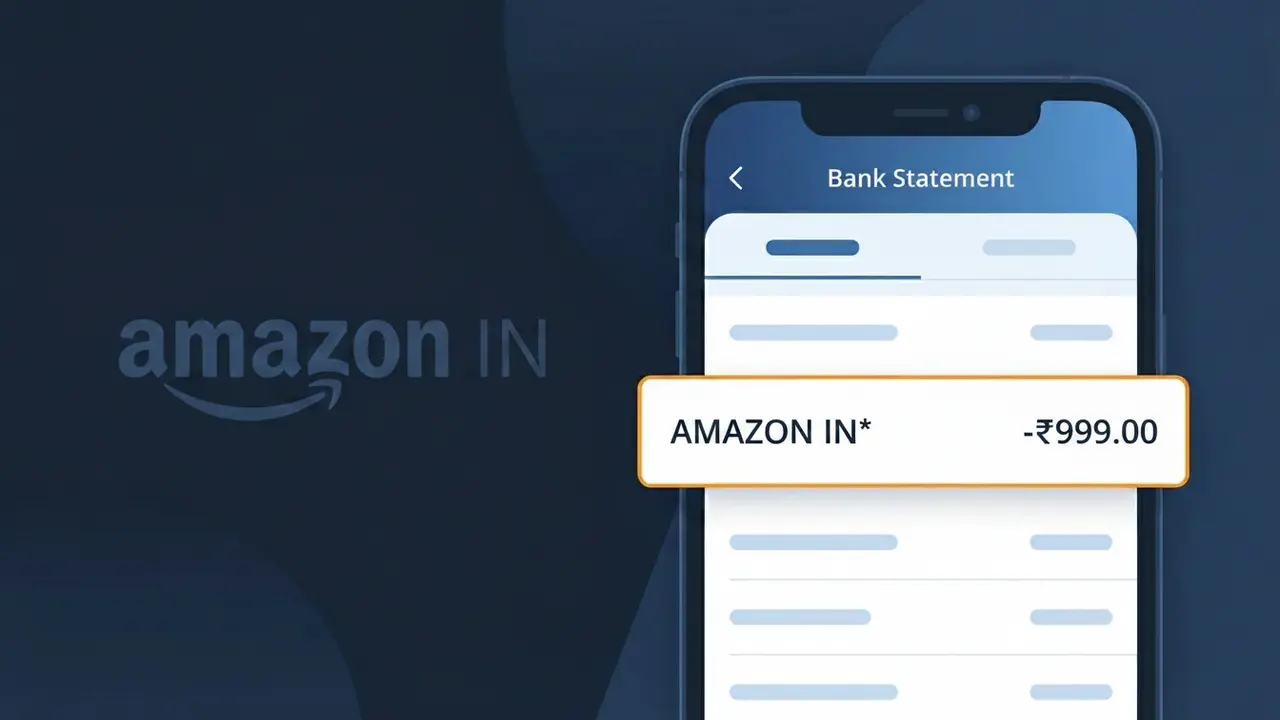
What Is "AMAZON IN*" on My Bank Statement?
The AMAZON IN* charge on your bank statement is a payment made to Amazon India (Amazon.in), the popular Indian e-commerce platform. This descriptor appears when you purchase products or services through the Amazon.in website or mobile app. The 'IN*' portion of the descriptor indicates a transaction processed through Amazon's Indian payment infrastructure. If you or someone with access to your account shops on Amazon.in, this charge is almost certainly a legitimate online purchase.
The AMAZON IN* descriptor appears on your bank statement because Amazon India uses a shortened transaction code to identify payments processed through its Indian e-commerce platform. Banks and payment processors have limited characters available for transaction descriptions, so Amazon uses this abbreviated format rather than displaying its full brand name. The 'IN*' prefix specifically helps distinguish Amazon India transactions from purchases made on Amazon's platforms in other countries, such as Amazon.com in the United States.
ℹ️ Note
In most cases, seeing "AMAZON IN*" on your statement is completely normal. Before assuming fraud, check your recent purchases — most mystery charges have a simple explanation.
Is the AMAZON IN* Charge Legitimate or Fraud?
The AMAZON IN* charge on your bank or credit card statement is typically a legitimate transaction from AMAZON IN, Amazon's Indian marketplace (Amazon.in). This descriptor appears when you make purchases, subscribe to services like Amazon Prime India, or buy digital content through the platform.
Common legitimate reasons you might see AMAZON IN* include:
- Product purchases made on Amazon.in
- Amazon Prime India membership fees billed by AMAZON IN
- Digital content such as Kindle books, apps, or Amazon Music purchases
- Third-party seller orders fulfilled through the AMAZON IN platform
However, if you don't recognize the charge, it may indicate unauthorized use of your account or a family member's purchase. Always verify before assuming fraud.
How to Verify the AMAZON IN* Charge
- 1
Log into your Amazon.in account
Visit Amazon.in and go to 'Returns & Orders' to review recent purchases. Match the AMAZON IN* charge amount and date to a specific order in your history.
- 2
Search your email for AMAZON IN receipts
Search your inbox for emails from 'amazon.in' or 'auto-confirm@amazon.in'. Order confirmation emails will show the exact amount matching the AMAZON IN* charge.
- 3
Check household or family members
If you share an Amazon.in account or have Amazon Household set up, a family member may have made the purchase that triggered the AMAZON IN* charge.
- 4
Review your Amazon Prime and subscriptions
Go to 'Manage Your Prime Membership' on Amazon.in to check if the AMAZON IN* charge aligns with a subscription renewal date or plan change.
- 5
Contact your bank for transaction details
Ask your bank for the full merchant details behind the AMAZON IN* charge, including the transaction ID, which can help you trace it in your Amazon.in order history.
How to Dispute an AMAZON IN* Charge
- 1
Act within 60 days of the charge
Most banks require disputes to be filed within 60 days of the AMAZON IN* charge appearing on your statement. Act quickly to preserve your right to a chargeback.
- 2
Contact AMAZON IN customer support first
Reach out to Amazon.in customer service via chat or phone at 1800-3000-9009. AMAZON IN can often issue a refund directly, which is faster than a bank dispute.
- 3
File a chargeback with your bank
If AMAZON IN refuses a refund, contact your bank or card issuer to file a formal chargeback. Provide your order details and any correspondence with AMAZON IN as evidence.
- 4
Request a new card if fraud is suspected
If you believe the AMAZON IN* charge is fraudulent and your card details were compromised, ask your bank to cancel your current card and issue a replacement immediately.
Tips for Managing AMAZON IN* Charges
Enable transaction alerts from your bank to get notified instantly whenever an AMAZON IN* charge is processed.
Regularly review your Amazon.in order history to reconcile every AMAZON IN* charge on your statement.
Secure your AMAZON IN account with a strong password and enable two-step verification to prevent unauthorized charges.
Note your Amazon Prime India renewal date to anticipate the annual or monthly AMAZON IN* billing cycle.
Use a virtual card number for Amazon.in purchases to limit exposure if your payment details are ever compromised.
Use WhatIsThisCharge.net to identify related charges from AMAZON IN or similar merchant descriptors on your statement.
Frequently Asked Questions About AMAZON IN* Charges
🔍 Decode this charge instantly
Search our database for AMAZON IN* and similar charges.
Decode AMAZON IN* →Was this article helpful?