Why You're Seeing "AMAZON IT*" on Your Bank Statement
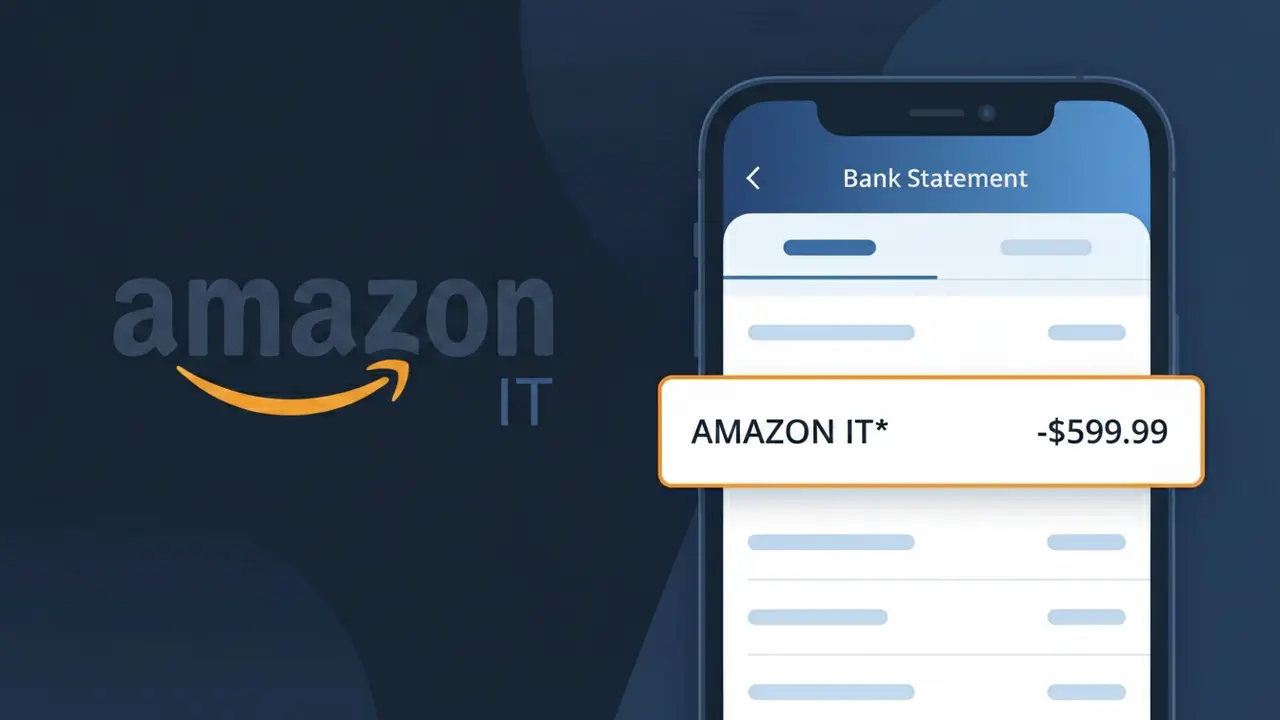
What Is "AMAZON IT*" on My Bank Statement?
The AMAZON IT* charge on your bank statement comes from Amazon Italy, the Italian version of the popular Amazon marketplace. This descriptor typically appears when you've made a purchase or signed up for a subscription through Amazon's Italian platform at amazon.it. The 'IT' in the charge descriptor identifies the transaction as originating from Amazon's Italian operations, distinguishing it from other regional Amazon entities. If you shop on Amazon Italy or have an active Prime Italy subscription, this is the charge you'll see reflected on your statement.
The AMAZON IT* descriptor appears on your bank statement because payment processors use standardized shortened codes to identify merchants, with the 'IT' suffix specifically indicating the Italian regional division of Amazon. Amazon operates separate marketplace entities across different countries, each with its own billing identifier, which is why an Italian purchase shows differently than one from Amazon US or Amazon UK. The asterisk following 'AMAZON IT' is a common formatting convention used by card networks to separate the merchant identifier from additional transaction details such as an order number or product category.
ℹ️ Note
In most cases, seeing "AMAZON IT*" on your statement is completely normal. Before assuming fraud, check your recent purchases — most mystery charges have a simple explanation.
Is the AMAZON IT* Charge Legitimate or Fraud?
If you've spotted AMAZON IT* on your bank or credit card statement, this charge most commonly originates from AMAZON IT — Amazon's Italian marketplace (amazon.it). It typically appears when you've made a purchase, renewed a subscription such as Amazon Prime Italy, or been charged for a digital service through Amazon's Italian platform.
- You or a household member recently ordered a product on amazon.it
- An Amazon Prime Italy membership renewed automatically
- A digital purchase (Kindle, music, video) was made via the Italian Amazon storefront
- A free trial on AMAZON IT converted to a paid subscription without a reminder
While most AMAZON IT* charges are legitimate, unauthorized charges can occur if your payment credentials were compromised. Always verify the exact amount against your Amazon Italy order history before concluding it is fraudulent.
How to Verify the AMAZON IT* Charge
- 1
Log into your Amazon Italy account
Visit amazon.it and sign in, then navigate to 'Returns & Orders' to check if the AMAZON IT* charge matches a recent purchase or subscription renewal.
- 2
Search your email for AMAZON IT receipts
Search your inbox for emails from amazon.it or 'noreply@amazon.it' — AMAZON IT sends order confirmations and subscription renewal notices that should match the charge amount.
- 3
Check all household members
Ask family members or anyone sharing your Amazon account if they made a purchase on amazon.it, as shared payment methods can trigger an unexpected AMAZON IT* charge.
- 4
Review your Amazon subscriptions
Go to 'Account & Lists' > 'Memberships & Subscriptions' on amazon.it to see all active plans, including Amazon Prime Italy, that could generate a recurring AMAZON IT* charge.
- 5
Contact your bank for transaction details
Ask your bank for the full merchant descriptor of the AMAZON IT* charge — the exact date, amount, and last four digits can help you pinpoint the exact AMAZON IT transaction.
How to Dispute an AMAZON IT* Charge
- 1
Act within 60 days of the charge
Most banks require you to dispute an unrecognized AMAZON IT* charge within 60 days of the statement date, so act quickly to preserve your chargeback rights.
- 2
Contact AMAZON IT customer service first
Reach out to Amazon Italy support via amazon.it/contact-us — resolving directly with AMAZON IT is faster than a bank dispute and may result in an immediate refund for valid claims.
- 3
File a chargeback with your bank
If AMAZON IT does not resolve the issue, contact your bank or card issuer to file a formal chargeback, citing the AMAZON IT* charge as unauthorized or unrecognized.
- 4
Request a new card number
If you suspect your card details were stolen and used on AMAZON IT, ask your bank to cancel your current card and issue a new one to prevent further unauthorized AMAZON IT* charges.
Tips for Managing AMAZON IT* Charges
Enable purchase notifications on your bank app so every AMAZON IT* charge triggers an instant alert.
Keep a monthly log of your amazon.it orders to quickly reconcile any AMAZON IT* line items on your statement.
Secure your AMAZON IT account with a strong, unique password and enable two-factor authentication to prevent unauthorized charges.
Note your Amazon Prime Italy renewal date to anticipate the annual or monthly AMAZON IT* billing cycle on your card.
Use a dedicated virtual card for AMAZON IT purchases so you can freeze it instantly if suspicious charges appear.
Use WhatIsThisCharge.net to identify related charges that may appear alongside AMAZON IT* on your statement.
Frequently Asked Questions About the AMAZON IT* Charge
🔍 Decode this charge instantly
Search our database for AMAZON IT* and similar charges.
Decode AMAZON IT* →Was this article helpful?