Why You're Seeing "AMAZON PRIME BR*" on Your Bank Statement
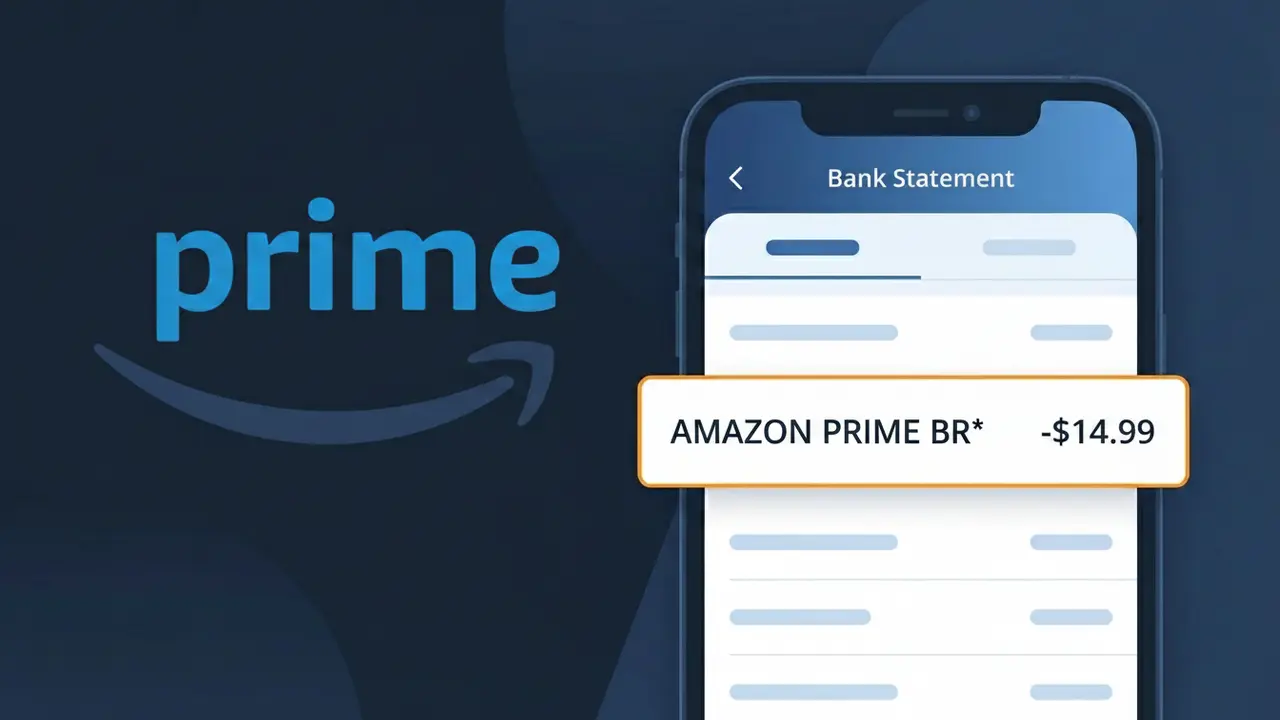
What Is "AMAZON PRIME BR*" on My Bank Statement?
The AMAZON PRIME BR* charge on your bank statement comes from Amazon Prime Brasil, the Brazilian subscription tier of Amazon's popular Prime membership service. This charge represents your recurring Amazon Prime subscription fee, which bundles benefits such as fast shipping, access to Prime Video streaming, Prime Music, and exclusive deals on Amazon.com.br. The 'BR*' suffix in the descriptor indicates the transaction originates from Amazon's Brazilian operation. If you see this charge and weren't expecting it, it's worth checking whether a free trial recently converted to a paid plan or if a family member signed up using your payment method.
The descriptor AMAZON PRIME BR* appears on your bank statement because payment processors use standardized merchant codes that often differ from the brand's public-facing name, and the 'BR*' suffix is used to distinguish Amazon's Brazilian entity from its operations in other countries. Amazon registers its subscriptions under this shortened format to comply with payment network requirements and to identify the specific regional subsidiary processing the charge. This is completely normal and does not indicate any fraudulent activity.
ℹ️ Note
In most cases, seeing "AMAZON PRIME BR*" on your statement is completely normal. Before assuming fraud, check your recent purchases — most mystery charges have a simple explanation.
Is the AMAZON PRIME BR* Charge Legitimate or Fraud?
The AMAZON PRIME BR* charge on your bank or credit card statement is most commonly a legitimate recurring billing from AMAZON PRIME BR, which refers to Amazon Prime membership fees processed through Amazon's Brazilian operations. This charge appears when you have an active Amazon Prime subscription associated with an Amazon.com.br account, and the billing descriptor 'AMAZON PRIME BR*' is the official way this charge is identified by financial institutions.
Here are the most common reasons you might see this charge:
- You have an active Amazon Prime Brazil subscription billed monthly or annually
- A free trial of Amazon Prime BR converted to a paid membership without a reminder
- A family member or household user signed up for Amazon Prime using your payment method
- You switched payment cards and Amazon Prime BR auto-updated billing to your new card
However, if you do not recognize the charge at all and have no connection to Amazon Brazil, it is worth investigating further, as unauthorized use of your card details is possible. Always cross-check with your Amazon account before disputing the charge.
How to Verify the AMAZON PRIME BR* Charge
- 1
Log into your Amazon.com.br account
Visit amazon.com.br and sign in. Go to 'Account & Lists' then 'Prime Membership' to see if AMAZON PRIME BR has an active subscription tied to your account.
- 2
Search your email for AMAZON PRIME BR receipts
Search your inbox for emails from Amazon containing 'Prime' or 'amazon.com.br'. Billing confirmation emails from AMAZON PRIME BR will show the exact charge amount and date.
- 3
Check all household members
Ask family members or anyone with access to your payment details if they signed up for AMAZON PRIME BR, as Amazon allows multiple users on shared payment methods.
- 4
Review your subscription and payment settings
In your Amazon account, navigate to 'Manage Your Prime Membership' to confirm whether AMAZON PRIME BR* is listed as an active recurring charge on your card.
- 5
Contact your bank for transaction details
If you still cannot identify the AMAZON PRIME BR* charge, call the number on the back of your card and ask for the full merchant details and transaction timestamp for verification.
How to Dispute an AMAZON PRIME BR* Charge
- 1
Act within 60 days of the charge
Most banks require disputes to be filed within 60 days of the AMAZON PRIME BR* charge appearing on your statement. Acting quickly protects your right to a chargeback.
- 2
Contact AMAZON PRIME BR customer support first
Reach out to Amazon Brazil customer service at amazon.com.br/help. Explain you do not recognize the AMAZON PRIME BR* charge — they can often issue a refund directly, which is faster than a bank dispute.
- 3
File a chargeback with your bank
If AMAZON PRIME BR does not resolve the issue, contact your bank or credit card issuer to file a formal chargeback, providing your statement showing the AMAZON PRIME BR* transaction.
- 4
Request a new card number
If the AMAZON PRIME BR* charge appears fraudulent, ask your bank to issue a new card number immediately to prevent any further unauthorized charges from recurring.
Tips for Managing AMAZON PRIME BR* Charges
Enable billing alerts on your bank app to get notified the moment AMAZON PRIME BR* posts a charge.
Review your Amazon.com.br membership page monthly to confirm your Prime plan and billing amount are correct.
Secure your AMAZON PRIME BR account with a strong password and two-factor authentication to prevent unauthorized subscriptions.
Note your AMAZON PRIME BR renewal date so you are never surprised by the annual or monthly billing cycle.
Use a virtual card number for AMAZON PRIME BR subscriptions to limit exposure if your payment details are compromised.
Use WhatIsThisCharge.net to identify related charges that may appear alongside AMAZON PRIME BR* on your statement.
Frequently Asked Questions About the AMAZON PRIME BR* Charge
🔍 Decode this charge instantly
Search our database for AMAZON PRIME BR* and similar charges.
Decode AMAZON PRIME BR* →Was this article helpful?