Why You're Seeing "AMAZON PRIME*" on Your Bank Statement
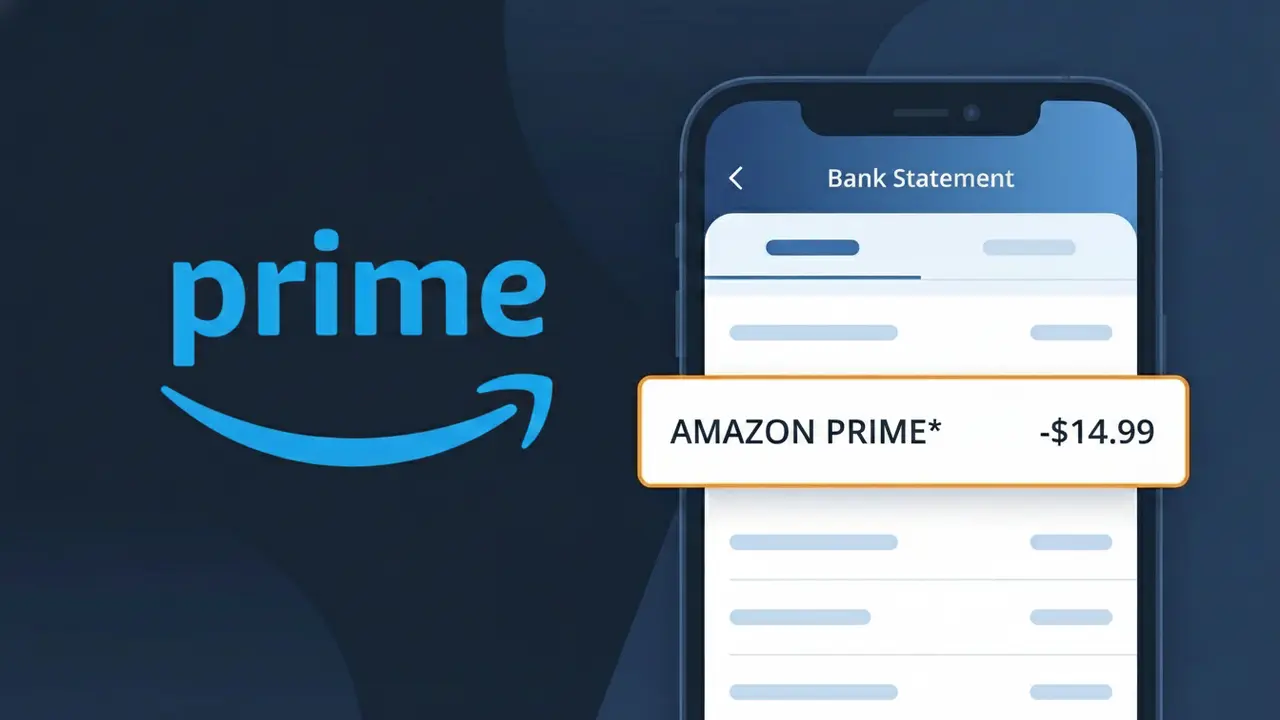
What Is "AMAZON PRIME*" on My Bank Statement?
The AMAZON PRIME* charge on your bank statement comes from Amazon Prime Video, the popular streaming service offering movies, TV shows, and original content. This charge represents your recurring subscription fee for access to Amazon's vast streaming library. It typically appears monthly or annually depending on the billing cycle you selected when signing up. If you see AMAZON PRIME* and don't recognize it, someone in your household may have signed up, or you may have forgotten about a free trial that converted to a paid subscription.
The descriptor AMAZON PRIME* appears on your bank statement because Amazon uses a truncated billing identifier that combines the brand name with an asterisk, which is a common practice among large subscription services to flag recurring charges. Payment processors often shorten or standardize merchant names to fit within character limits imposed by banking systems, which is why you may not see the full "Amazon Prime Video" name. The asterisk following AMAZON PRIME* is typically used to indicate that this is a subscription-based or recurring transaction.
ℹ️ Note
In most cases, seeing "AMAZON PRIME*" on your statement is completely normal. Before assuming fraud, check your recent purchases — most mystery charges have a simple explanation.
Is the AMAZON PRIME* Charge Legitimate or Fraud?
If you see AMAZON PRIME* on your bank or credit card statement, it is most likely a legitimate charge from AMAZON PRIME, Amazon's subscription membership service. This charge typically appears when you are billed for your monthly or annual Prime membership, which includes benefits like free shipping, Prime Video, Prime Music, and more.
Common legitimate reasons you may see the AMAZON PRIME* charge include:
- Your monthly Amazon Prime membership fee (currently $14.99/month in the US)
- Your annual Amazon Prime membership renewal ($139/year in the US)
- A free trial of Amazon Prime that has converted to a paid subscription
- A Prime membership purchased as a gift or shared through Amazon Household
However, if you do not recall signing up for Amazon Prime or sharing your payment details, it is worth investigating further, as unauthorized charges do occasionally occur.
How to Verify the AMAZON PRIME* Charge
- 1
Log into your Amazon account
Visit amazon.com and sign in. Navigate to 'Account & Lists' > 'Prime Membership' to confirm whether you have an active Amazon Prime subscription and check your billing date.
- 2
Search your email for receipts
Search your inbox for emails from 'amazon.com' or 'no-reply@amazon.com' containing 'Prime membership' to find a corresponding receipt that matches the AMAZON PRIME* charge on your statement.
- 3
Check Amazon Household members
If you share an Amazon Household, another member may have triggered the AMAZON PRIME* charge. Go to amazon.com/myh/manage to review all members linked to your account.
- 4
Review your Amazon order and subscription history
Go to 'Account & Lists' > 'Your Account' > 'Memberships & Subscriptions' to see all active Amazon subscriptions, including any Prime trials that may have converted to paid plans.
- 5
Contact your bank for transaction details
If you still cannot place the AMAZON PRIME* charge, call your bank and ask for the full merchant details, including the transaction date and amount, to compare against your Amazon billing history.
How to Dispute an AMAZON PRIME* Charge
- 1
Act within 60 days of the charge
Credit card dispute rights under the Fair Credit Billing Act require you to report unauthorized AMAZON PRIME* charges within 60 days of the statement date. Don't delay if you believe the charge is fraudulent.
- 2
Contact Amazon Prime customer support first
Visit amazon.com/contact-us or call 1-888-280-4331 to speak with an Amazon representative. Explain the unauthorized AMAZON PRIME* charge — Amazon often issues refunds quickly for accidental or unwanted Prime memberships.
- 3
Cancel your Amazon Prime membership
If you did not intend to subscribe, cancel immediately at amazon.com/prime to prevent future AMAZON PRIME* charges. Amazon may offer a prorated refund if you have not used Prime benefits in the current billing period.
- 4
File a chargeback with your bank
If Amazon refuses to refund the AMAZON PRIME* charge and you believe it is unauthorized, contact your bank or credit card issuer to file a formal chargeback dispute. Provide all documentation including emails and account screenshots.
Tips for Managing AMAZON PRIME* Charges
Set a calendar reminder before your Amazon Prime renewal date to avoid surprise AMAZON PRIME* charges on your statement.
Regularly review your Amazon subscriptions at amazon.com/your-memberships to ensure you're only paying for services you actively use.
Secure your Amazon Prime account with a strong password and two-factor authentication to prevent unauthorized AMAZON PRIME* charges.
Note whether you're billed monthly ($14.99) or annually ($139) for Amazon Prime so you can anticipate when AMAZON PRIME* will appear on statements.
Enable transaction alerts on your bank account so you're notified the moment any AMAZON PRIME* charge is processed.
Use WhatIsThisCharge.net to identify related charges that may appear alongside AMAZON PRIME* on your bank statement.
Frequently Asked Questions About the AMAZON PRIME* Charge
🔍 Decode this charge instantly
Search our database for AMAZON PRIME* and similar charges.
Decode AMAZON PRIME* →Was this article helpful?