Why You're Seeing "AMAZON SE*" on Your Bank Statement
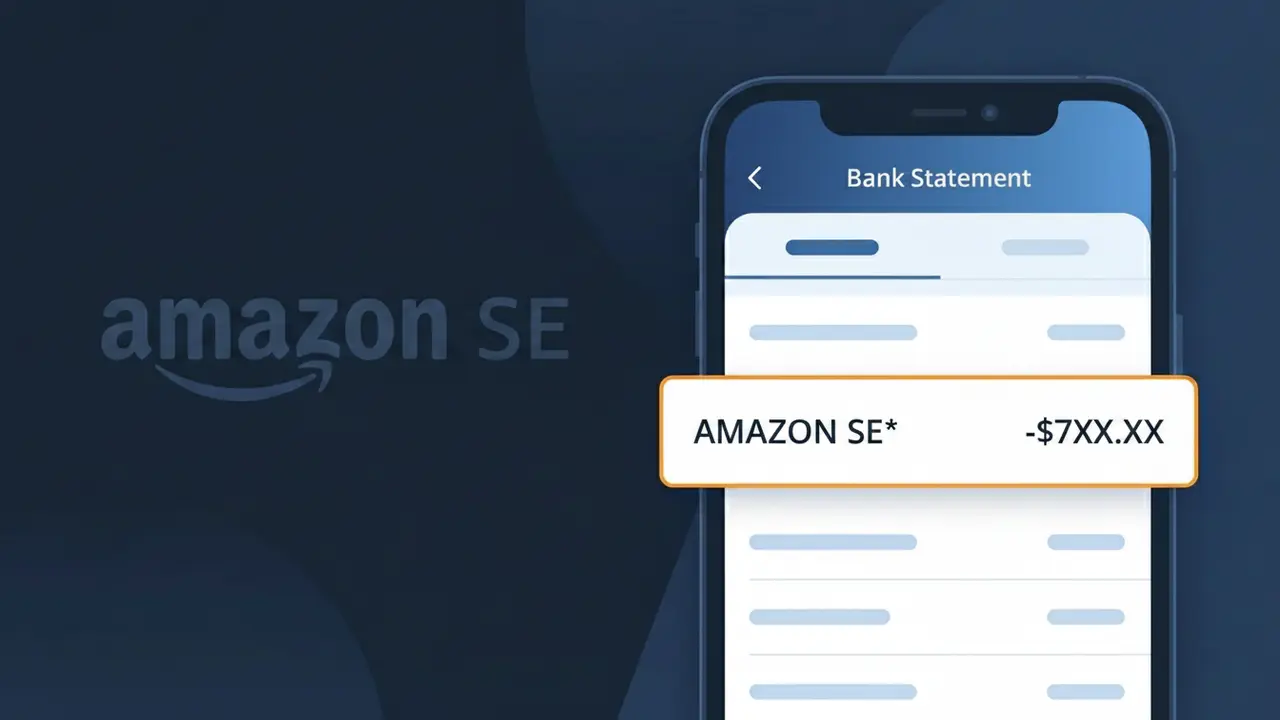
What Is "AMAZON SE*" on My Bank Statement?
The AMAZON SE* charge on your bank statement comes from Amazon Sweden, the Swedish branch of the global Amazon marketplace. This descriptor appears when you make a purchase or sign up for a subscription through Amazon's Swedish platform at amazon.se. Whether you bought a product, renewed an Amazon Prime membership, or purchased a digital service, this charge reflects a legitimate transaction processed through Amazon's Swedish payment system. If you see AMAZON SE* followed by additional characters or numbers, those typically reference a specific order or transaction identifier.
The AMAZON SE* descriptor appears on your bank statement because Amazon Sweden processes payments through a merchant account registered under this abbreviated code, which is how their Swedish payment processor identifies the transaction to your bank. Payment networks have strict character limits for merchant descriptors, so Amazon uses a shortened regional code — 'SE' indicating Sweden — rather than displaying their full brand name. This is a standard practice among large international retailers who operate localized storefronts across multiple countries, each with their own regional payment identifier.
ℹ️ Note
In most cases, seeing "AMAZON SE*" on your statement is completely normal. Before assuming fraud, check your recent purchases — most mystery charges have a simple explanation.
Is the AMAZON SE* Charge Legitimate or Fraud?
If you see AMAZON SE* on your bank or credit card statement, this charge typically originates from AMAZON SE, which refers to Amazon's operations in Sweden (SE is the country code for Sweden). This charge is most commonly legitimate and appears when you've made a purchase, subscribed to a service, or have an active Amazon Prime membership billed through Amazon's Swedish entity.
Common legitimate reasons you may see AMAZON SE* on your statement include:
- A product purchase made on Amazon.se, Amazon's Swedish marketplace
- An Amazon Prime subscription billed through AMAZON SE
- A Kindle, Audible, or digital content purchase routed through the Swedish Amazon entity
- A family member or household user making purchases linked to your payment method on Amazon.se
However, if you do not recognize the charge and have never used Amazon's Swedish platform, it is worth investigating further, as unauthorized charges using the AMAZON SE* descriptor have been reported by some users.
How to Verify the AMAZON SE* Charge
- 1
Log into your Amazon account
Visit amazon.se or your regional Amazon account and navigate to 'Returns & Orders' to review recent purchases. Look for any order amounts matching the AMAZON SE* charge on your statement.
- 2
Search your email for AMAZON SE receipts
Search your inbox for emails from amazon.se or no-reply@amazon.se. AMAZON SE sends order confirmations and subscription renewal notices that will match the charge date and amount.
- 3
Check all household members
Ask family members or anyone who has access to your Amazon account whether they made a purchase on Amazon.se that would appear as AMAZON SE* on your statement.
- 4
Review your Amazon subscriptions
Go to your Amazon account, then 'Memberships & Subscriptions' to see if Amazon Prime or any other AMAZON SE service is actively billing your card on a recurring basis.
- 5
Contact your bank for details
Ask your bank for the full merchant details behind the AMAZON SE* transaction, including the exact merchant ID and transaction date, to help pinpoint the source of the charge.
How to Dispute an AMAZON SE* Charge
- 1
Act within 60 days
Most banks require you to dispute an unrecognized AMAZON SE* charge within 60 days of the statement date. Act quickly to preserve your right to a chargeback.
- 2
Contact AMAZON SE directly first
Reach out to Amazon Customer Service at amazon.se/contact-us and explain the unrecognized AMAZON SE* charge. Amazon can often issue an immediate refund for unauthorized or mistaken charges.
- 3
File a chargeback with your bank
If AMAZON SE does not resolve the issue, contact your bank or card issuer to file a formal chargeback dispute for the AMAZON SE* transaction, providing any evidence you have gathered.
- 4
Request a new card number
If you believe the AMAZON SE* charge is fraudulent and your card details were compromised, ask your bank to cancel and reissue your card to prevent further unauthorized charges.
Tips for Managing AMAZON SE* Charges
Set up bank alerts for any new AMAZON SE* charges so you're notified immediately when a transaction posts.
Keep a record of all your Amazon.se orders and subscription dates to quickly match any AMAZON SE* charge.
Secure your AMAZON SE account with a strong password and two-factor authentication to prevent unauthorized purchases.
Note your AMAZON SE subscription renewal dates to avoid surprise AMAZON SE* charges on your billing cycle.
Use a dedicated virtual card number for Amazon.se purchases to limit exposure if your card details are compromised.
Use WhatIsThisCharge.net to identify related charges that may appear alongside AMAZON SE* on your statement.
Frequently Asked Questions About the AMAZON SE* Charge
🔍 Decode this charge instantly
Search our database for AMAZON SE* and similar charges.
Decode AMAZON SE* →Was this article helpful?