Why You're Seeing "AMAZON SG*" on Your Bank Statement
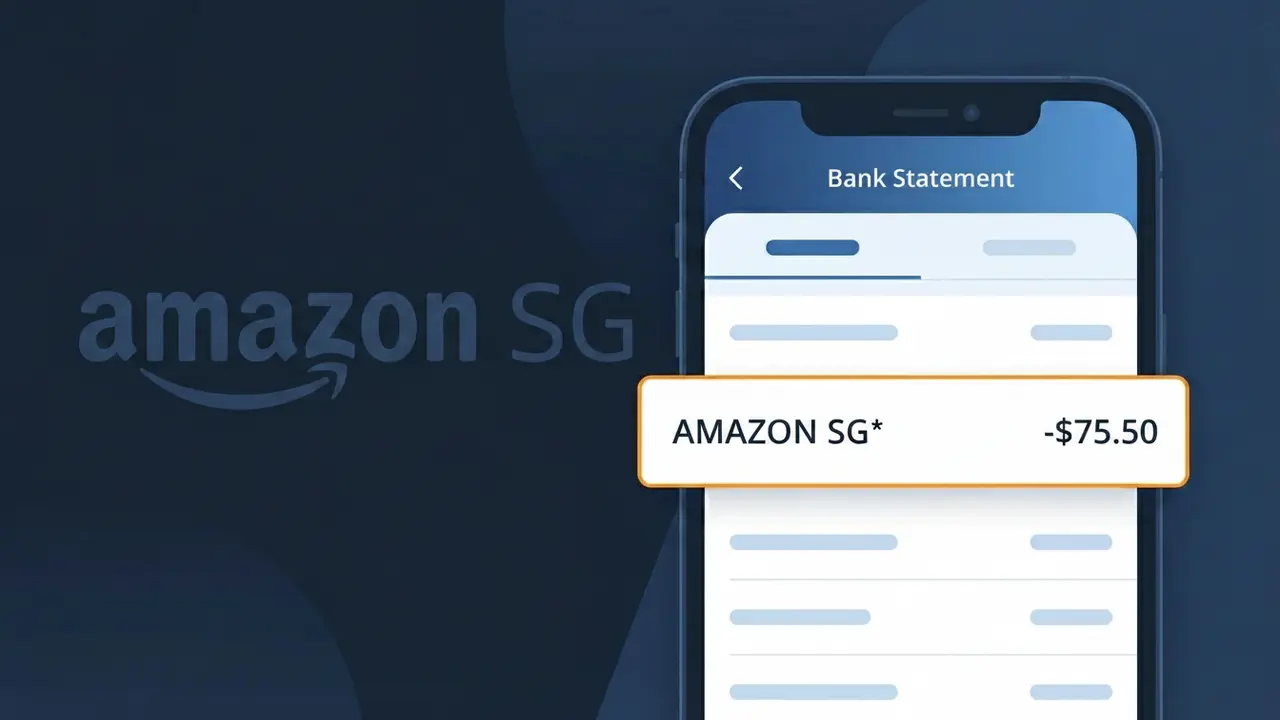
What Is "AMAZON SG*" on My Bank Statement?
The AMAZON SG* charge on your bank statement comes from Amazon Singapore, the regional arm of the global Amazon marketplace serving customers in Southeast Asia. This descriptor typically appears when you make a purchase on Amazon.sg or are billed for an Amazon subscription service such as Prime. The 'SG' portion of the descriptor indicates the transaction was processed through Amazon's Singapore entity, and the asterisk is commonly followed by additional order or product details. If you've recently shopped on Amazon Singapore or signed up for any Amazon service, this charge is almost certainly legitimate.
Amazon processes payments through its local regional entities, which means purchases made on Amazon.sg are billed under the AMAZON SG* descriptor rather than simply showing 'Amazon' on your statement. The asterisk in AMAZON SG* is a standard billing convention used by Amazon to separate the company identifier from additional transaction details such as a partial order number or product category. This truncated format is a result of character limits imposed by payment processing networks, which is why you may not see the full Amazon brand name spelled out.
ℹ️ Note
In most cases, seeing "AMAZON SG*" on your statement is completely normal. Before assuming fraud, check your recent purchases — most mystery charges have a simple explanation.
Is AMAZON SG* Legitimate or Fraud?
The AMAZON SG* charge on your bank or credit card statement is typically a legitimate transaction processed by AMAZON SG, which is Amazon's Singapore marketplace (amazon.sg). This charge appears when you make purchases, subscribe to services like Prime, or have digital content billed through Amazon Singapore.
Common legitimate reasons you might see AMAZON SG* include:
- A product purchase made on Amazon.sg shipped within or from Singapore
- An Amazon Prime Singapore membership fee billed monthly or annually
- A Kindle eBook, digital app, or in-app purchase via Amazon SG
- A subscription to Amazon Music, Audible, or another Amazon SG digital service
If you do not recall making a purchase on Amazon Singapore, it could indicate an unauthorized transaction. Check your Amazon SG account order history and any household members who may share the account before concluding it is fraudulent.
How to Verify the AMAZON SG* Charge
- 1
Check your Amazon SG order history
Log into your account at amazon.sg and navigate to 'Returns & Orders' to match the AMAZON SG* charge amount and date to a specific order.
- 2
Search your email for receipts
Search your inbox for emails from 'auto-confirm@amazon.sg' or 'shipment-tracking@amazon.sg' that correspond to the AMAZON SG* charge date.
- 3
Review your Amazon SG subscriptions
Visit amazon.sg, go to 'Account & Lists' > 'Memberships & Subscriptions' to check if an Amazon Prime SG or other subscription triggered the charge.
- 4
Check with household members
Ask family members if they used a shared Amazon SG account or a linked payment method to make a purchase that generated the AMAZON SG* charge.
- 5
Contact your bank for details
If still unclear, call your bank and ask for the full merchant details behind the AMAZON SG* transaction, including the exact merchant ID and transaction timestamp.
How to Dispute an AMAZON SG* Charge
- 1
Act within 60 days
Most banks require disputes to be filed within 60 days of the statement date. Identify the AMAZON SG* charge quickly and begin the dispute process as soon as possible.
- 2
Contact AMAZON SG customer service first
Visit amazon.sg and go to 'Help' > 'Contact Us' to report the unauthorized or incorrect AMAZON SG* charge. Amazon SG can often resolve issues and issue refunds faster than a bank dispute.
- 3
File a chargeback with your bank
If AMAZON SG does not resolve the issue, contact your bank or card issuer to formally dispute the AMAZON SG* charge and request a chargeback for the unauthorized transaction.
- 4
Request a new card number
If the AMAZON SG* charge is confirmed fraudulent, ask your bank to cancel your compromised card and issue a new one to prevent further unauthorized charges.
Tips for Managing AMAZON SG Charges
Enable purchase notifications on your bank app so every new AMAZON SG* charge triggers an instant alert.
Regularly review your Amazon SG order history monthly to reconcile all AMAZON SG* charges on your statement.
Secure your Amazon SG account with a strong, unique password and enable two-factor authentication to prevent unauthorized charges.
Note your Amazon SG Prime renewal date to anticipate annual or monthly AMAZON SG* subscription billing charges.
Use a virtual card number for Amazon SG purchases to limit exposure if your payment details are ever compromised.
Use WhatIsThisCharge.net to identify related charges that may appear alongside AMAZON SG* on your statement.
Frequently Asked Questions About AMAZON SG*
🔍 Decode this charge instantly
Search our database for AMAZON SG* and similar charges.
Decode AMAZON SG* →Was this article helpful?