Why You're Seeing "AMAZON *SUBSCRIPTION" on Your Bank Statement
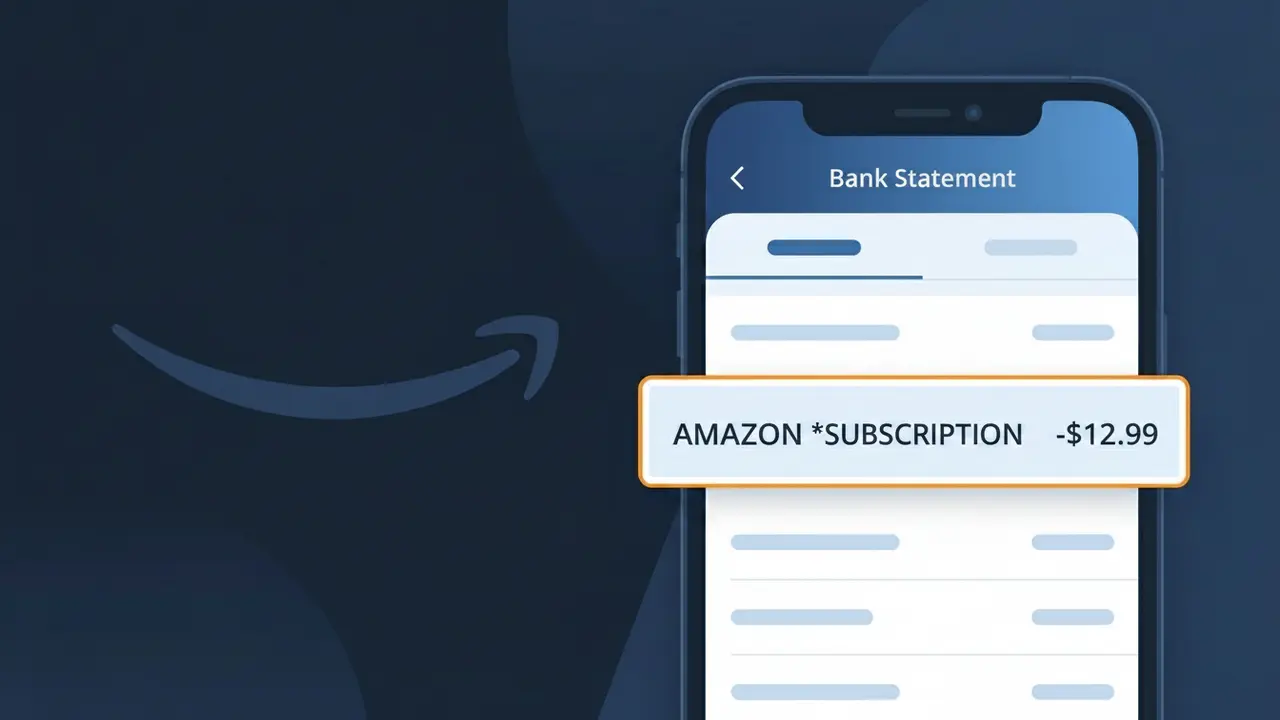
What Is "AMAZON *SUBSCRIPTION" on My Bank Statement?
The AMAZON *SUBSCRIPTION charge on your bank statement comes from Amazon and represents a recurring payment for one of their subscription-based services. This descriptor typically appears when you have signed up for services such as Amazon Prime, Kindle Unlimited, Audible, or other Amazon subscription offerings. If you see this charge and don't immediately recognize it, it may be tied to a free trial that has converted to a paid plan. Amazon uses this billing format to group subscription-related transactions under a single recognizable label.
Amazon uses the AMAZON *SUBSCRIPTION descriptor to distinguish recurring subscription payments from one-time purchases, making it easier for their billing systems to categorize different transaction types. The asterisk format is a common convention used by large retailers and platforms to append a service or product identifier to their company name on bank statements. This means that instead of seeing a specific service name like 'Amazon Prime,' your bank simply displays the broader AMAZON *SUBSCRIPTION label depending on how your financial institution processes and displays the transaction data.
ℹ️ Note
In most cases, seeing "AMAZON *SUBSCRIPTION" on your statement is completely normal. Before assuming fraud, check your recent purchases — most mystery charges have a simple explanation.
Is AMAZON *SUBSCRIPTION a Legitimate Charge?
The charge labeled AMAZON *SUBSCRIPTION on your bank or credit card statement is almost always a legitimate charge from Amazon for one of their subscription-based services. Amazon uses this descriptor to bill customers for recurring services such as Amazon Prime, Kindle Unlimited, Amazon Music Unlimited, Audible, or other digital subscriptions tied to your Amazon account.
- Amazon Prime membership billed monthly or annually will appear as AMAZON *SUBSCRIPTION
- Kindle Unlimited, Amazon Music Unlimited, and similar services use this same billing descriptor
- Free trials that convert to paid plans will trigger an AMAZON *SUBSCRIPTION charge
- Household members or family sharing plans linked to your payment method can generate this charge
While this charge is typically legitimate, unauthorized use of your payment method is possible. If you do not recognize the specific subscription, log into your Amazon account immediately to review your active memberships before assuming fraud.
How to Verify the AMAZON *SUBSCRIPTION Charge
- 1
Log into your Amazon account
Go to Amazon.com, sign in, and navigate to Account & Lists > Memberships & Subscriptions to see all active subscriptions tied to your account.
- 2
Search your email for Amazon receipts
Search your inbox for emails from amazon.com with the subject 'Your Amazon subscription' or 'Your Prime membership' to match the charge date and amount.
- 3
Check your Amazon order history
Visit Amazon's 'Returns & Orders' section and look under digital orders and subscriptions to find a transaction matching the AMAZON *SUBSCRIPTION charge on your statement.
- 4
Check with household members
Ask family members or roommates if they used your payment method to sign up for an Amazon service or accepted a free trial that has since converted to a paid plan.
- 5
Contact Amazon customer support
If you still cannot identify the charge, contact Amazon directly at amazon.com/help or call 1-888-280-4331 and reference the exact charge date and amount.
How to Dispute an AMAZON *SUBSCRIPTION Charge
- 1
Act within 60 days
Most banks require disputes to be filed within 60 days of the charge appearing on your statement. Locate the AMAZON *SUBSCRIPTION charge and note the exact date before proceeding.
- 2
Contact Amazon first
Reach out to Amazon customer service at amazon.com/help or 1-888-280-4331. Amazon can often issue a refund for unrecognized or unwanted subscription charges faster than a bank dispute.
- 3
File a chargeback with your bank
If Amazon refuses to refund the AMAZON *SUBSCRIPTION charge, call the number on the back of your card and file a formal chargeback, citing unauthorized or unrecognized billing.
- 4
Request a new card number
If you suspect fraud, ask your bank to issue a new card number so future unauthorized AMAZON *SUBSCRIPTION charges cannot be processed against your current payment method.
Tips for Managing AMAZON *SUBSCRIPTION Charges
Enable Amazon email notifications so you're alerted before each AMAZON *SUBSCRIPTION renewal date.
Audit your Amazon Memberships & Subscriptions page every few months to cancel any unused services.
Use a dedicated payment method for your Amazon account to easily spot AMAZON *SUBSCRIPTION charges.
Note your Amazon subscription billing cycle dates in a calendar to avoid surprise charges each month or year.
Enable two-factor authentication on your Amazon account to prevent unauthorized subscription sign-ups.
Use WhatIsThisCharge.net to identify related charges that may appear alongside AMAZON *SUBSCRIPTION.
Frequently Asked Questions About AMAZON *SUBSCRIPTION
🔍 Decode this charge instantly
Search our database for AMAZON *SUBSCRIPTION and similar charges.
Decode AMAZON *SUBSCRIPTION →Was this article helpful?