Why You're Seeing "AMAZON UK*" on Your Bank Statement
What Is "AMAZON UK*" on My Bank Statement?
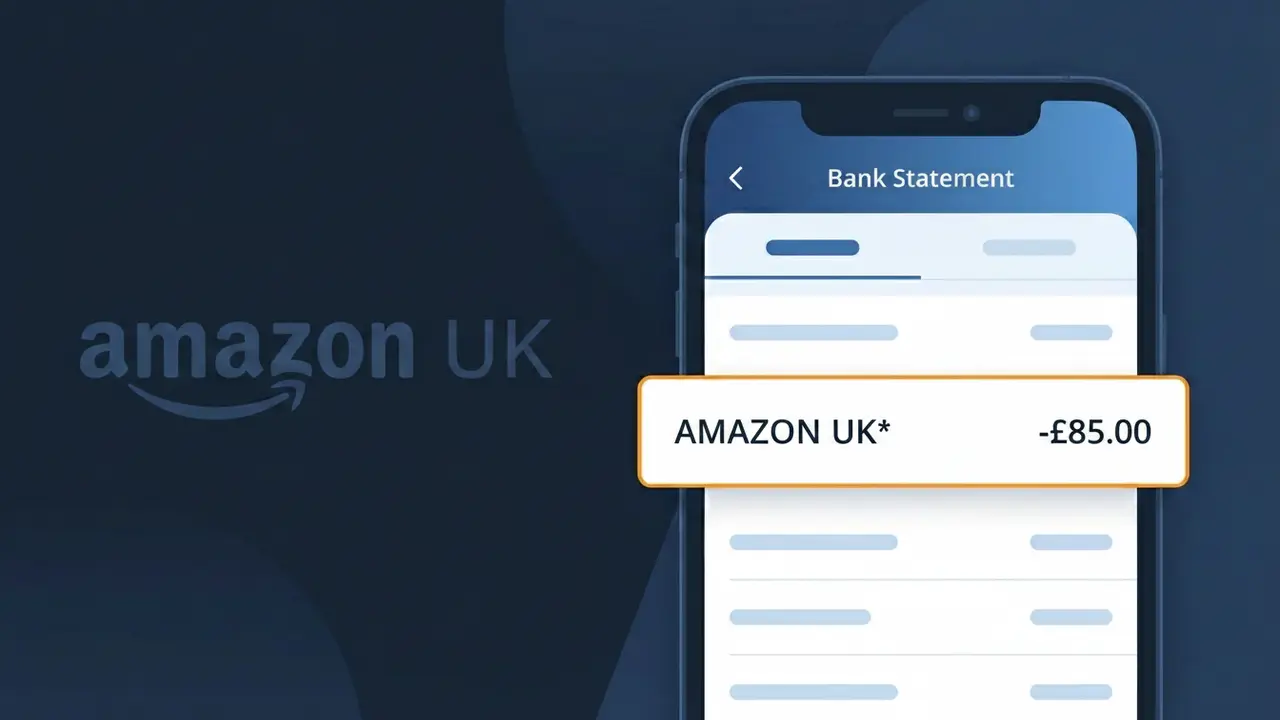
The AMAZON UK* charge on your bank statement is a purchase charge from Amazon UK, the British arm of the global retail giant Amazon. This descriptor appears when you buy products or services through Amazon.co.uk, whether from Amazon directly or from third-party marketplace sellers. You may also see this charge if you have an active Amazon Prime subscription or have recently downloaded digital content via Amazon's UK platform. If you spot AMAZON UK* on your statement, it almost certainly relates to a recent transaction you made on the Amazon UK website or app.
The descriptor AMAZON UK* is used by Amazon's payment processing system to identify transactions originating from its UK-based platform, Amazon.co.uk. Rather than displaying the full brand name, banks and card networks truncate or standardise the merchant name, which is why you see AMAZON UK* instead of simply 'Amazon'. This shortened format is a standard practice among high-volume retailers to ensure their charges are consistently categorised across different banking systems worldwide.
ℹ️ Note
In most cases, seeing "AMAZON UK*" on your statement is completely normal. Before assuming fraud, check your recent purchases — most mystery charges have a simple explanation.
Is the AMAZON UK* Charge Legitimate or Fraud?
If you've spotted AMAZON UK* on your bank or credit card statement, this charge almost always comes from a legitimate purchase or subscription through AMAZON UK, the British arm of Amazon's retail and digital services platform. Amazon uses the billing descriptor AMAZON UK* for a wide range of transactions including physical product orders, Prime membership fees, Kindle purchases, Amazon Music, Audible, and other digital services billed through the UK entity.
Common legitimate reasons you might see an AMAZON UK* charge include:
- A recent product order placed on Amazon.co.uk
- Your monthly or annual Amazon Prime UK subscription renewal
- A Kindle eBook, app, or in-app purchase made on an Amazon device
- An Amazon Music Unlimited or Prime Music subscription fee
- An Audible UK membership or audiobook purchase billed through AMAZON UK
- An Amazon Kids+ or Alexa skill subscription tied to your UK account
While the charge is usually legitimate, fraudulent use of your card details is possible. If you do not recognise the exact amount or timing of an AMAZON UK* charge, take steps to verify it before assuming it is genuine.
How to Verify the AMAZON UK* Charge
- 1
Check your Amazon UK order history
Log into your account at amazon.co.uk, go to 'Returns & Orders', and look for any recent purchases or subscriptions whose total matches the AMAZON UK* charge on your statement.
- 2
Search your email for Amazon UK receipts
Search your inbox for emails from 'no-reply@amazon.co.uk' or 'auto-confirm@amazon.co.uk'. Amazon UK sends an order confirmation and a dispatch email for every transaction, making it easy to match the charge.
- 3
Review your Amazon UK subscriptions
Visit amazon.co.uk, go to Account > Memberships & Subscriptions, and check all active services including Prime, Audible, Amazon Music Unlimited, and Amazon Kids+ that could generate an AMAZON UK* charge.
- 4
Check if a household member made the purchase
If you share an Amazon Household with a partner or family member, their purchases on the shared payment method will also appear as AMAZON UK* on your bank statement.
- 5
Contact Amazon UK customer support
If you still cannot identify the charge, contact AMAZON UK directly via amazon.co.uk/help. Their support team can look up any transaction billed under your card number and clarify the source.
How to Dispute an AMAZON UK* Charge
- 1
Act quickly — within 60 days
Most banks and card providers require you to raise a dispute within 60 days of the statement date showing the AMAZON UK* charge. Do not wait, as delays can affect your eligibility for a chargeback.
- 2
Contact AMAZON UK directly first
Visit amazon.co.uk/help and use the chat or callback option to report an unrecognised AMAZON UK* charge. Amazon UK can often issue a refund faster than a formal bank dispute if the charge is an error.
- 3
File a chargeback with your bank
If AMAZON UK cannot resolve the issue, contact your bank or card provider and request a chargeback. Provide your statement showing the AMAZON UK* transaction, any email evidence, and a note that you disputed with Amazon first.
- 4
Request a new card number
If you believe your card details were used fraudulently to make an AMAZON UK* charge, ask your bank to cancel your current card and issue a new one to prevent further unauthorised transactions.
Tips for Managing AMAZON UK* Charges
Enable bank notifications so you're alerted instantly whenever a new AMAZON UK* charge posts to your account.
Regularly audit your AMAZON UK subscriptions under Account > Memberships to cancel any services you no longer use.
Secure your AMAZON UK account with two-factor authentication to prevent unauthorised purchases appearing as AMAZON UK* charges.
Note your Amazon Prime UK renewal date so an AMAZON UK* annual fee charge never catches you off guard.
Use a dedicated card for AMAZON UK purchases — limiting exposure makes spotting rogue AMAZON UK* charges much easier.
Use WhatIsThisCharge.net to identify related charges that may appear alongside AMAZON UK* on your statement.
Frequently Asked Questions About the AMAZON UK* Charge
🔍 Decode this charge instantly
Search our database for AMAZON UK* and similar charges.
Decode AMAZON UK* →Was this article helpful?