Why You're Seeing "AMAZON WEB SERVICES*" on Your Bank Statement
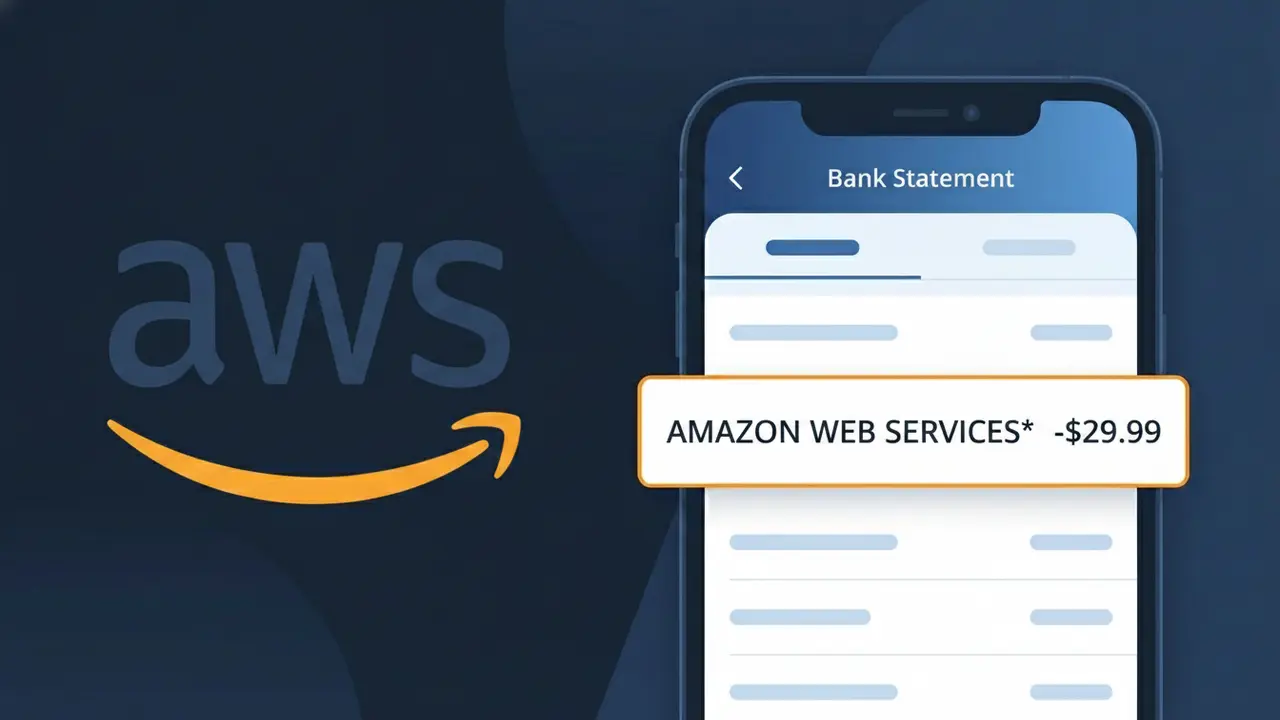
What Is "AMAZON WEB SERVICES*" on My Bank Statement?
The AMAZON WEB SERVICES* charge on your bank statement comes from Amazon Web Services (AWS), the cloud computing division of Amazon. This charge typically appears when you are using AWS services such as hosting, storage, databases, machine learning tools, or any of the hundreds of other cloud-based products AWS offers. AWS bills customers on a pay-as-you-go basis, meaning charges can vary month to month depending on your usage. If you or someone in your household signed up for an AWS account or free tier that has since expired, this could be the source of the charge.
The descriptor AMAZON WEB SERVICES* appears on your bank statement because AWS operates as a separate business entity from Amazon's retail storefront, and uses its own distinct billing identifier to differentiate cloud service charges from regular Amazon purchases. The asterisk (*) following the descriptor often indicates that additional information, such as an account ID or service region, may follow depending on your bank's character limit. This naming convention helps AWS customers and finance teams distinguish cloud infrastructure costs from other Amazon-related transactions.
ℹ️ Note
In most cases, seeing "AMAZON WEB SERVICES*" on your statement is completely normal. Before assuming fraud, check your recent purchases — most mystery charges have a simple explanation.
Is the AMAZON WEB SERVICES* Charge Legitimate or Fraud?
If you see AMAZON WEB SERVICES* on your bank or credit card statement, this charge is most likely legitimate and comes from Amazon Web Services (AWS), Amazon's cloud computing platform. AWS provides services like cloud storage, virtual servers, databases, and developer tools to businesses and individuals worldwide. The charge typically appears when you or someone with access to your payment method is using an AWS account with active cloud resources.
Common reasons you may see the AMAZON WEB SERVICES* charge include:
- You signed up for an AWS Free Tier account and exceeded the free usage limits
- You are running EC2 instances, S3 storage buckets, or other AWS cloud services
- A developer or business you work with added your card to their AWS billing account
- Your AWS Free Tier trial period ended and billing began automatically
- You subscribed to an AWS Marketplace product or third-party service billed through AWS
While most AMAZON WEB SERVICES* charges are legitimate, unauthorized charges can occur if your AWS account credentials were compromised or if someone else gained access to your payment information. Always verify before assuming the charge is fraudulent.
How to Verify the AMAZON WEB SERVICES* Charge
- 1
Log into your AWS Management Console
Visit aws.amazon.com and sign in to your Amazon Web Services account. Navigate to 'Billing and Cost Management' to view a detailed breakdown of all charges that correspond to the AMAZON WEB SERVICES* transaction on your statement.
- 2
Review your AWS Cost Explorer
Inside the AWS Billing dashboard, use the Cost Explorer tool to see exactly which services generated the AMAZON WEB SERVICES* charge, including EC2, S3, RDS, or Lambda usage, broken down by date and service type.
- 3
Search your email for AWS receipts
Look in your inbox for emails from no-reply@amazon.com or aws-receipts@amazon.com. Amazon Web Services sends monthly billing invoices that will match the AMAZON WEB SERVICES* amount on your bank statement.
- 4
Check with household members or colleagues
Ask family members or coworkers if they set up an Amazon Web Services account and used your payment card. AWS accounts are common among developers, students, and small business owners who may have added a shared card.
- 5
Contact AWS Support directly
If you cannot identify the charge, contact Amazon Web Services billing support at aws.amazon.com/contact-us. Their team can look up which account is associated with the AMAZON WEB SERVICES* charge on your card.
How to Dispute a AMAZON WEB SERVICES* Charge
- 1
Act within 60 days of the charge
Most banks require you to dispute an unauthorized AMAZON WEB SERVICES* charge within 60 days of the statement date. Check your card's dispute policy immediately and do not wait, as delays can forfeit your right to a chargeback.
- 2
Contact Amazon Web Services billing first
Before filing a bank dispute, reach out to Amazon Web Services at aws.amazon.com/contact-us. AWS billing support can often identify the source of the charge, issue a refund for erroneous billing, or help you close a compromised account faster than a bank dispute.
- 3
Secure your AWS account if compromised
If you believe your Amazon Web Services account was hacked, immediately change your password, enable multi-factor authentication, and terminate any unauthorized running resources to stop further AMAZON WEB SERVICES* charges from accumulating.
- 4
File a chargeback with your bank
If Amazon Web Services does not resolve the issue, contact your bank or credit card issuer to file a formal chargeback. Provide your communication records with AWS, screenshots of your billing console, and the exact AMAZON WEB SERVICES* charge details.
- 5
Request a new card number
If the AMAZON WEB SERVICES* charge was truly unauthorized and your card details were stolen, ask your bank to issue a replacement card with a new number to prevent any further fraudulent charges from Amazon Web Services or other merchants.
Tips for Managing AMAZON WEB SERVICES* Charges
Set AWS Billing Alerts in your Amazon Web Services account to get notified before AMAZON WEB SERVICES* charges exceed your budget.
Review your AWS Cost Explorer monthly to catch unexpected AMAZON WEB SERVICES* charges from forgotten running resources.
Enable MFA on your Amazon Web Services account to prevent unauthorized access that could trigger unexpected AMAZON WEB SERVICES* charges.
AWS bills on the first of each month for prior usage, so expect recurring AMAZON WEB SERVICES* charges around that date.
Use AWS IAM policies to restrict which services can be launched, limiting accidental or unauthorized AMAZON WEB SERVICES* charges.
Use WhatIsThisCharge.net to identify related charges that may appear alongside AMAZON WEB SERVICES* on your statement.
Frequently Asked Questions About the AMAZON WEB SERVICES* Charge
🔍 Decode this charge instantly
Search our database for AMAZON WEB SERVICES* and similar charges.
Decode AMAZON WEB SERVICES* →Was this article helpful?