Why You're Seeing "AMZ*" on Your Bank Statement
What Is "AMZ*" on My Bank Statement?
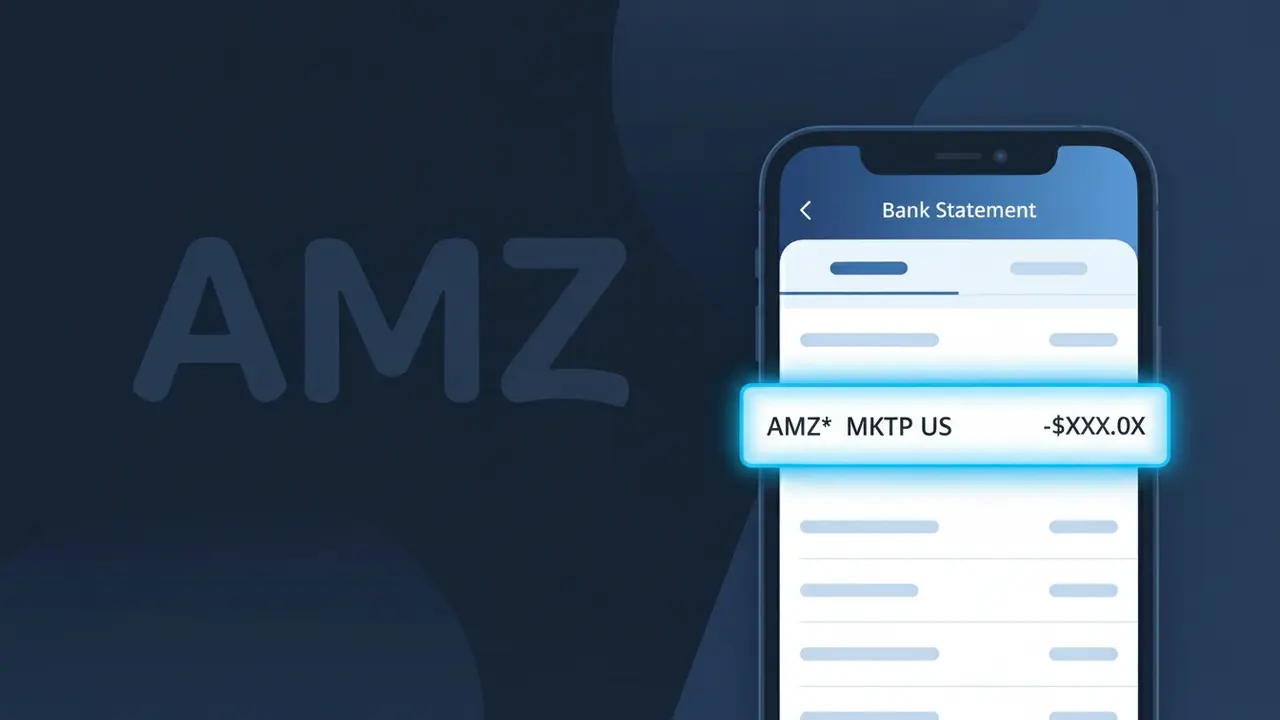
An AMZ* charge on your bank statement is a purchase made through Amazon, the world's largest online retailer. This descriptor is Amazon's shorthand billing code, and it typically appears followed by additional characters that help identify the specific transaction, such as a product type or order reference. You might see this charge after buying products directly from Amazon, subscribing to an Amazon service, or making a digital purchase through the platform. If you spot AMZ* on your statement, it almost certainly relates to something you ordered or subscribed to via Amazon.
Amazon uses the abbreviated billing descriptor AMZ* rather than its full company name because payment processors and banks limit the number of characters that can appear in a transaction description field. The AMZ* prefix allows Amazon to append additional identifying information, such as an order number or product category, within that restricted character space. This is standard practice for large retailers who process millions of transactions and need a consistent, recognizable short-code that still fits within banking system constraints.
ℹ️ Note
In most cases, seeing "AMZ*" on your statement is completely normal. Before assuming fraud, check your recent purchases — most mystery charges have a simple explanation.
Is the AMZ* Charge on Your Bank Statement Legitimate?
If you've spotted an AMZ* charge on your bank or credit card statement, it almost certainly originates from AMZ (Amazon). Amazon uses the prefix AMZ* for a wide range of transactions, including product purchases, Amazon Prime membership fees, Kindle content, Amazon Music, Audible, and AWS services.
- The AMZ* prefix is Amazon's official billing descriptor used across all its platforms and services.
- Common legitimate charges include Amazon Prime ($14.99/month or $139/year), one-time product orders, and digital content purchases.
- Family members or roommates sharing your payment method may have triggered an AMZ* charge without your knowledge.
- While most AMZ* charges are legitimate, fraudsters occasionally spoof this descriptor — verify any unexpected charge promptly.
How to Verify the AMZ* Charge on Your Statement
- 1
Log into your Amazon account
Visit amazon.com and go to 'Returns & Orders' or 'Account & Lists > Your Account > Order History' to match the AMZ* charge amount and date to a specific order or subscription.
- 2
Search your email for Amazon receipts
Search your inbox for emails from 'auto-confirm@amazon.com' or 'payments@amazon.com' around the date the AMZ* charge appeared on your statement.
- 3
Check your Amazon subscriptions
In your Amazon account, navigate to 'Memberships & Subscriptions' to see all active plans — including Prime, Kindle Unlimited, or Amazon Music — that could be generating the AMZ* charge.
- 4
Ask household members
If your card is linked to a shared Amazon household or Amazon Family plan, another member may have made a purchase that shows as AMZ* on your statement.
- 5
Contact your bank for details
If you still can't identify the AMZ* charge, call the number on the back of your card and ask for the full merchant name and transaction ID associated with the charge.
How to Dispute an AMZ* Charge You Don't Recognize
- 1
Act within 60 days
Federal law gives you 60 days from the statement date to dispute a charge. Don't delay if you spot an unauthorized AMZ* transaction — time limits are strictly enforced.
- 2
Contact Amazon directly first
Reach AMZ customer service at amazon.com/contact-us or call 1-888-280-4331. Amazon can often issue an immediate refund for unauthorized AMZ* charges faster than a bank dispute.
- 3
File a chargeback with your bank
If Amazon does not resolve the issue, contact your bank or card issuer and formally dispute the AMZ* charge. Provide your order history screenshots and any correspondence with Amazon as evidence.
- 4
Request a new card number
If the fraudulent AMZ* charge suggests your card details were compromised, ask your bank to issue a replacement card and update your payment method in your Amazon account immediately.
Tips for Managing AMZ* Charges from Amazon
Enable Amazon purchase notifications so every AMZ* charge triggers an instant email or text alert.
Regularly review your Amazon Order History and Subscriptions page to audit all recurring AMZ* billing.
Enable two-factor authentication on your Amazon account to prevent unauthorized purchases billed as AMZ*.
Note your Amazon Prime renewal date to avoid surprise AMZ* annual or monthly membership charges.
Use a dedicated card for Amazon to isolate AMZ* charges and make fraud detection much easier.
Use WhatIsThisCharge.net to identify related charges that may appear alongside AMZ* on your statement.
Frequently Asked Questions About the AMZ* Charge
Was this article helpful?