Why You're Seeing "AMZN MKTP EG" on Your Bank Statement
What Is "AMZN MKTP EG" on My Bank Statement?
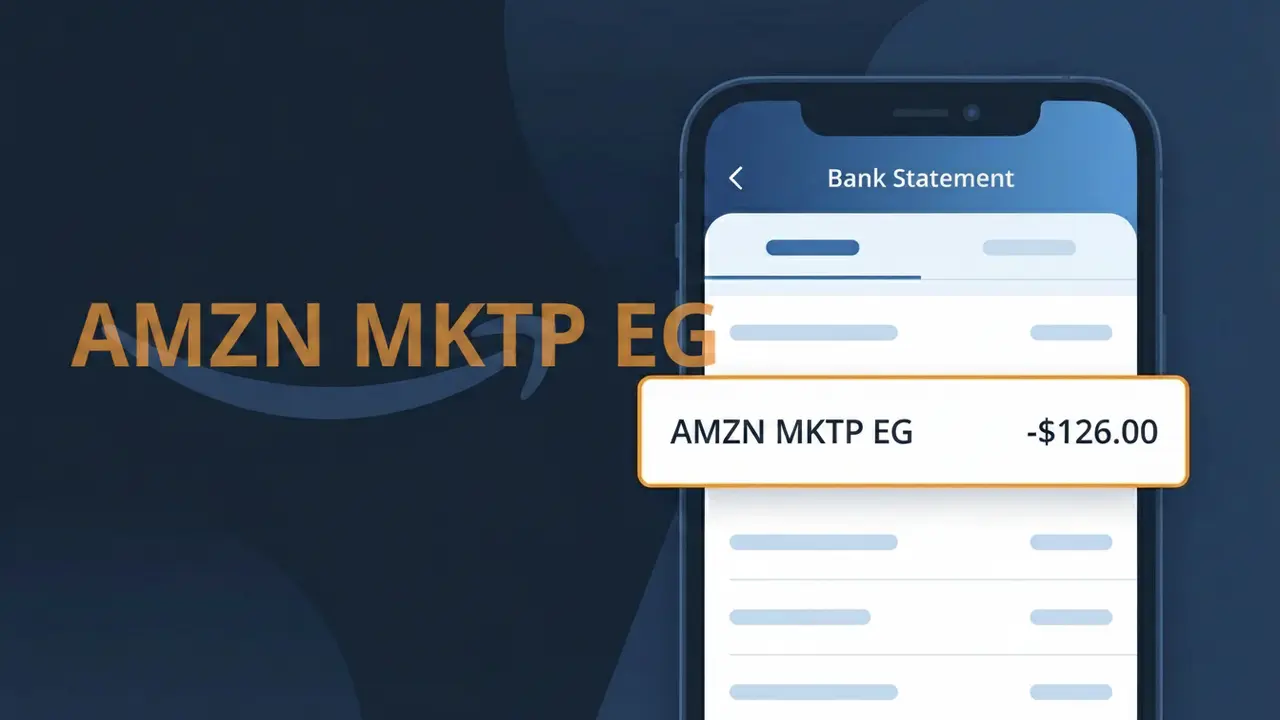
The AMZN MKTP EG charge on your bank statement comes from Amazon Egypt, the company's online marketplace serving customers in Egypt. This descriptor appears when you make a purchase through Amazon's Egyptian platform, whether buying products directly from Amazon or from third-party sellers operating on the marketplace. The 'MKTP' portion stands for 'Marketplace,' indicating a transaction on Amazon's retail ecosystem, while 'EG' identifies Egypt as the regional origin of the charge. If you or someone with access to your payment method shops on Amazon Egypt, this is the charge you will see reflected on your statement.
Amazon uses abbreviated transaction descriptors like AMZN MKTP EG across its global marketplaces to standardize how charges appear on bank and credit card statements worldwide. Rather than spelling out 'Amazon Marketplace Egypt' in full, the company compresses the information into a short code that fits within the character limits imposed by banking and payment processing systems. This is a standard practice for large multinational retailers operating across multiple regions, which is why the charge may look unfamiliar even when it represents a straightforward Amazon purchase.
ℹ️ Note
In most cases, seeing "AMZN MKTP EG" on your statement is completely normal. Before assuming fraud, check your recent purchases — most mystery charges have a simple explanation.
Is AMZN MKTP EG Legitimate or Fraud?
The charge AMZN MKTP EG on your bank statement is almost always a legitimate transaction from Amazon's Egyptian marketplace (Amazon.eg). This descriptor appears when you purchase products through Amazon Egypt, either directly or via third-party sellers operating on the platform. If you did not make any purchases on Amazon.eg recently, it's worth investigating further to rule out unauthorized use.
- AMZN MKTP EG stands for Amazon Marketplace Egypt — a recognized Amazon regional storefront
- The charge may appear if a family member or household user shopped on Amazon.eg using your card
- Subscriptions or digital purchases made through Amazon Egypt will also show as AMZN MKTP EG
- Fraudulent use of your card on Amazon Egypt is possible if your payment details were compromised
How to Verify the AMZN MKTP EG Charge
- 1
Log into your Amazon Egypt account
Visit Amazon.eg and sign in. Navigate to 'Returns & Orders' to check if any recent purchases match the AMZN MKTP EG charge amount and date on your statement.
- 2
Search your email for receipts
Search your inbox for emails from Amazon.eg or no-reply@amazon.eg. Amazon sends order confirmation emails that will match the AMZN MKTP EG transaction details.
- 3
Check with household members
Ask family members or anyone who may have access to your payment method if they placed an order on Amazon Egypt, as AMZN MKTP EG charges can come from shared accounts.
- 4
Review your Amazon subscriptions
Log into your Amazon account, go to 'Manage Your Prime Membership' or 'Subscriptions', and check if any active subscription tied to Amazon.eg is generating the AMZN MKTP EG charge.
- 5
Contact your bank for details
If you still cannot identify the AMZN MKTP EG charge, call your bank's customer service line and request a full transaction detail, including the merchant ID and purchase location.
How to Dispute a AMZN MKTP EG Charge
- 1
Act within 60 days
Most banks require disputes to be filed within 60 days of the charge appearing. If you see an unrecognized AMZN MKTP EG charge, do not wait — start the dispute process immediately.
- 2
Contact AMZN MKTP EG (Amazon Egypt) first
Reach out to Amazon Egypt customer support at Amazon.eg/help. Explain the unauthorized AMZN MKTP EG charge and request a refund or cancellation directly before escalating to your bank.
- 3
File a chargeback with your bank
If Amazon Egypt does not resolve the issue, contact your bank or card issuer to file a formal chargeback for the AMZN MKTP EG charge, citing it as unauthorized or unrecognized.
- 4
Request a new card
If the AMZN MKTP EG charge appears to be fraudulent, ask your bank to cancel your current card and issue a new one to prevent any further unauthorized transactions from Amazon Egypt or elsewhere.
Tips for Managing AMZN MKTP EG Charges
Set up bank alerts to get notified instantly whenever an AMZN MKTP EG charge hits your account.
Keep a record of all Amazon Egypt orders so you can quickly match them to AMZN MKTP EG bank entries.
Enable two-factor authentication on your Amazon Egypt account to prevent unauthorized AMZN MKTP EG charges.
Check your statement at the same time each month to catch recurring AMZN MKTP EG subscription charges early.
Use a virtual card number for Amazon Egypt purchases to isolate and control AMZN MKTP EG spending.
Use WhatIsThisCharge.net to identify related charges that may appear alongside AMZN MKTP EG on your statement.
Frequently Asked Questions About AMZN MKTP EG
🔍 Decode this charge instantly
Search our database for AMZN MKTP EG and similar charges.
Decode AMZN MKTP EG →Was this article helpful?