Why You're Seeing "AMZN MKTP ES" on Your Bank Statement
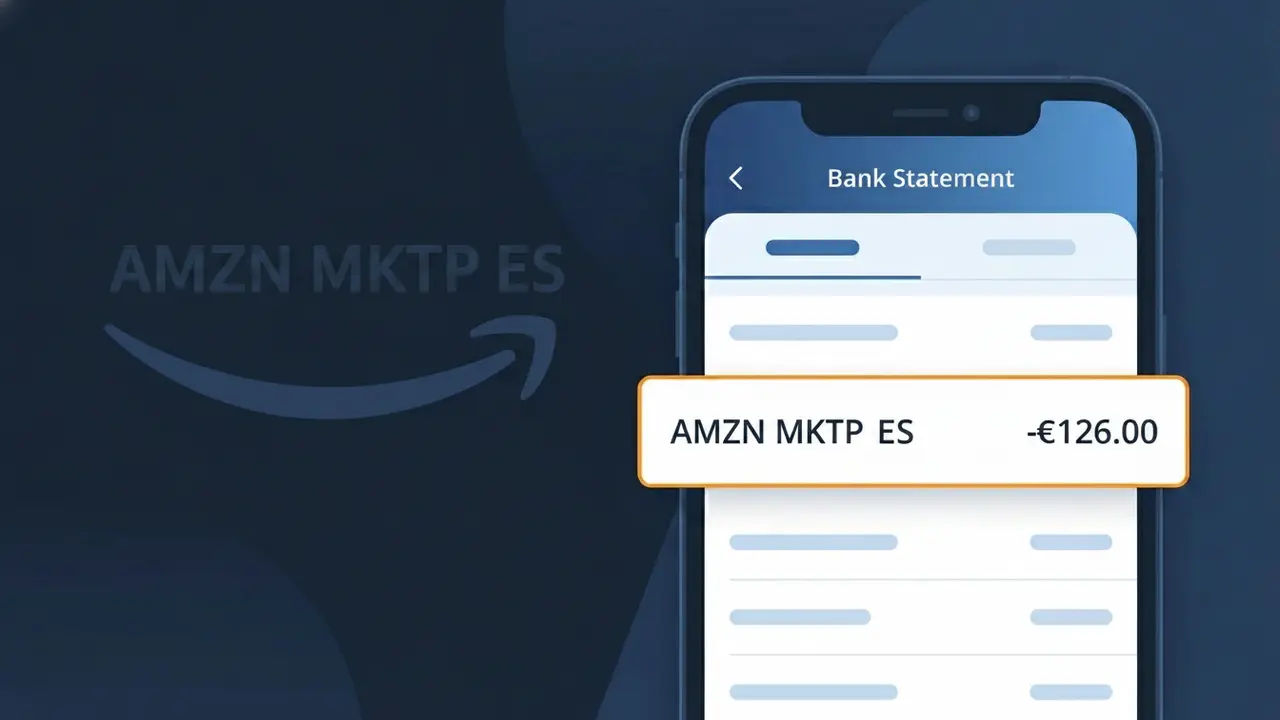
What Is "AMZN MKTP ES" on My Bank Statement?
The AMZN MKTP ES charge on your bank statement comes from Amazon Spain, the Spanish version of the Amazon online marketplace. This descriptor appears when you've made a purchase through Amazon.es, whether it's a physical product, digital item, or a third-party seller operating through Amazon's Spanish platform. The 'MKTP' portion stands for 'Marketplace,' and 'ES' is the country code for Spain, helping identify the regional origin of the transaction. If you or someone with access to your payment details shops on Amazon Spain, this is the charge you'll see reflected on your statement.
Amazon uses abbreviated internal billing descriptors rather than displaying its full brand name, which is why you see AMZN MKTP ES instead of something like 'Amazon Spain Purchase.' The 'AMZN' prefix is Amazon's standard shorthand used globally, while 'MKTP' identifies the transaction as coming from the marketplace platform, and 'ES' pinpoints it to Amazon's Spanish storefront. This standardized coding system helps Amazon process millions of transactions across multiple countries while keeping billing references consistent for their payment systems.
ℹ️ Note
In most cases, seeing "AMZN MKTP ES" on your statement is completely normal. Before assuming fraud, check your recent purchases — most mystery charges have a simple explanation.
Is AMZN MKTP ES Legitimate or Fraud?
The charge AMZN MKTP ES on your bank or credit card statement is almost always a legitimate transaction from Amazon's Spanish marketplace, Amazon.es. This charge appears when you or someone with access to your account purchases a product sold through Amazon's marketplace in Spain. Before assuming fraud, consider these common reasons the charge is valid:
- You recently bought a product on Amazon.es or through a Spanish Amazon marketplace seller
- A family member or household user placed an order using your linked payment method
- You have an active Amazon Prime España subscription billed under this merchant name
- A pre-order or delayed shipment from Amazon.es was recently fulfilled and charged
If none of these apply, the charge could indicate unauthorized use of your card or account, and you should take steps to investigate and potentially dispute it immediately.
How to Verify the AMZN MKTP ES Charge
- 1
Log into your Amazon.es account
Visit Amazon.es and go to 'Returns & Orders' to check your recent purchase history. Look for any orders whose total matches the AMZN MKTP ES charge on your statement.
- 2
Search your email for Amazon.es receipts
Search your inbox for emails from 'auto-confirm@amazon.es' or 'shipment-tracking@amazon.es'. AMZN MKTP ES order confirmations are typically sent immediately after purchase.
- 3
Check all household members
Ask family members or anyone who shares your Amazon account if they placed an order on Amazon.es. AMZN MKTP ES charges can result from purchases made on shared household accounts.
- 4
Review your Amazon subscriptions
Go to your Amazon account settings and check 'Memberships & Subscriptions' to see if any active Spanish marketplace subscriptions are tied to AMZN MKTP ES billing.
- 5
Contact your bank for charge details
If you still cannot identify the AMZN MKTP ES charge, call your bank and ask for the exact transaction date, amount, and any merchant reference number to help narrow down the source.
How to Dispute a AMZN MKTP ES Charge
- 1
Act within 60 days of the charge
Most banks require disputes to be filed within 60 days of the AMZN MKTP ES charge appearing on your statement. Act quickly to preserve your right to a chargeback.
- 2
Contact AMZN MKTP ES (Amazon.es) first
Visit Amazon.es Customer Service or call their support line to report the unrecognized charge. Amazon can often issue a refund for fraudulent or mistaken AMZN MKTP ES transactions faster than a bank dispute.
- 3
File a chargeback with your bank
If Amazon.es does not resolve the issue, contact your bank or card issuer and formally dispute the AMZN MKTP ES charge. Provide your order search results and any email evidence showing no matching purchase.
- 4
Request a new card number
If the AMZN MKTP ES charge appears fraudulent, ask your bank to cancel your current card and issue a new one to prevent further unauthorized charges from any merchant.
Tips for Managing AMZN MKTP ES Charges
Enable Amazon.es purchase notifications so you get instant alerts for every AMZN MKTP ES transaction.
Regularly review your Amazon.es order history to reconcile AMZN MKTP ES charges with your bank statement monthly.
Secure your Amazon.es account with two-factor authentication to prevent unauthorized AMZN MKTP ES charges.
Note that AMZN MKTP ES charges may post 1–3 days after your order date due to Spain billing cycles.
Use a dedicated card for Amazon.es purchases to isolate and easily spot any unexpected AMZN MKTP ES charges.
Use WhatIsThisCharge.net to identify related charges that may appear alongside AMZN MKTP ES on your statement.
Frequently Asked Questions About AMZN MKTP ES
🔍 Decode this charge instantly
Search our database for AMZN MKTP ES and similar charges.
Decode AMZN MKTP ES →Was this article helpful?