Why You're Seeing "AMZN MKTP SG" on Your Bank Statement
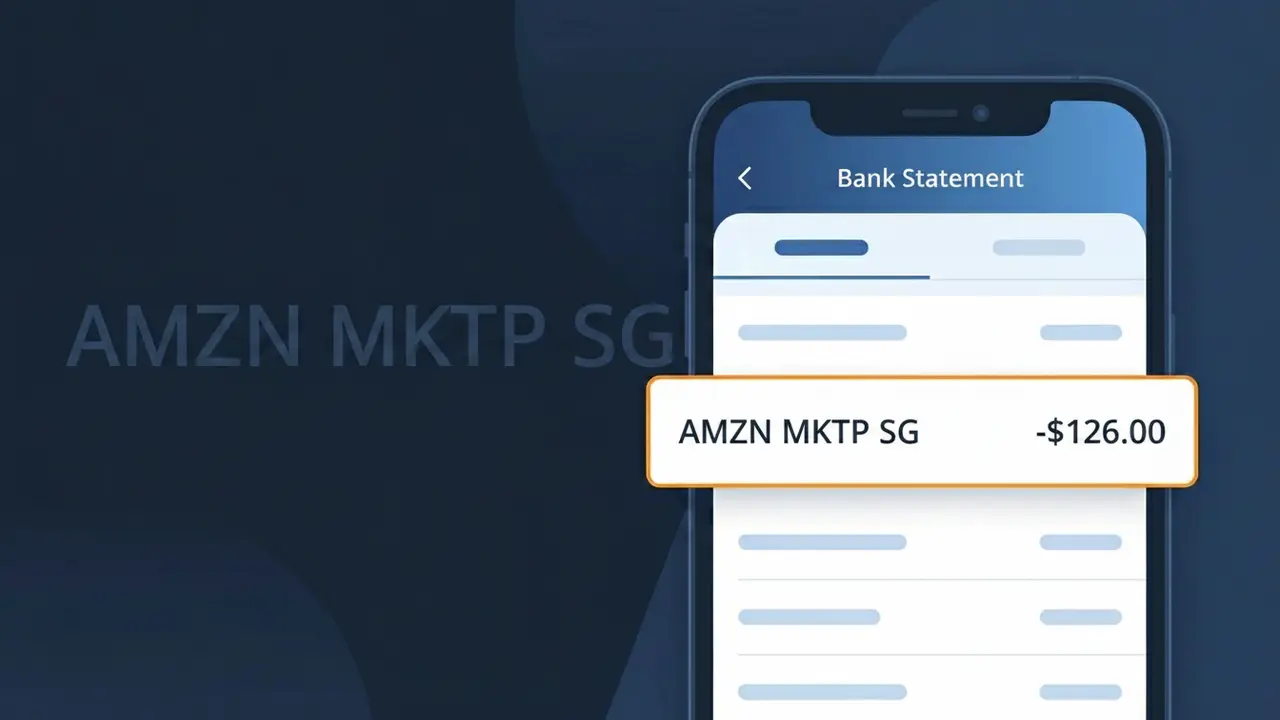
What Is "AMZN MKTP SG" on My Bank Statement?
The AMZN MKTP SG charge on your bank statement comes from Amazon Singapore, the regional branch of the global e-commerce giant serving customers in Southeast Asia. This descriptor appears whenever you make a purchase through Amazon's Singapore marketplace, whether that's ordering physical products, digital goods, or third-party seller items. If you or someone with access to your payment method has recently shopped on Amazon.sg, this charge is almost certainly the explanation. It's a legitimate transaction and one of the more commonly seen shopping charges for customers across Singapore and the broader region.
Amazon uses abbreviated internal billing codes rather than full brand names when processing payments, which is why you see AMZN MKTP SG instead of something like "Amazon Singapore" on your statement. The "AMZN" portion is Amazon's standard company abbreviation, "MKTP" stands for Marketplace, and "SG" is the country code for Singapore, together identifying the specific regional platform where the transaction took place. Banks and card networks display these merchant-submitted descriptors exactly as Amazon sends them, leaving customers to decode the shorthand themselves.
ℹ️ Note
In most cases, seeing "AMZN MKTP SG" on your statement is completely normal. Before assuming fraud, check your recent purchases — most mystery charges have a simple explanation.
Is AMZN MKTP SG Legitimate or Fraud?
The charge AMZN MKTP SG on your bank statement refers to a purchase made through Amazon Marketplace Singapore — the Singapore-based version of Amazon's online shopping platform. This charge is typically legitimate and appears when you or someone with access to your account buys a product sold through Amazon.sg, including items from third-party sellers on the marketplace.
Common reasons you may see AMZN MKTP SG on your statement include:
- A direct purchase made on Amazon.sg for physical or digital goods
- A third-party seller fulfillment through Amazon Marketplace Singapore
- A gift order placed by a family member using your payment method
- An Amazon Prime or subscription renewal billed through the Singapore marketplace
If you do not recognize the AMZN MKTP SG charge, it is worth checking your Amazon.sg order history before assuming fraud, as the merchant name can sometimes look unfamiliar on bank statements.
How to Verify the AMZN MKTP SG Charge
- 1
Check your Amazon.sg order history
Log into your Amazon.sg account and navigate to 'Returns & Orders'. Match the charge amount and date from your bank statement to an order in your AMZN MKTP SG purchase history.
- 2
Search your email for Amazon receipts
Search your inbox for emails from 'no-reply@amazon.sg' or 'shipment-tracking@amazon.sg'. AMZN MKTP SG sends order confirmation emails that will show the exact amount charged.
- 3
Check household members' accounts
If your payment method is shared, ask family members whether they placed an order on Amazon.sg. AMZN MKTP SG charges can appear if your card is saved on another person's Amazon account.
- 4
Review your Amazon subscriptions
Visit Amazon.sg and go to 'Account & Lists > Memberships & Subscriptions'. Some AMZN MKTP SG charges are recurring fees for Amazon Prime Singapore or Subscribe & Save orders.
- 5
Contact your bank for transaction details
If you still cannot identify the AMZN MKTP SG charge, call your bank and request the full merchant details. They can provide additional reference numbers to help trace the transaction.
How to Dispute an AMZN MKTP SG Charge
- 1
Act within 60 days of the charge
Most banks require disputes to be filed within 60 days of the AMZN MKTP SG charge appearing on your statement. Acting quickly gives you the best chance of a successful chargeback.
- 2
Contact AMZN MKTP SG customer service first
Visit Amazon.sg and go to 'Help > Contact Us'. Amazon's support team can issue a refund directly for unauthorized or erroneous AMZN MKTP SG charges, often faster than a bank dispute.
- 3
File a chargeback with your bank
If Amazon.sg does not resolve the issue, contact your bank or card issuer and formally dispute the AMZN MKTP SG transaction. Provide your order details, correspondence with Amazon, and bank statement as evidence.
- 4
Request a new card number
If you suspect your card details were used fraudulently for the AMZN MKTP SG charge, ask your bank to cancel your current card and issue a replacement to prevent further unauthorized transactions.
Tips for Managing AMZN MKTP SG Charges
Enable Amazon.sg purchase notifications so every AMZN MKTP SG charge triggers an instant email or app alert.
Review your Amazon.sg order history monthly to reconcile all AMZN MKTP SG charges with your bank statement.
Secure your Amazon.sg account with two-factor authentication to prevent unauthorized AMZN MKTP SG purchases.
Note your Amazon Prime Singapore renewal date to anticipate recurring AMZN MKTP SG billing each cycle.
Remove unused saved payment methods from Amazon.sg to limit exposure to unexpected AMZN MKTP SG charges.
Use WhatIsThisCharge.net to identify related charges that may appear alongside AMZN MKTP SG on your statement.
Frequently Asked Questions About AMZN MKTP SG
🔍 Decode this charge instantly
Search our database for AMZN MKTP SG and similar charges.
Decode AMZN MKTP SG →Was this article helpful?