Why You're Seeing "AMZN PRIME" on Your Bank Statement
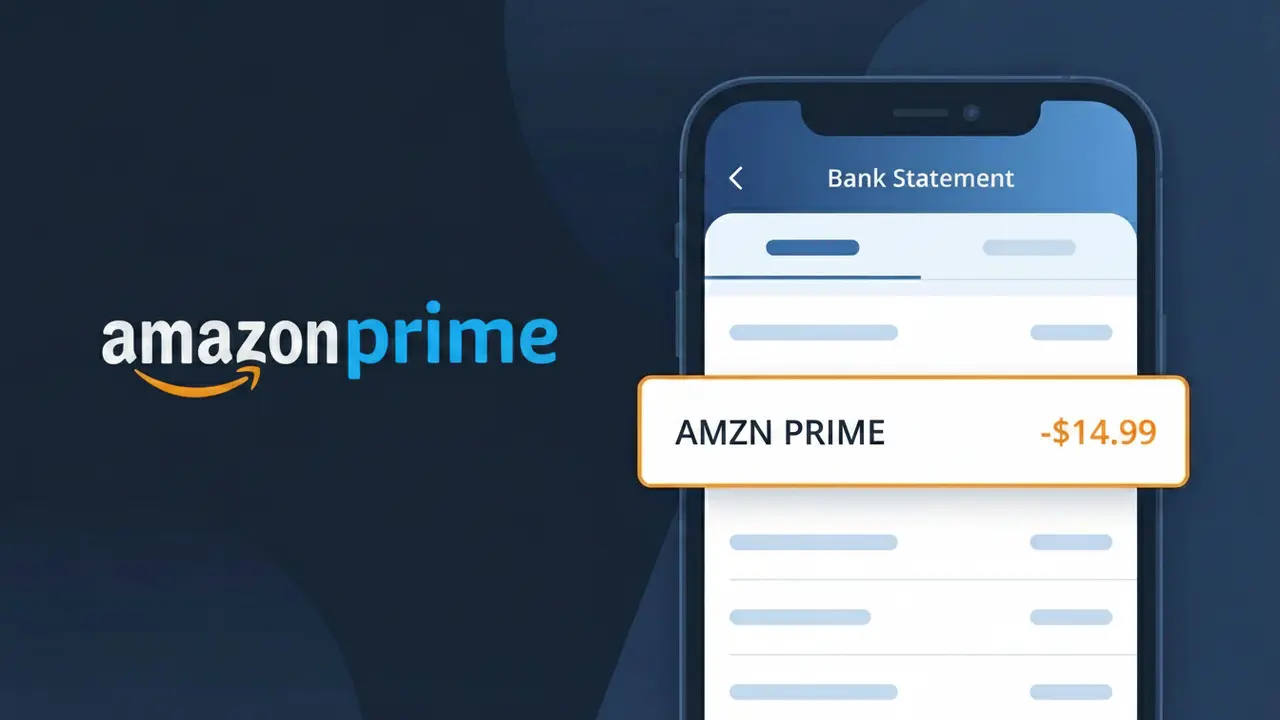
What Is "AMZN PRIME" on My Bank Statement?
The AMZN PRIME charge on your bank statement comes from Amazon Prime, the popular membership subscription service offered by Amazon. This charge represents your recurring Amazon Prime membership fee, which grants access to benefits like free two-day shipping, Prime Video streaming, Prime Music, and more. Amazon bills this fee either monthly or annually depending on the plan you selected when signing up. If you see this charge and don't recognize it, it's possible a family member used your payment method to sign up, or you may have forgotten about a free trial that converted to a paid subscription.
Amazon uses the shortened descriptor AMZN PRIME on bank statements because payment processors have strict character limits for transaction descriptions, making it impossible to display the full company name 'Amazon Prime.' This abbreviated format is Amazon's standardized billing descriptor used across all financial institutions to identify Prime membership charges. Recognizing this descriptor can help you quickly confirm that the charge is a legitimate Amazon Prime membership fee rather than an unauthorized transaction.
ℹ️ Note
In most cases, seeing "AMZN PRIME" on your statement is completely normal. Before assuming fraud, check your recent purchases — most mystery charges have a simple explanation.
Is the AMZN PRIME Charge Legitimate or Fraud?
The AMZN PRIME charge on your bank or credit card statement is almost always a legitimate charge from Amazon for your Amazon Prime membership subscription. Amazon bills this recurring fee either monthly or annually, and it appears as AMZN PRIME in your transaction history.
Common reasons you may see this charge include:
- Your monthly or annual Amazon Prime membership renewal has processed
- A free trial of Amazon Prime has ended and billing has begun
- A family member or household user signed up for Prime using your payment method
- You enrolled in Amazon Prime Video, Prime Student, or another Prime-bundled service
While the charge is typically genuine, unauthorized AMZN PRIME charges can occasionally occur if your payment details were compromised. Always verify the charge against your Amazon account activity before assuming it is fraudulent.
How to Verify the AMZN PRIME Charge
- 1
Log into your Amazon account
Visit amazon.com and sign in. Go to 'Account & Lists' > 'Prime Membership' to confirm your current AMZN PRIME subscription status and billing date.
- 2
Check your Amazon order history
Navigate to 'Returns & Orders' in your Amazon account and look for a Prime membership payment that matches the AMZN PRIME charge amount and date on your statement.
- 3
Search your email for receipts
Look in your inbox for an email from amazon.com with the subject 'Your Amazon Prime membership' confirming the AMZN PRIME billing transaction.
- 4
Check household or shared accounts
Ask family members or anyone with access to your payment method whether they signed up for or renewed an Amazon Prime account that would appear as AMZN PRIME.
- 5
Contact Amazon customer support
If you cannot verify the AMZN PRIME charge through your account, contact Amazon directly at amazon.com/contact-us with your charge date and amount for clarification.
How to Dispute an AMZN PRIME Charge
- 1
Act within 60 days
Credit card disputes typically must be filed within 60 days of the AMZN PRIME charge appearing on your statement. Act quickly to preserve your chargeback rights.
- 2
Contact AMZN PRIME (Amazon) first
Reach out to Amazon customer service at amazon.com/contact-us. Explain the unauthorized AMZN PRIME charge and request an immediate refund before escalating to your bank.
- 3
Cancel your Prime membership
If you did not intend to be billed, cancel AMZN PRIME immediately at amazon.com/prime to prevent additional charges while your dispute is being resolved.
- 4
File a chargeback with your bank
If Amazon does not resolve the issue, call the number on the back of your card and formally dispute the AMZN PRIME charge as unauthorized or erroneous billing.
- 5
Request a new card number
If you believe your payment details were stolen and used to create an AMZN PRIME account, ask your bank to issue a replacement card to prevent further unauthorized charges.
Tips for Managing AMZN PRIME Charges
Set a calendar reminder before your AMZN PRIME annual renewal date so you can cancel if you no longer want the membership.
Review your Amazon Prime billing history monthly at amazon.com/gp/css/order-history to catch unexpected AMZN PRIME charges early.
Enable two-factor authentication on your Amazon account to prevent unauthorized AMZN PRIME signups using your saved payment methods.
Switch your AMZN PRIME billing from annual to monthly if you want more flexibility to cancel without losing a large prepaid amount.
Use a virtual card number for your AMZN PRIME subscription so you can freeze it instantly if unauthorized charges appear.
Use WhatIsThisCharge.net to identify related charges that may appear alongside or instead of the standard AMZN PRIME descriptor.
Frequently Asked Questions About the AMZN PRIME Charge
🔍 Decode this charge instantly
Search our database for AMZN PRIME and similar charges.
Decode AMZN PRIME →Was this article helpful?