Why You're Seeing "ANGHAMI*" on Your Bank Statement
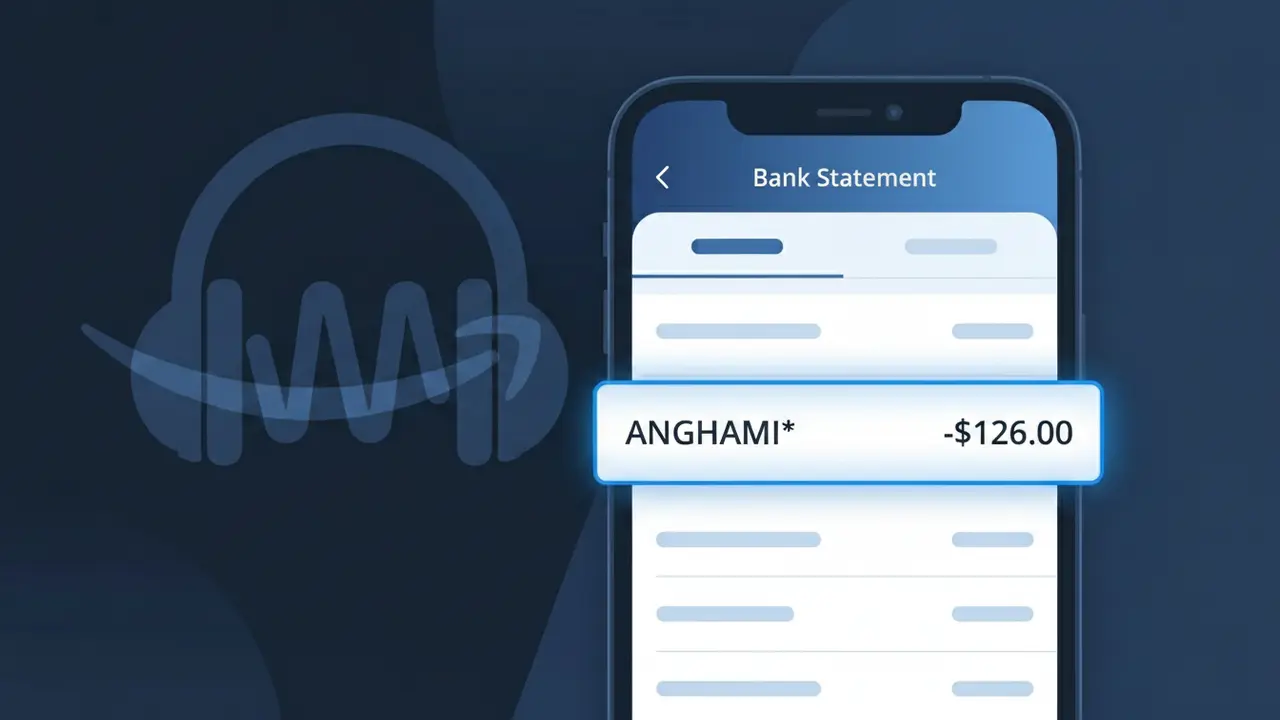
What Is "ANGHAMI*" on My Bank Statement?
The ANGHAMI* charge on your bank statement comes from Anghami, a popular Arabic music streaming platform widely used across the Middle East and North Africa. This charge represents a subscription fee for access to Anghami's extensive library of Arabic and international music, podcasts, and exclusive content. If you see ANGHAMI* followed by additional characters or numbers, this is simply how the payment processor identifies the transaction from this streaming service. The charge is typically recurring monthly or annually depending on the subscription plan you selected.
The ANGHAMI* descriptor appears on your bank statement because payment processors often use a shortened or coded version of a merchant's name to identify transactions, with the asterisk (*) being a common separator used in digital subscription billing. Anghami is headquartered in the United Arab Emirates and processes payments through international payment gateways, which can sometimes cause the company name to appear in a truncated or abbreviated format. If you signed up for a free trial that recently converted to a paid plan, this may be the first time you are seeing this charge appear on your statement.
ℹ️ Note
In most cases, seeing "ANGHAMI*" on your statement is completely normal. Before assuming fraud, check your recent purchases — most mystery charges have a simple explanation.
Is the ANGHAMI* Charge Legitimate or Fraud?
If you see ANGHAMI* on your bank or credit card statement, this charge is most likely legitimate and comes from ANGHAMI, the leading Arabic music and podcast streaming platform popular across the Middle East and North Africa. ANGHAMI offers monthly and annual subscription plans, and the ANGHAMI* descriptor is how their billing processor identifies the transaction on your statement.
Common reasons you may see the ANGHAMI* charge include:
- An active ANGHAMI Plus subscription billed on its monthly or annual renewal date
- A free trial on ANGHAMI that converted to a paid subscription without a reminder
- A family or gift plan purchased through ANGHAMI for another user
- An in-app purchase made within the ANGHAMI app for premium content or coins
How to Verify the ANGHAMI* Charge
- 1
Log into your ANGHAMI account
Visit anghami.com or open the ANGHAMI app, go to your Profile, then Settings, and check your Subscription and Billing section to confirm your active plan and last payment date.
- 2
Search your email for ANGHAMI receipts
Search your inbox for emails from ANGHAMI or noreply@anghami.com. ANGHAMI sends a receipt each time a subscription renewal or purchase is processed.
- 3
Check if a household member subscribed
Ask family members or roommates whether they signed up for an ANGHAMI Plus plan using your shared payment method, as ANGHAMI is popular across many age groups.
- 4
Review your app store subscriptions
If you subscribed through the Apple App Store or Google Play Store, the charge may appear differently. Check your app store subscription list for any active ANGHAMI subscriptions.
- 5
Contact your bank for transaction details
Ask your bank for the full merchant details tied to the ANGHAMI* charge, including the transaction date and amount, to cross-reference with your ANGHAMI account history.
How to Dispute an ANGHAMI* Charge
- 1
Act within 60 days of the charge
Most banks require disputes to be filed within 60 days of the ANGHAMI* charge appearing on your statement. Acting quickly gives you the best chance of a successful chargeback.
- 2
Contact ANGHAMI support first
Reach out to ANGHAMI directly at support.anghami.com before escalating. ANGHAMI's support team can confirm whether a charge is valid and may issue a refund for accidental renewals.
- 3
File a chargeback with your bank
If ANGHAMI does not resolve the issue, contact your bank or card issuer to dispute the ANGHAMI* charge as unauthorized. Provide your email receipts or lack thereof as supporting evidence.
- 4
Request a new card number
If you believe the ANGHAMI* charge is truly fraudulent and your card details were compromised, ask your bank to issue a replacement card to prevent further unauthorized charges.
Tips for Managing ANGHAMI* Charges
Enable billing notifications in the ANGHAMI app so you're alerted before each ANGHAMI* renewal charge hits your account.
Keep your ANGHAMI email receipts in a dedicated folder to quickly match any ANGHAMI* statement charge.
Regularly review your ANGHAMI account's linked payment methods to ensure only your current card is saved.
Note your ANGHAMI subscription renewal date and mark your calendar a few days ahead to avoid surprise ANGHAMI* charges.
Use a virtual card number for your ANGHAMI subscription to limit exposure if your payment details are ever compromised.
Use WhatIsThisCharge.net to identify related charges that may appear alongside ANGHAMI* on your statement.
Frequently Asked Questions About the ANGHAMI* Charge
🔍 Decode this charge instantly
Search our database for ANGHAMI* and similar charges.
Decode ANGHAMI* →Was this article helpful?