Why You're Seeing "ANTHROPIC*" on Your Bank Statement
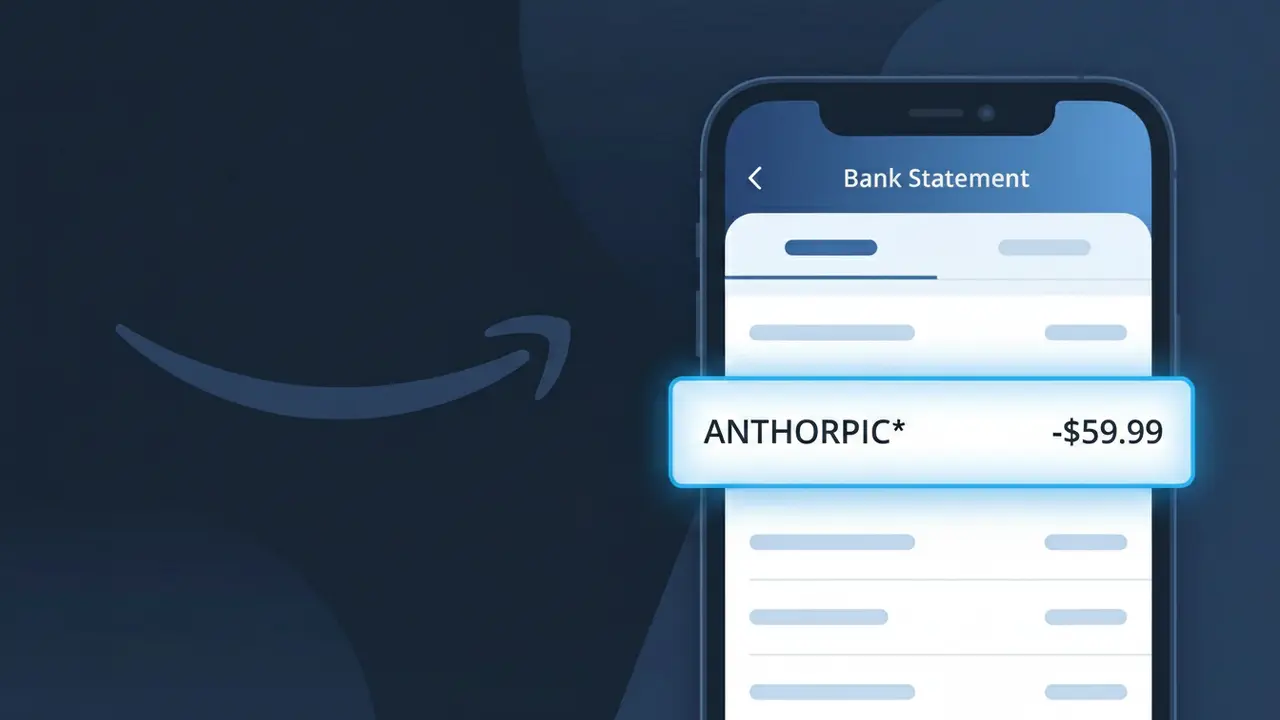
What Is "ANTHROPIC*" on My Bank Statement?
The ANTHROPIC* charge on your bank statement comes from Anthropic, the AI safety company behind the Claude AI assistant. This charge typically represents a subscription to Claude's paid plans, such as Claude Pro, which offer enhanced access to Anthropic's advanced AI models. If you or someone with access to your payment method signed up for a Claude subscription, this is the charge you'll see reflected. The asterisk following 'ANTHROPIC' is a common formatting convention used by payment processors to separate the company name from additional billing details.
The descriptor ANTHROPIC* appears on your bank statement because Anthropic processes payments directly under their company name rather than their product name, Claude. Payment processors often truncate or abbreviate merchant names, which is why you may see 'ANTHROPIC*' instead of something more recognizable like 'Claude AI.' The asterisk is typically followed by additional characters such as a plan name or transaction ID, though these may be cut off depending on your bank's display formatting.
ℹ️ Note
In most cases, seeing "ANTHROPIC*" on your statement is completely normal. Before assuming fraud, check your recent purchases — most mystery charges have a simple explanation.
Is the ANTHROPIC* Charge Legitimate or Fraud?
The ANTHROPIC* charge on your bank or credit card statement is most likely a legitimate billing from Anthropic, the AI safety company behind the Claude AI assistant. This charge typically appears when you subscribe to Claude Pro, Claude for Teams, or use Anthropic's API services for AI-powered features.
- You recently signed up for a Claude Pro subscription at claude.ai
- You are an API customer using Anthropic's developer platform and being billed for token usage
- A family member or colleague signed up for an Anthropic product using your payment method
- You started a free trial with Anthropic and it has now converted to a paid subscription
If none of these situations apply, treat the ANTHROPIC* charge with caution and follow the verification steps below to rule out unauthorized use.
How to Verify the ANTHROPIC* Charge
- 1
Log into your Anthropic account
Visit claude.ai or console.anthropic.com and sign in. Check your billing section for invoices that match the ANTHROPIC* charge amount and date.
- 2
Search your email for Anthropic receipts
Search your inbox for emails from billing@anthropic.com or noreply@anthropic.com. Anthropic sends receipts for every charge that will match the ANTHROPIC* line item.
- 3
Check with household members or colleagues
Ask family members or coworkers if they used your card to sign up for Claude Pro or Anthropic's API, as the ANTHROPIC* charge would appear on your statement regardless.
- 4
Review your active subscriptions
Check your browser or phone's subscription manager for any active Anthropic plans. Claude Pro bills monthly and will generate a recurring ANTHROPIC* charge each cycle.
- 5
Contact your bank for transaction details
Call the number on the back of your card and ask for the full merchant descriptor and transaction ID for the ANTHROPIC* charge to help pinpoint its origin.
How to Dispute an ANTHROPIC* Charge
- 1
Act within 60 days of the charge
Most banks require disputes to be filed within 60 days of the ANTHROPIC* charge appearing on your statement. Acting quickly protects your right to a chargeback.
- 2
Contact Anthropic support first
Reach out to Anthropic via support.anthropic.com before escalating. Anthropic may issue a refund directly, which is faster than a formal bank dispute for the ANTHROPIC* charge.
- 3
File a chargeback with your bank
If Anthropic does not resolve the issue, contact your bank or card issuer and formally dispute the ANTHROPIC* charge. Provide any email receipts or account screenshots as evidence.
- 4
Request a new card number
If you believe the ANTHROPIC* charge is fraudulent and your card details were compromised, ask your bank to issue a replacement card to prevent future unauthorized charges.
Tips for Managing ANTHROPIC* Charges
Set a bank alert for any ANTHROPIC* charge so you're notified the moment Anthropic bills your card.
Check your Anthropic billing dashboard monthly at console.anthropic.com to review API usage before charges accumulate.
Secure your Anthropic account with two-factor authentication to prevent unauthorized Claude Pro subscriptions.
Note that Claude Pro renews on the same day each month — mark your calendar to review the ANTHROPIC* charge cycle.
Use a virtual card number for Anthropic subscriptions so you can cancel it without affecting your main card.
Use WhatIsThisCharge.net to identify related charges that may appear alongside ANTHROPIC* on your statement.
Frequently Asked Questions About the ANTHROPIC* Charge
🔍 Decode this charge instantly
Search our database for ANTHROPIC* and similar charges.
Decode ANTHROPIC* →Was this article helpful?