Why You're Seeing "APP STORE*" on Your Bank Statement
What Is "APP STORE*" on My Bank Statement?
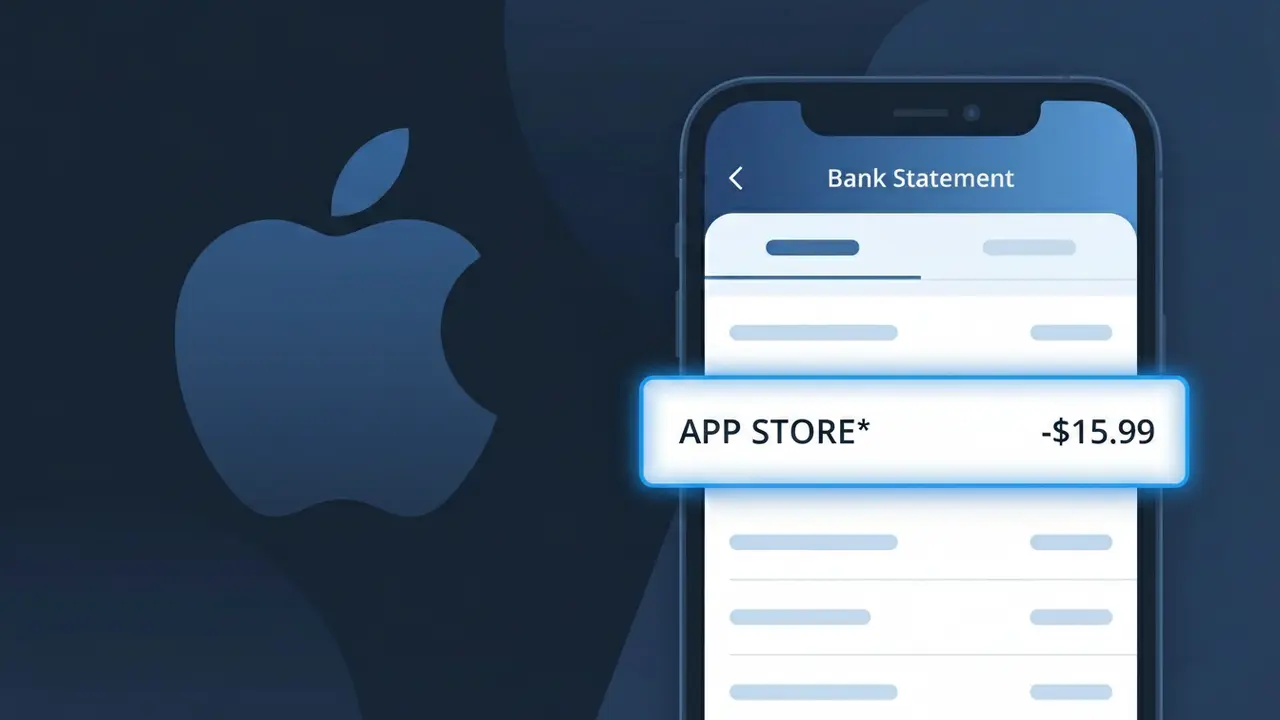
The APP STORE* charge on your bank statement comes from Apple's App Store and represents a purchase made through Apple's digital marketplace. This could be the cost of downloading a paid app, an in-app purchase, or a subscription renewed through the App Store on your iPhone, iPad, or Mac. Apple uses the APP STORE* descriptor followed by additional details to identify these transactions. If you or someone with access to your Apple ID recently bought an app or made an in-app purchase, this charge is almost certainly the source.
Apple processes all App Store transactions through its own payment system, which causes the charge to appear as APP STORE* rather than the name of the specific app or developer you purchased from. The asterisk in the descriptor is commonly used by Apple to separate the store name from a truncated identifier, such as a partial app name or purchase type, though this extra detail may not always display depending on your bank. Because Apple acts as the merchant of record for all App Store sales, your bank sees Apple as the seller rather than the individual app developer.
ℹ️ Note
In most cases, seeing "APP STORE*" on your statement is completely normal. Before assuming fraud, check your recent purchases — most mystery charges have a simple explanation.
Is the APP STORE* Charge Legitimate or Fraud?
The APP STORE* charge on your bank or credit card statement is most commonly a legitimate transaction processed by Apple's APP STORE for a paid app, in-app purchase, or subscription. Apple uses the billing descriptor APP STORE* followed by the app or developer name, which can sometimes appear unfamiliar even for purchases you authorized.
Common legitimate reasons you may see an APP STORE* charge include:
- A paid app download purchased from the Apple APP STORE
- An in-app purchase such as coins, lives, or premium content
- A recurring subscription renewed through the APP STORE (e.g., streaming, productivity apps)
- A family member's purchase billed to your shared Apple Family Sharing payment method
- A free trial that converted to a paid APP STORE subscription
While most APP STORE* charges are valid, unauthorized charges can occur if your Apple ID credentials were compromised. Always review your APP STORE purchase history when you spot an unfamiliar charge.
How to Verify the APP STORE* Charge
- 1
Check your Apple ID purchase history
Open the Settings app on your iPhone or iPad, tap your name, then tap 'Media & Purchases' and select 'View Account.' Scroll to 'Purchase History' to see a full list of APP STORE* transactions with dates and amounts.
- 2
Search your email for APP STORE receipts
Apple sends an email receipt for every APP STORE* charge to the address linked to your Apple ID. Search your inbox for emails from 'no_reply@email.apple.com' and match the amount to your bank statement.
- 3
Check household or family members
If you use Apple Family Sharing, other family members' APP STORE purchases can appear as APP STORE* charges on the family organizer's payment method. Ask family members if they recently made a purchase.
- 4
Review active APP STORE subscriptions
Go to Settings > [Your Name] > Subscriptions on your Apple device to see all active and expired subscriptions billed through the APP STORE. A renewal you forgot about is a frequent source of unexpected APP STORE* charges.
- 5
Contact Apple Support directly
If you still cannot identify the APP STORE* charge, visit reportaproblem.apple.com or contact Apple Support at 1-800-275-2273. They can look up the exact transaction tied to the charge on your account.
How to Dispute an APP STORE* Charge
- 1
Act within 60 days of the charge
Most banks require disputes to be filed within 60 days of the APP STORE* charge appearing on your statement. The sooner you act, the better your chances of a successful resolution.
- 2
Request a refund from APP STORE first
Visit reportaproblem.apple.com, sign in with your Apple ID, find the APP STORE* charge in question, and click 'Report a Problem.' Apple frequently issues refunds for accidental purchases or unauthorized APP STORE charges directly.
- 3
Escalate to Apple Support if refused
If your refund request via reportaproblem.apple.com is denied, contact Apple Support at support.apple.com or call 1-800-275-2273 and explain that the APP STORE* charge was unauthorized or made in error.
- 4
File a chargeback with your bank
If APP STORE declines to refund an unauthorized charge, contact your bank or credit card issuer and file a chargeback. Provide your APP STORE* transaction details, the date, and any correspondence with Apple as supporting evidence.
- 5
Request a new card if your Apple ID was compromised
If fraudulent APP STORE* charges resulted from a compromised Apple ID or stolen card number, ask your bank for a new card number and update your payment method in your APP STORE account settings immediately.
Tips for Managing APP STORE Charges
Enable purchase notifications in your Apple ID settings so every APP STORE* charge triggers an instant alert on your device.
Regularly review your APP STORE subscription list under Settings > [Your Name] > Subscriptions to cancel unused services.
Secure your APP STORE account with a strong, unique password and enable two-factor authentication to prevent unauthorized purchases.
Note subscription renewal dates from your APP STORE purchase history so APP STORE* billing charges never catch you off guard.
Use Ask to Buy in Apple Family Sharing to approve all APP STORE purchases made by children before charges hit your card.
Use WhatIsThisCharge.net to identify related charges that appear alongside APP STORE* on your bank statement.
Frequently Asked Questions About APP STORE* Charges
🔍 Decode this charge instantly
Search our database for APP STORE* and similar charges.
Decode APP STORE* →Was this article helpful?