Why You're Seeing "APPLE CASH BALANCE ADD" on Your Bank Statement
What Is "APPLE CASH BALANCE ADD" on My Bank Statement?
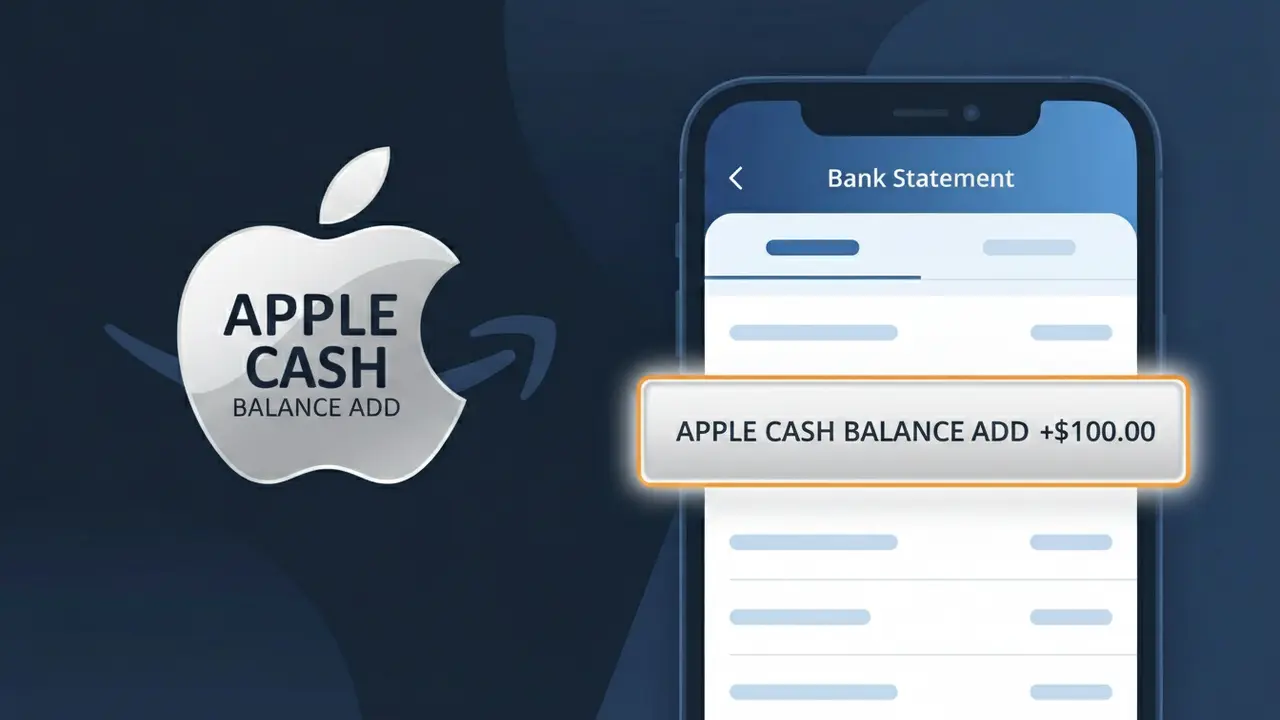
The APPLE CASH BALANCE ADD charge on your bank statement indicates that funds were transferred from your linked debit card to your Apple Cash balance. This charge comes from Apple Cash, Apple's peer-to-peer payment and digital wallet service built into the Wallet app on iPhone and Apple Watch. You'll see this descriptor whenever you manually add money to your Apple Cash card or when an automatic reload is triggered to top up your balance. It is a legitimate transaction reflecting money you moved yourself, not an unexpected fee or subscription.
The descriptor APPLE CASH BALANCE ADD appears on your bank statement because your bank records the transaction exactly as Apple's payment processor submits it, which identifies the specific action taken — adding funds to an Apple Cash balance. Rather than showing a generic 'Apple' label, this descriptor helps distinguish a balance top-up from other Apple-related charges like App Store purchases or Apple One subscriptions. This level of specificity is standard practice among digital wallet providers to make transaction tracking clearer for both banks and customers.
ℹ️ Note
In most cases, seeing "APPLE CASH BALANCE ADD" on your statement is completely normal. Before assuming fraud, check your recent purchases — most mystery charges have a simple explanation.
Is APPLE CASH BALANCE ADD Legitimate or Fraud?
The APPLE CASH BALANCE ADD charge is a legitimate transaction that appears on your bank or card statement when funds are added to your Apple Cash balance through the Wallet app on iPhone or other Apple devices. Apple Cash is Apple's peer-to-peer payment service, and this charge reflects a voluntary transfer of money into your Apple Cash account from a linked debit card or bank account.
Common reasons you might see an APPLE CASH BALANCE ADD charge include:
- You manually added money to your Apple Cash card via the Wallet app
- A family member on your Apple Family Sharing plan added funds using your linked payment method
- You accepted a payment via Apple Pay and it was deposited to your Apple Cash balance
- An automatic top-up was triggered if you have low-balance settings enabled
If you do not recall initiating this transfer, it is important to review your Apple Wallet activity and check with household members before assuming fraud.
How to Verify the APPLE CASH BALANCE ADD Charge
- 1
Check your Apple Wallet transaction history
Open the Wallet app on your iPhone, tap your Apple Cash card, and review recent transactions to find the corresponding APPLE CASH BALANCE ADD entry with a matching date and amount.
- 2
Search your email for Apple receipts
Look in your inbox for an email from Apple (no-reply@email.apple.com) confirming a funds transfer. Apple sends a receipt every time an APPLE CASH BALANCE ADD transaction is completed.
- 3
Check Apple ID account activity
Sign in at appleid.apple.com and review your payment and transaction history to confirm whether the APPLE CASH BALANCE ADD charge originated from your account.
- 4
Ask household or family members
If you use Apple Family Sharing, another member may have triggered the APPLE CASH BALANCE ADD transaction using a shared payment method without your direct knowledge.
- 5
Contact your bank for transaction details
If you still cannot verify the charge, call the number on the back of your card and ask for the merchant details tied to the APPLE CASH BALANCE ADD transaction to confirm its origin.
How to Dispute an APPLE CASH BALANCE ADD Charge
- 1
Act within 60 days of the charge
Most banks require disputes to be filed within 60 days of the APPLE CASH BALANCE ADD charge appearing on your statement. Acting quickly protects your rights under federal Regulation E.
- 2
Contact Apple Support first
Reach out to Apple Support at support.apple.com or 1-800-275-2273 and reference the APPLE CASH BALANCE ADD transaction. Apple can investigate and potentially reverse unauthorized transfers directly.
- 3
File a chargeback with your bank
If Apple cannot resolve the issue, contact your bank or card issuer and formally dispute the APPLE CASH BALANCE ADD charge as unauthorized, providing the transaction date and amount.
- 4
Request a new card if fraud is suspected
If you believe your payment information was compromised and used to trigger the APPLE CASH BALANCE ADD charge fraudulently, ask your bank to issue a replacement card with a new number.
Tips for Managing APPLE CASH BALANCE ADD Charges
Enable bank alerts for any APPLE CASH BALANCE ADD transactions so you're notified instantly when funds are moved.
Regularly review your Apple Wallet history to reconcile APPLE CASH BALANCE ADD entries with your bank statement.
Secure your Apple ID with two-factor authentication to prevent unauthorized APPLE CASH BALANCE ADD transfers.
Check your Apple Cash balance at the start of each month to catch any unexpected APPLE CASH BALANCE ADD charges early.
Remove unused payment methods from your Apple Wallet to limit exposure to accidental APPLE CASH BALANCE ADD charges.
Use WhatIsThisCharge.net to identify related charges from Apple services on your bank statement.
Frequently Asked Questions About APPLE CASH BALANCE ADD
🔍 Decode this charge instantly
Search our database for APPLE CASH BALANCE ADD and similar charges.
Decode APPLE CASH BALANCE ADD →Was this article helpful?