Why You're Seeing "APPLE CASH INST XFER" on Your Bank Statement
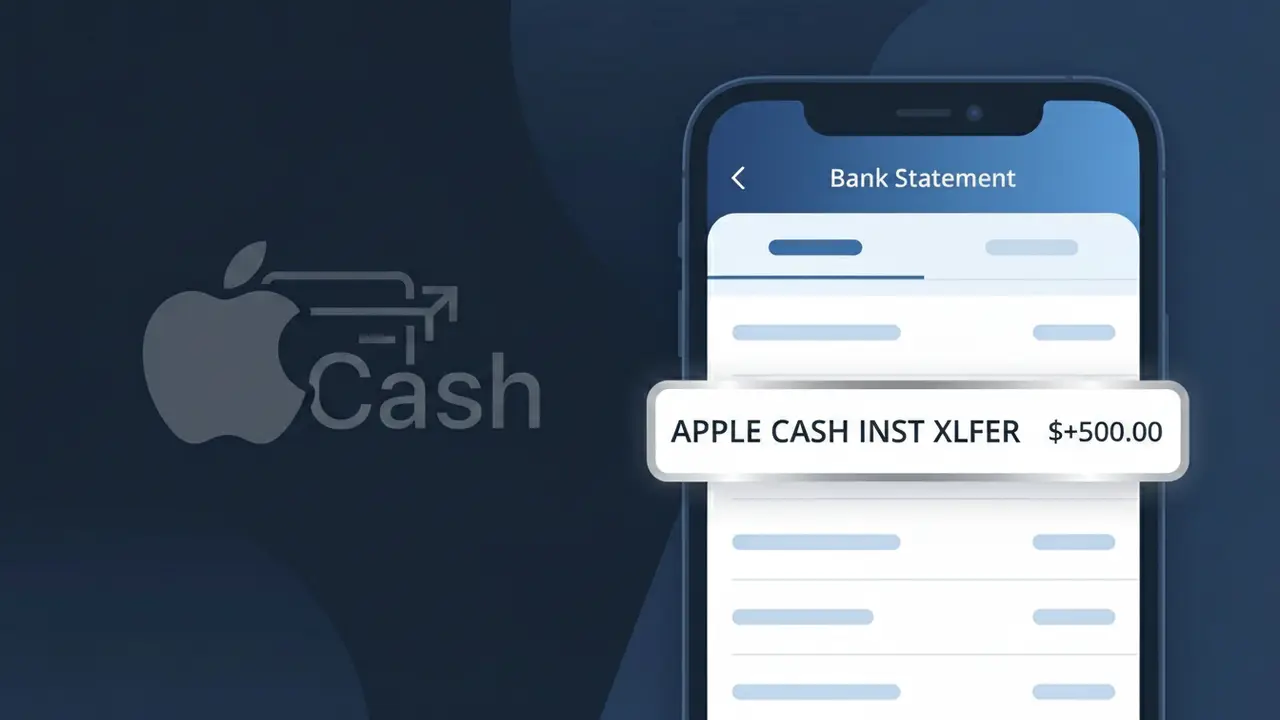
What Is "APPLE CASH INST XFER" on My Bank Statement?
The APPLE CASH INST XFER charge on your bank statement represents an instant transfer of funds from your Apple Cash balance to a linked bank account or debit card. This descriptor is generated by Apple Cash, Apple's peer-to-peer payment and digital wallet service built into the Wallet app on iPhone and Apple Watch. You'll typically see this charge when you've requested an Instant Transfer from your Apple Cash card, moving money quickly to your bank account for a small fee. If you recently sent money to yourself or cashed out your Apple Cash balance, this is almost certainly the source of that transaction.
The descriptor APPLE CASH INST XFER appears on your bank statement because financial institutions use standardized transaction codes to identify the type and source of electronic transfers. Apple Cash uses this specific identifier to distinguish Instant Transfers — which typically arrive within 30 minutes for a 1.5% fee — from standard 1–3 business day transfers, which may appear under a different descriptor. This labeling helps both banks and customers track the nature of the transaction more precisely than simply showing the Apple brand name.
ℹ️ Note
In most cases, seeing "APPLE CASH INST XFER" on your statement is completely normal. Before assuming fraud, check your recent purchases — most mystery charges have a simple explanation.
Is APPLE CASH INST XFER Legitimate or Fraud?
The APPLE CASH INST XFER charge on your bank statement refers to an Instant Transfer made through Apple Cash, Apple's peer-to-peer payment service built into the Wallet app on iPhone and Apple Watch. When you send money via Apple Cash and the recipient (or you) chooses to instantly transfer funds to a linked debit card or bank account, the transaction appears as APPLE CASH INST XFER on your statement. This is generally a legitimate charge, but it's worth verifying if you don't recall initiating a transfer.
- You or someone with access to your Apple ID recently sent or received Apple Cash and triggered an Instant Transfer
- A family member sharing your bank account used Apple Cash to move funds
- You set up an automatic transfer from Apple Cash to your bank account
- An unauthorized person gained access to your Apple ID and initiated a transfer without your knowledge
How to Verify the APPLE CASH INST XFER Charge
- 1
Check your Apple Wallet transaction history
Open the Wallet app on your iPhone, tap your Apple Cash card, and review recent transactions. Any APPLE CASH INST XFER should appear here with the exact date and amount.
- 2
Search your email for Apple receipts
Look in your inbox for emails from apple.com or no-reply@apple.com confirming an Instant Transfer. The email will reference the same amount shown as APPLE CASH INST XFER on your bank statement.
- 3
Check with household members
Ask family members or anyone who may share access to your Apple ID or linked bank account if they initiated an Apple Cash Instant Transfer recently.
- 4
Review your Apple ID account activity
Sign in at appleid.apple.com and review recent account activity to confirm no unauthorized access occurred that could have triggered the APPLE CASH INST XFER charge.
- 5
Contact your bank for details
Call the number on the back of your debit card and ask for the full merchant details tied to the APPLE CASH INST XFER transaction to confirm the originating account.
How to Dispute a APPLE CASH INST XFER Charge
- 1
Act within 60 days
Most banks require you to report unauthorized charges within 60 days of the statement date. Don't delay if you don't recognize the APPLE CASH INST XFER charge on your account.
- 2
Contact Apple Support first
Reach Apple Support at 1-800-275-2273 or via support.apple.com. Explain you did not authorize the APPLE CASH INST XFER and request a review or reversal of the Instant Transfer.
- 3
File a chargeback with your bank
If Apple Support cannot resolve the issue, contact your bank or card issuer to dispute the APPLE CASH INST XFER charge and initiate a formal chargeback investigation.
- 4
Request a new debit card
If the APPLE CASH INST XFER was fraudulent, ask your bank to cancel your current debit card and issue a new one to prevent any further unauthorized Apple Cash transfers.
Tips for Managing APPLE CASH INST XFER Charges
Enable bank alerts for all debit transactions so you're notified immediately when an APPLE CASH INST XFER posts.
Regularly review your Apple Cash transaction history in the Wallet app to catch unexpected APPLE CASH INST XFER charges early.
Secure your Apple ID with a strong password and two-factor authentication to prevent unauthorized APPLE CASH INST XFER transfers.
Note that APPLE CASH INST XFER charges post within minutes to 30 minutes — reconcile your bank account daily if you use Apple Cash frequently.
Never share your Apple ID credentials or device passcode, as this is the primary way fraudulent APPLE CASH INST XFER transfers occur.
Use WhatIsThisCharge.net to identify related charges that may appear alongside APPLE CASH INST XFER on your statement.
Frequently Asked Questions About APPLE CASH INST XFER
🔍 Decode this charge instantly
Search our database for APPLE CASH INST XFER and similar charges.
Decode APPLE CASH INST XFER →Was this article helpful?