Why You're Seeing "APPLE.COM/US" on Your Bank Statement
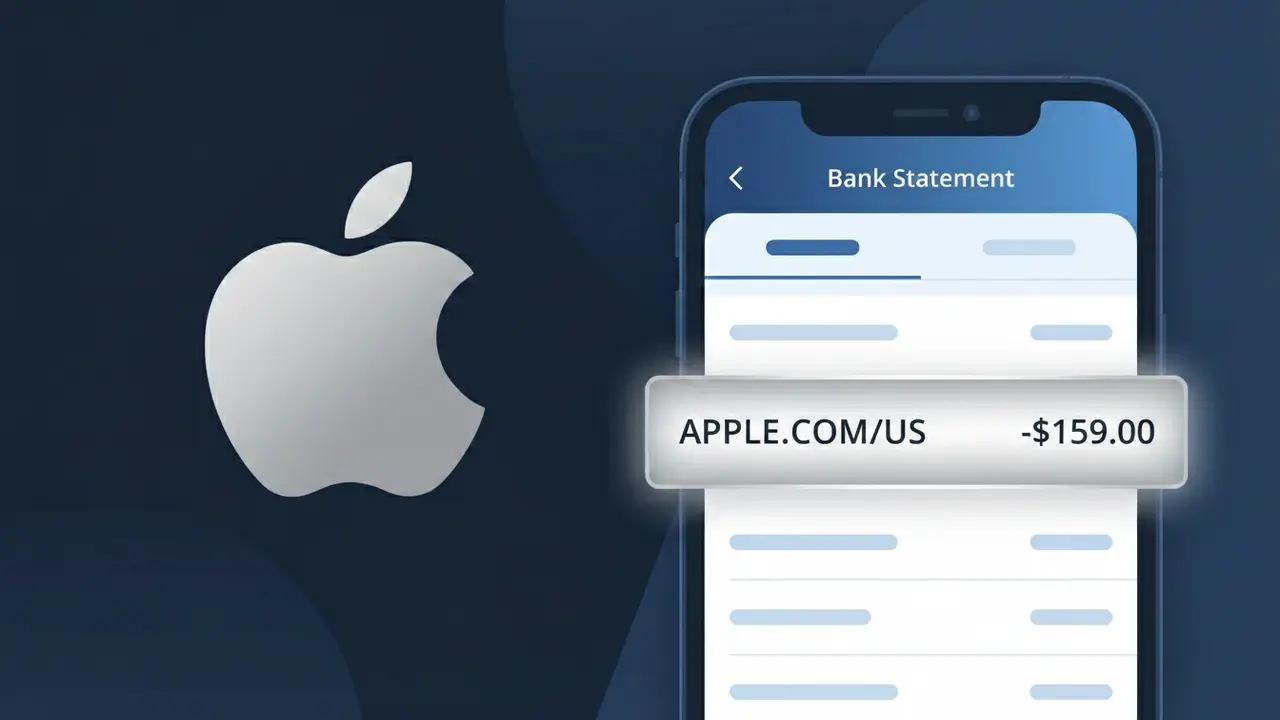
What Is "APPLE.COM/US" on My Bank Statement?
An APPLE.COM/US charge on your bank statement comes from Apple Services and represents a payment for one of Apple's many digital products or subscriptions. This descriptor is commonly seen when you've made a purchase through the App Store, bought music or movies on iTunes, or are being billed for an iCloud storage plan. Apple consolidates billing for its entire digital ecosystem under this single charge descriptor, which can sometimes make it tricky to pinpoint the exact service you were charged for. Checking your Apple ID purchase history is the quickest way to identify the specific transaction behind this charge.
The APPLE.COM/US descriptor appears on your bank statement because Apple routes all of its digital service payments through a centralized billing system tied to its main web domain, rather than listing individual product names like iTunes or iCloud separately. This is standard practice for large tech companies that manage multiple services under one payment infrastructure, helping them streamline transactions across millions of accounts. The 'US' suffix indicates the charge was processed through Apple's United States billing entity, which is typical for accounts registered with a US Apple ID.
ℹ️ Note
In most cases, seeing "APPLE.COM/US" on your statement is completely normal. Before assuming fraud, check your recent purchases — most mystery charges have a simple explanation.
Is the APPLE.COM/US Charge Legitimate or Fraud?
The APPLE.COM/US charge on your bank or credit card statement is almost always a legitimate transaction processed by Apple Inc. for one of their many digital services. This descriptor appears when you purchase apps, music, movies, subscriptions, or iCloud storage through Apple's ecosystem.
- App Store purchases (free app in-app purchases or paid downloads)
- Apple Music, Apple TV+, Apple Arcade, or Apple One subscription renewals
- iCloud+ storage plan monthly or annual billing
- iTunes movie, book, or music purchases made on any Apple device
- Apple News+ or Apple Fitness+ subscription charges
However, if you don't recognize the specific amount tied to APPLE.COM/US, it could indicate an unauthorized purchase by a family member, a forgotten free trial that converted to paid, or in rare cases, fraudulent use of your payment method linked to an Apple ID.
How to Verify the APPLE.COM/US Charge
- 1
Check your Apple ID purchase history
Sign in at reportaproblem.apple.com with your Apple ID to see a full list of recent APPLE.COM/US transactions, including the exact date and item purchased.
- 2
Search your email for Apple receipts
Apple sends an email receipt for every APPLE.COM/US charge. Search your inbox for 'no_reply@email.apple.com' or 'Your receipt from Apple' to match the charge amount.
- 3
Check all household Apple IDs
If you use Family Sharing, a child or partner may have made a purchase that billed to your payment method linked to APPLE.COM/US without your immediate awareness.
- 4
Review your active Apple subscriptions
On your iPhone or iPad, go to Settings > [Your Name] > Subscriptions to see every active or recently expired subscription that could be generating APPLE.COM/US charges.
- 5
Contact Apple Support directly
If you still cannot identify the charge, visit support.apple.com or call 1-800-275-2273 and provide the charge date and amount for Apple to look up the transaction.
How to Dispute an APPLE.COM/US Charge
- 1
Act within 60 days of the charge
Most banks require disputes to be filed within 60 days of the APPLE.COM/US charge appearing on your statement, so act quickly once you identify an unrecognized transaction.
- 2
Request a refund directly from Apple first
Visit reportaproblem.apple.com, find the specific APPLE.COM/US transaction, and click 'Report a Problem' to request a refund — Apple often resolves these within 48 hours.
- 3
File a chargeback with your bank
If Apple denies your refund request, call the number on the back of your card and formally dispute the APPLE.COM/US charge as unauthorized, providing any denial communication from Apple.
- 4
Request a new card number
If the APPLE.COM/US charge appears to be fraudulent and linked to a compromised Apple ID, ask your bank for a new card number and update your Apple ID payment method immediately.
Tips for Managing APPLE.COM/US Charges
Enable purchase notifications in your Apple ID settings to get alerted instantly for every APPLE.COM/US transaction.
Regularly review your Subscriptions list in iOS Settings to catch any APPLE.COM/US renewals you no longer need.
Secure your Apple ID with two-factor authentication to prevent unauthorized APPLE.COM/US charges from stolen credentials.
Note the billing dates of your Apple subscriptions — APPLE.COM/US charges often renew on the same date each month or year.
Use a dedicated card for APPLE.COM/US purchases so Apple charges are easy to isolate and monitor on your statement.
Use WhatIsThisCharge.net to identify other related Apple charges or unfamiliar billing descriptors on your statement.
Frequently Asked Questions About APPLE.COM/US
🔍 Decode this charge instantly
Search our database for APPLE.COM/US and similar charges.
Decode APPLE.COM/US →Was this article helpful?