Why You're Seeing "ASIACELL" on Your Bank Statement
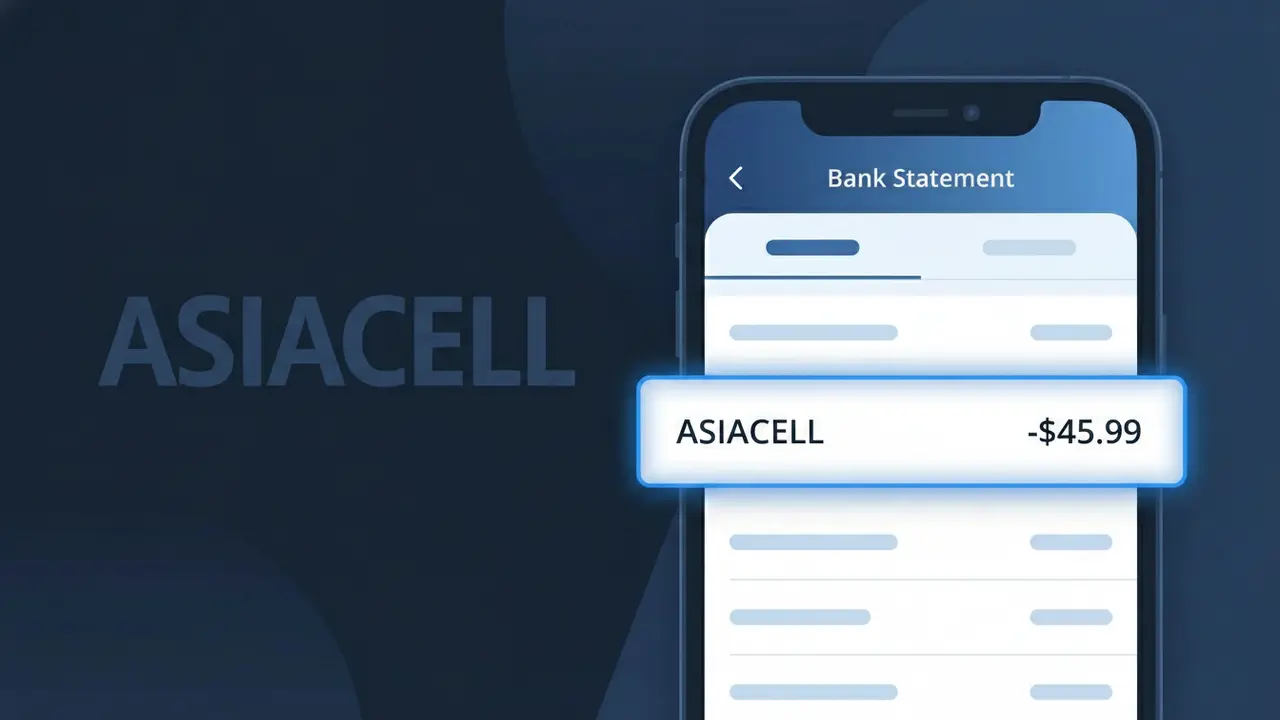
What Is "ASIACELL" on My Bank Statement?
The ASIACELL charge on your bank statement comes from Asiacell Iraq, one of the country's largest mobile network operators. This charge typically represents your monthly mobile bill for voice calls, SMS, or data services provided through the Asiacell network. Asiacell is a subsidiary of Ooredoo, the Qatari telecommunications giant, and serves over 13 million subscribers across Iraq. If you or someone in your household uses an Asiacell SIM card in Iraq, this charge is almost certainly your regular mobile service payment.
The descriptor ASIACELL appears on your bank statement because this is the registered merchant name that Asiacell Iraq uses when processing card payments and direct billing transactions. Unlike some companies that bill under a parent brand name, Asiacell maintains its own distinct billing identity separate from its parent company Ooredoo. This makes the charge straightforward to identify — if you see ASIACELL, it points directly to your Asiacell Iraq mobile account rather than any intermediary or holding company.
ℹ️ Note
In most cases, seeing "ASIACELL" on your statement is completely normal. Before assuming fraud, check your recent purchases — most mystery charges have a simple explanation.
Is the ASIACELL Charge Legitimate or Fraud?
If you see an ASIACELL charge on your bank or credit card statement, it most likely comes from Asiacell Telecommunications, one of Iraq's largest mobile network operators. Asiacell provides prepaid and postpaid mobile services, data packages, and international calling plans to millions of customers across Iraq. This charge is generally legitimate if you or someone in your household uses Asiacell mobile services.
- You have an active Asiacell prepaid or postpaid mobile subscription
- You recently purchased an Asiacell data bundle or top-up credit
- A family member linked their Asiacell account to your payment method
- You enabled auto-renewal for an Asiacell monthly service plan
How to Verify the ASIACELL Charge
- 1
Check your Asiacell account
Log into the Asiacell My Account portal or the Asiacell mobile app to review your recent transaction history and active plans.
- 2
Search your email for receipts
Look for confirmation emails or SMS messages from Asiacell that match the charge date and amount shown on your bank statement.
- 3
Check household members
Ask family members or housemates if they used your payment card to top up or subscribe to an Asiacell service plan.
- 4
Review your active subscriptions
Check whether you enrolled in any recurring Asiacell data, voice, or value-added service bundle that bills automatically each month.
- 5
Contact your bank
If you still cannot identify the charge, call your bank and ask for the full merchant details associated with the ASIACELL transaction.
How to Dispute an ASIACELL Charge
- 1
Act within 60 days
Most banks require you to dispute an unauthorized ASIACELL charge within 60 days of the statement date, so act quickly.
- 2
Contact Asiacell first
Reach out to Asiacell customer support via their hotline (800 or 1500 in Iraq) or live chat to request a billing review and possible refund directly.
- 3
File a chargeback with your bank
If Asiacell cannot resolve the issue, contact your bank or card issuer to formally dispute the charge and initiate a chargeback process.
- 4
Request a new card
If the ASIACELL charge appears fraudulent, ask your bank to cancel your current card and issue a new one to prevent further unauthorized transactions.
Tips for Managing ASIACELL Charges
Enable Asiacell SMS billing alerts to get notified every time a charge is processed on your account.
Keep a record of all Asiacell plan activations and top-up receipts for easy reference during disputes.
Secure your Asiacell account with a strong password to prevent unauthorized use of your linked payment method.
Note your Asiacell billing cycle date each month so recurring charges never catch you off guard.
Use a dedicated prepaid card for Asiacell payments to limit your exposure if unauthorized charges occur.
Use WhatIsThisCharge.net to identify any related or unfamiliar charges that appear alongside ASIACELL on your statement.
Frequently Asked Questions About the ASIACELL Charge
🔍 Decode this charge instantly
Search our database for ASIACELL and similar charges.
Decode ASIACELL →Was this article helpful?