Why You're Seeing "ATT*BILL" on Your Bank Statement
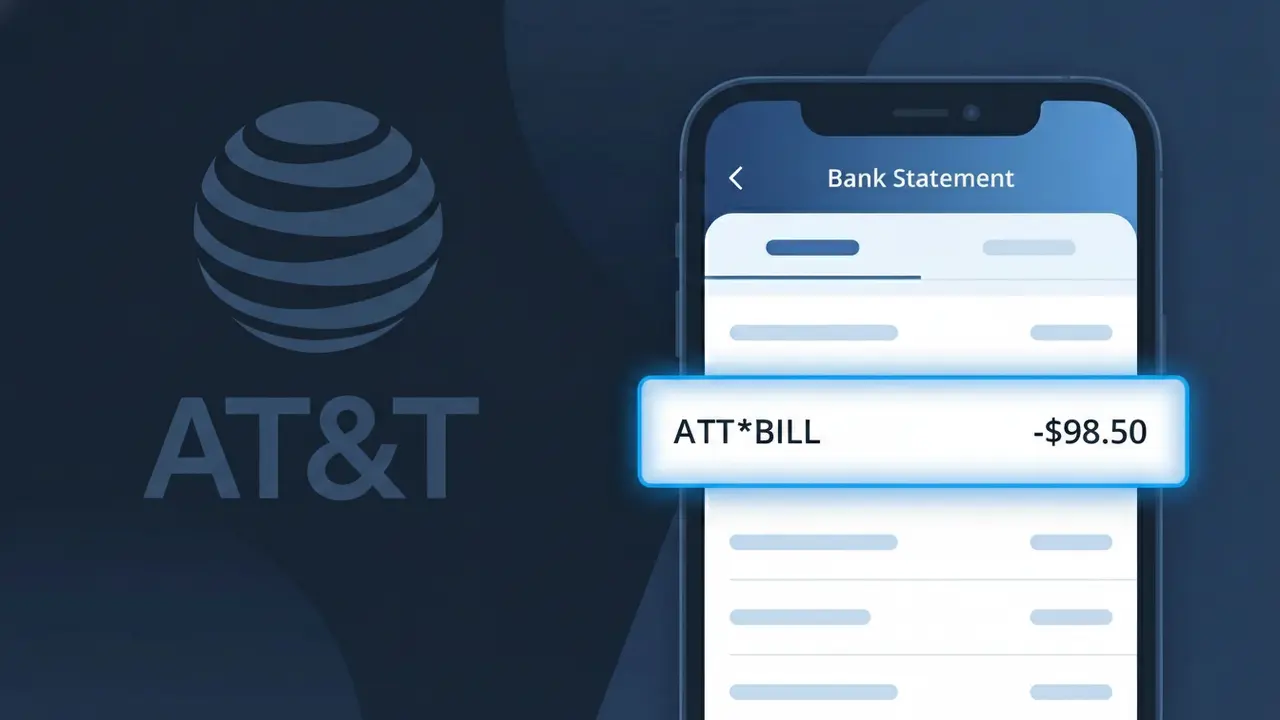
What Is "ATT*BILL" on My Bank Statement?
The ATT*BILL charge on your bank statement comes from AT&T, one of the largest telecommunications companies in the United States. This charge typically represents your monthly recurring payment for AT&T wireless phone service, home internet, or a bundled plan. AT&T automatically bills customers each month using this descriptor, so if you have an active AT&T account, this is almost certainly your regular service payment. If the amount matches what you expect to pay for your plan, there is no cause for concern.
AT&T uses the shortened descriptor ATT*BILL on bank and credit card statements because payment processors have strict character limits for merchant descriptors, making it impossible to display the full company name and billing detail. The asterisk separating ATT and BILL is a common formatting convention used by large companies to distinguish the merchant name from the transaction type. This is a standard and legitimate billing practice used by AT&T across millions of customer accounts each month.
ℹ️ Note
In most cases, seeing "ATT*BILL" on your statement is completely normal. Before assuming fraud, check your recent purchases — most mystery charges have a simple explanation.
Is ATT*BILL a Legitimate Charge?
The ATT*BILL charge on your bank or credit card statement is a legitimate billing descriptor used by AT&T when processing payments for their services. This charge typically appears when AT&T bills you for wireless, internet, TV, or home phone services on a monthly basis.
- ATT*BILL is the official shortened billing name AT&T uses with payment processors
- It may appear for wireless plans, AT&T Fiber, AT&T Internet, or DIRECTV Stream subscriptions
- The charge amount should match your most recent AT&T monthly bill or invoice
- It can appear from both autopay enrollments and one-time manual payments made to AT&T
If the amount of the ATT*BILL charge does not match your expected AT&T bill, log into your AT&T account immediately to review recent charges or contact AT&T customer support to investigate.
How to Verify the ATT*BILL Charge
- 1
Log into your AT&T account
Visit att.com or open the myAT&T app and navigate to 'Billing & Payments' to see if the ATT*BILL amount matches your most recent invoice.
- 2
Search your email for AT&T receipts
Search your inbox for emails from AT&T with keywords like 'AT&T bill' or 'payment confirmation' and compare the amount to the ATT*BILL charge on your statement.
- 3
Check if household members have AT&T accounts
A spouse, partner, or family member may have set up an AT&T account using a shared payment method, resulting in an ATT*BILL charge you don't recognize.
- 4
Review your AT&T subscriptions and add-ons
Log into your AT&T account and check for any recently added features, equipment installment plans, or service upgrades that may have changed your ATT*BILL amount.
- 5
Contact your bank for more details
Ask your bank for the full merchant details behind the ATT*BILL transaction, including the date, exact amount, and any merchant ID to help confirm the charge's origin.
How to Dispute an ATT*BILL Charge
- 1
Act within 60 days
Most banks require disputes to be filed within 60 days of the ATT*BILL charge appearing on your statement, so act quickly to preserve your right to a chargeback.
- 2
Contact AT&T customer support first
Call AT&T at 1-800-288-2020 or chat via att.com to report an incorrect or unauthorized ATT*BILL charge. AT&T may resolve billing errors faster than a formal bank dispute.
- 3
File a chargeback with your bank
If AT&T does not resolve the issue, contact your bank or credit card issuer and formally dispute the ATT*BILL charge, providing any supporting documentation such as cancellation confirmations.
- 4
Request a new card number
If the ATT*BILL charge appears to be fraudulent and your card details were compromised, ask your bank to issue a new card number to prevent any further unauthorized charges.
Tips for Managing ATT*BILL Charges
Enable autopay alerts in the myAT&T app so you're notified before each ATT*BILL charge is processed.
Download and save your AT&T monthly invoices to easily compare against future ATT*BILL charges.
Keep your AT&T account login updated and secure so you can quickly verify any ATT*BILL charge at any time.
Note your AT&T billing cycle date so you always know when to expect the ATT*BILL charge each month.
Set a bank alert for charges over a set amount to catch any unexpected ATT*BILL increases immediately.
Use WhatIsThisCharge.net to identify related charges that may appear alongside ATT*BILL on your statement.
Frequently Asked Questions About ATT*BILL
🔍 Decode this charge instantly
Search our database for ATT*BILL and similar charges.
Decode ATT*BILL →Was this article helpful?