Why You're Seeing "BARID BANK*" on Your Bank Statement
What Is "BARID BANK*" on My Bank Statement?
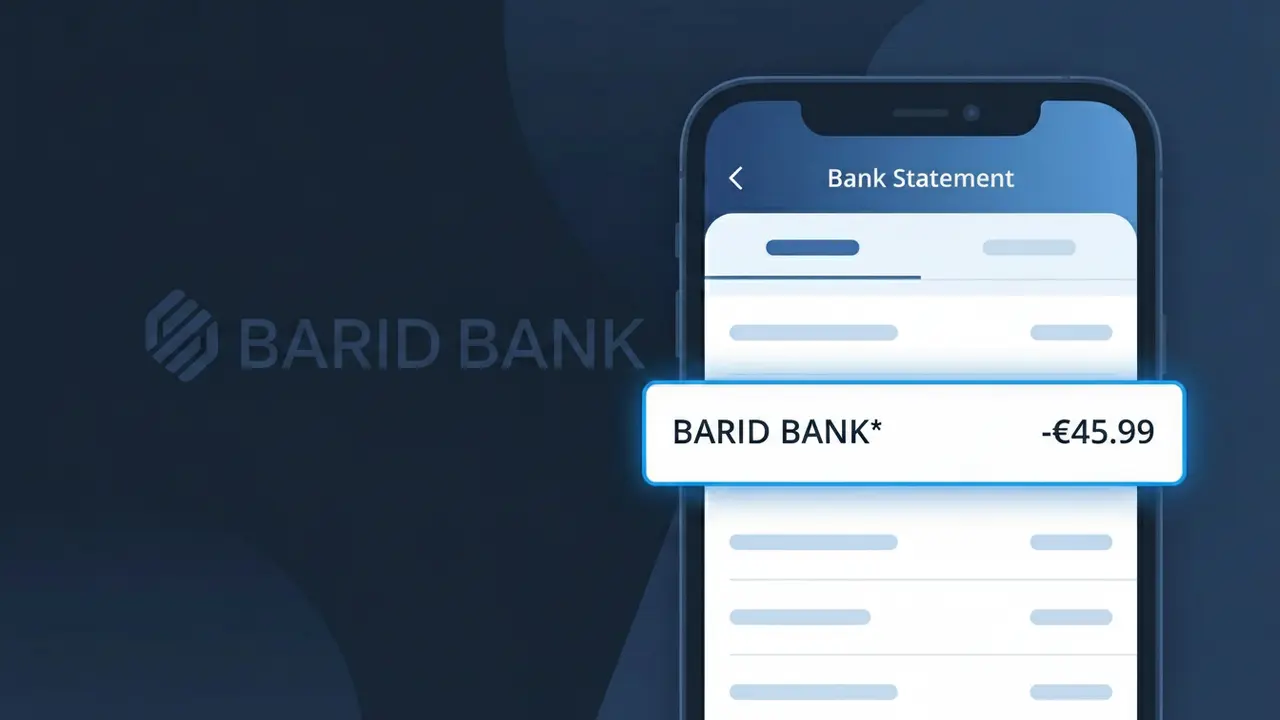
A charge appearing as BARID BANK* on your bank statement comes from Barid Bank Maroc, a postal bank operating in Morocco. This descriptor typically represents fees, payments, or transactions processed through Barid Bank's financial services network. Barid Bank Maroc offers a range of banking and financial products, and this charge may reflect account maintenance fees, transfer costs, or payment processing. If you have accounts or services with Barid Bank Maroc, this is likely a legitimate transaction.
The descriptor BARID BANK* appears on your statement because payment processors and banking networks use abbreviated identifiers to represent the originating institution during transaction processing. Barid Bank Maroc transmits this shorthand code to your card network or bank, which then displays it exactly as received rather than the full company name. The asterisk (*) following the descriptor often indicates additional transaction details may follow, such as a reference number or service type.
ℹ️ Note
In most cases, seeing "BARID BANK*" on your statement is completely normal. Before assuming fraud, check your recent purchases — most mystery charges have a simple explanation.
Is the BARID BANK* Charge Legitimate or Fraud?
If you see BARID BANK* on your bank or credit card statement, this charge most likely originates from BARID BANK, a Moroccan postal bank (Al Barid Bank) that provides financial services including accounts, transfers, and payments across Morocco. This descriptor is standard for transactions processed through their network.
Common legitimate reasons you may see a BARID BANK* charge include:
- A money transfer or remittance sent or received via BARID BANK
- A bill payment processed through a BARID BANK branch or online portal
- Account maintenance or service fees charged by BARID BANK
- A mobile payment or Cashplus card transaction linked to BARID BANK
However, if you have no connection to BARID BANK services or Morocco-based transactions, this charge could indicate unauthorized use of your payment details and should be investigated immediately.
How to Verify the BARID BANK* Charge
- 1
Log into your BARID BANK account
Visit the official Al Barid Bank online portal or mobile app and review your recent transaction history to match the BARID BANK* charge amount and date.
- 2
Search your email for receipts
Look through your inbox for confirmation emails from BARID BANK regarding transfers, payments, or account activity that correspond to the BARID BANK* charge on your statement.
- 3
Check with household members
Ask family members or anyone with access to your linked accounts whether they initiated a transaction through BARID BANK that resulted in the BARID BANK* charge.
- 4
Review your Cashplus card activity
If you hold a BARID BANK Cashplus prepaid card, check its transaction history, as purchases and top-ups often appear as BARID BANK* on external statements.
- 5
Contact BARID BANK customer support
Call BARID BANK's customer service at their official helpline or visit a local branch to request details about the specific transaction behind the BARID BANK* charge.
How to Dispute a BARID BANK* Charge
- 1
Act within 60 days
Most banks require disputes to be filed within 60 days of the statement date. Report the unrecognized BARID BANK* charge to your card issuer as soon as possible to preserve your rights.
- 2
Contact BARID BANK directly first
Reach out to BARID BANK's customer service to explain the unauthorized or incorrect BARID BANK* charge. They may resolve the issue faster than a formal bank dispute process.
- 3
File a chargeback with your card issuer
If BARID BANK cannot resolve the issue, contact your bank or credit card provider, provide documentation of the disputed BARID BANK* transaction, and formally request a chargeback.
- 4
Request a new card number
If the BARID BANK* charge appears fraudulent and your card details may be compromised, ask your bank to cancel your current card and issue a new one to prevent further unauthorized charges.
Tips for Managing BARID BANK* Charges
Enable SMS or app alerts on your BARID BANK account to get instant notifications for every BARID BANK* transaction.
Keep records of all BARID BANK transfers and payments so you can quickly match any BARID BANK* charge on your statement.
Secure your BARID BANK online account with a strong, unique password and enable two-factor authentication to prevent unauthorized access.
Review your statement monthly for BARID BANK* entries, as service fees can appear on recurring billing cycles without a separate notification.
If you don't use BARID BANK services, report any BARID BANK* charge immediately as potential fraud to limit your liability.
Use WhatIsThisCharge.net to identify related charges that may appear alongside BARID BANK* on your statement.
Frequently Asked Questions About the BARID BANK* Charge
🔍 Decode this charge instantly
Search our database for BARID BANK* and similar charges.
Decode BARID BANK* →Was this article helpful?