Why You're Seeing "BASECAMP*" on Your Bank Statement
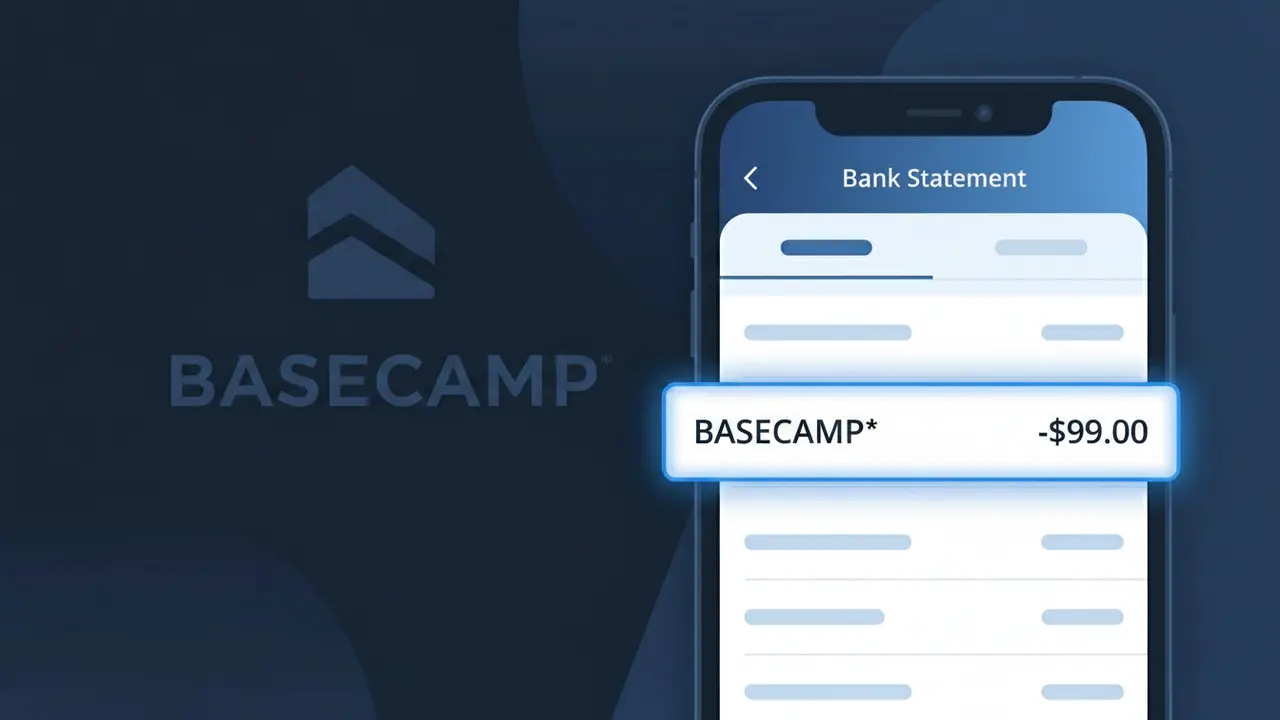
What Is "BASECAMP*" on My Bank Statement?
A BASECAMP* charge on your bank statement is a subscription payment for Basecamp, a popular project management and team collaboration platform based in the United States. This charge appears when you have an active Basecamp account, whether it's their flat-rate Business plan or a previous legacy tier. Basecamp helps teams organize projects, assign tasks, share files, and communicate in one centralized place. If you see this descriptor, your account is being billed for ongoing access to these tools.
The BASECAMP* descriptor appears on your bank statement because this is the billing name Basecamp registers with payment processors when charging customers. The asterisk following the name is a common formatting convention used by payment networks to separate a merchant's name from additional billing details such as a plan identifier or partial order reference. This is standard practice for SaaS companies and does not indicate any issue with your transaction.
ℹ️ Note
In most cases, seeing "BASECAMP*" on your statement is completely normal. Before assuming fraud, check your recent purchases — most mystery charges have a simple explanation.
Is the BASECAMP* Charge Legitimate or Fraud?
If you see BASECAMP* on your bank or credit card statement, it is most likely a legitimate charge from Basecamp, the popular project management and team collaboration software used by businesses and freelancers worldwide. Basecamp bills subscribers directly, and the truncated BASECAMP* descriptor is how their charges appear through payment processors.
Common reasons you might see a BASECAMP* charge include:
- An active Basecamp subscription (Basecamp charges a flat monthly or annual fee)
- A team member or colleague signed up for Basecamp using your payment method
- A free trial that converted into a paid Basecamp subscription
- An annual Basecamp plan renewing automatically at the start of a new billing cycle
If you do not recognize the BASECAMP* charge and have never used Basecamp, you should verify the charge carefully and consider contacting your bank, as unauthorized use of your card details is possible.
How to Verify the BASECAMP* Charge
- 1
Log into your Basecamp account
Visit basecamp.com and sign in. Navigate to your account settings and check the billing section to confirm your subscription status and recent payment history.
- 2
Search your email for Basecamp receipts
Search your inbox for emails from Basecamp (noreply@basecamp.com or billing@basecamp.com). Basecamp sends receipts for every charge, so a matching email confirms the BASECAMP* charge is legitimate.
- 3
Check with household or team members
Ask coworkers, employees, or household members whether they signed up for Basecamp using a shared payment method, as BASECAMP* charges can originate from team account setups.
- 4
Review your subscription and trial history
If you started a Basecamp free trial and did not cancel before it ended, a BASECAMP* charge will appear automatically. Check your Basecamp account for any active or lapsed trial periods.
- 5
Contact your bank for transaction details
Ask your bank for the full merchant details behind the BASECAMP* charge. The date, amount, and merchant ID can help confirm whether the charge matches a known Basecamp billing event.
How to Dispute a BASECAMP* Charge
- 1
Act within 60 days of the charge
Most banks require disputes to be filed within 60 days of the BASECAMP* charge appearing on your statement. Act quickly to preserve your right to a chargeback.
- 2
Contact Basecamp support first
Reach out to Basecamp directly at basecamp.com/support before escalating. Basecamp's team can clarify billing issues, issue refunds for accidental charges, or cancel an unwanted subscription quickly.
- 3
File a chargeback with your bank
If Basecamp does not resolve the issue, contact your bank or card issuer and formally dispute the BASECAMP* charge. Provide any email evidence, account details, or communication records to support your claim.
- 4
Request a new card number
If you believe the BASECAMP* charge is fraudulent and your card details were compromised, ask your bank to issue a replacement card to prevent further unauthorized charges.
Tips for Managing BASECAMP* Charges
Set a calendar reminder before your Basecamp trial ends to avoid an unexpected BASECAMP* charge on renewal.
Download and save Basecamp billing receipts each month so you can quickly match any BASECAMP* charge on your statement.
Keep your Basecamp account credentials secure — unauthorized access can lead to unexpected BASECAMP* plan upgrades or charges.
Note whether your Basecamp plan is monthly or annual so you know exactly when to expect the next BASECAMP* charge.
Use a virtual card number for your Basecamp subscription to limit exposure if your card details are ever compromised.
Use WhatIsThisCharge.net to identify related charges that may appear alongside BASECAMP* on your statement.
Frequently Asked Questions About the BASECAMP* Charge
🔍 Decode this charge instantly
Search our database for BASECAMP* and similar charges.
Decode BASECAMP* →Was this article helpful?