Why You're Seeing "BIGBASKET*" on Your Bank Statement
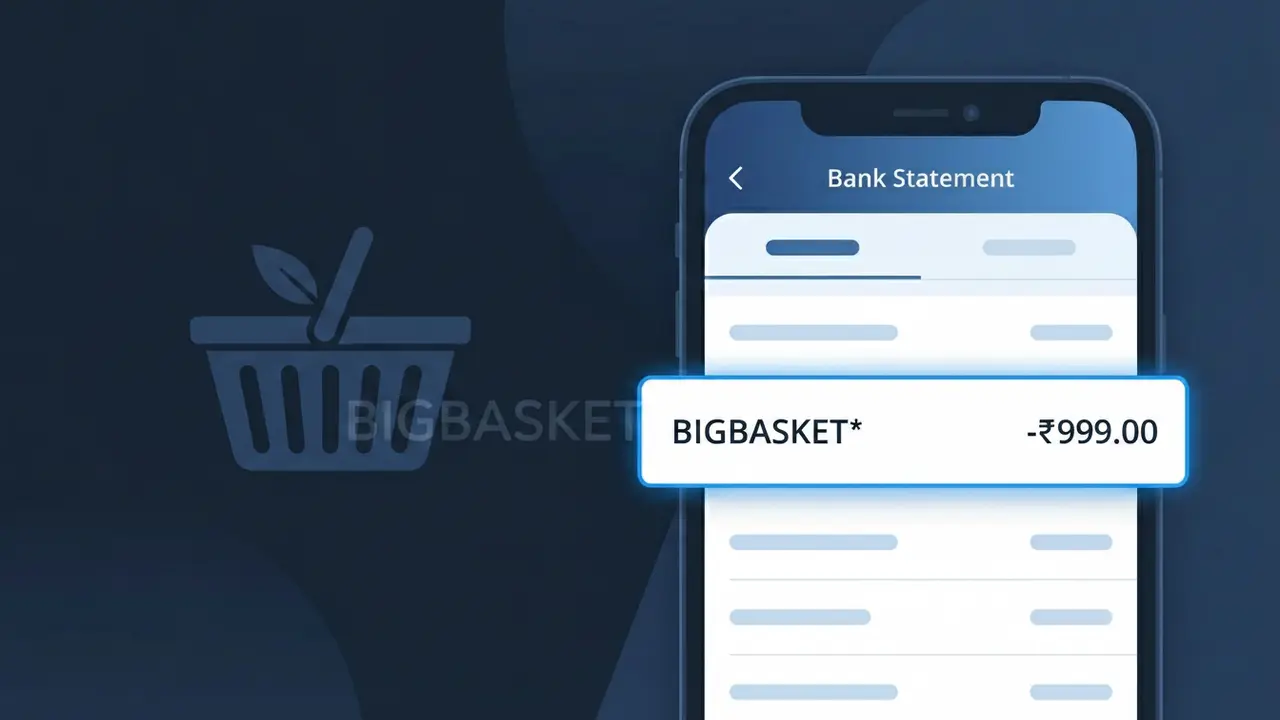
What Is "BIGBASKET*" on My Bank Statement?
A charge showing BIGBASKET* on your bank statement comes from BigBasket, one of India's largest online grocery and supermarket platforms. This charge appears when you purchase groceries, fresh produce, household essentials, or other items through the BigBasket app or website for home delivery. BigBasket operates across major Indian cities, offering same-day and scheduled delivery slots, which means you may see this charge regularly if you shop for groceries online. If you notice this descriptor on your statement, it almost certainly reflects a recent grocery order or a subscription to their BB Star membership program.
The BIGBASKET* descriptor appears on your bank statement because payment processors often use a shortened or coded version of the merchant's name to identify transactions, and BigBasket's payment system is configured to transmit this particular string to your bank. The asterisk (*) following the name is commonly used by payment gateways to separate the merchant identifier from additional transaction details such as an order number or location code. This truncated format is standard practice across digital commerce platforms in India and may look unfamiliar compared to the full brand name you recognize from the app.
ℹ️ Note
In most cases, seeing "BIGBASKET*" on your statement is completely normal. Before assuming fraud, check your recent purchases — most mystery charges have a simple explanation.
Is BIGBASKET* Legitimate or Fraud?
If you see BIGBASKET* on your bank or credit card statement, this charge almost certainly comes from BigBasket, India's largest online grocery delivery platform. BigBasket allows customers to order fresh produce, pantry staples, household items, and more for home delivery, and the BIGBASKET* descriptor appears when a payment is processed through their system.
Common reasons you might see the BIGBASKET* charge include:
- A grocery or household goods order placed on the BigBasket app or website
- A BigBasket BB Star subscription membership renewal charge
- A scheduled or express delivery slot payment processed by BigBasket
- A family member or roommate using a shared payment method for their BigBasket order
While the BIGBASKET* charge is typically legitimate, you should verify it against your recent orders if the amount is unexpected or unfamiliar.
How to Verify the BIGBASKET* Charge
- 1
Log into your BigBasket account
Visit bigbasket.com or open the BigBasket app, go to 'My Orders,' and check if any recent orders match the BIGBASKET* charge amount and date on your statement.
- 2
Search your email for BigBasket receipts
Search your inbox for emails from BigBasket (noreply@bigbasket.com) containing order confirmations or invoices that align with the BIGBASKET* transaction date and amount.
- 3
Check if BB Star subscription renewed
If you have a BigBasket BB Star membership, check your subscription renewal date — BIGBASKET* charges often appear when the annual or monthly membership auto-renews.
- 4
Ask household members
Check with family members or roommates who may have access to your payment method and could have placed a BigBasket grocery order without your knowledge.
- 5
Contact your bank for transaction details
If you still cannot identify the BIGBASKET* charge, call your bank to get the full merchant details, including the exact transaction ID, which can help BigBasket locate the order.
How to Dispute a BIGBASKET* Charge
- 1
Act within 60 days of the charge
Most banks require you to report an unauthorized BIGBASKET* charge within 60 days of your statement date. Do not delay — act as soon as you spot the suspicious transaction.
- 2
Contact BigBasket customer support first
Reach out to BigBasket via their in-app chat, email at support@bigbasket.com, or call their helpline. Provide the BIGBASKET* charge amount and date so they can investigate or issue a refund directly.
- 3
File a chargeback with your bank
If BigBasket does not resolve the issue, contact your bank or card issuer to file a formal chargeback against the BIGBASKET* transaction. Provide any communication records from BigBasket as supporting evidence.
- 4
Request a new card number
If you suspect your card details were used fraudulently to make BigBasket purchases, ask your bank to cancel the current card and issue a new one to prevent further unauthorized BIGBASKET* charges.
Tips for Managing BIGBASKET* Charges
Enable bank alerts for every transaction so you spot any unexpected BIGBASKET* charge the moment it posts.
Keep your BigBasket order history open alongside your bank statement to quickly match each BIGBASKET* charge.
Secure your BigBasket account with a strong, unique password and enable two-factor authentication to prevent unauthorized orders.
Note your BB Star membership renewal date in your calendar so the annual BIGBASKET* subscription charge never catches you off guard.
Remove saved cards from your BigBasket account when not actively shopping to reduce exposure to accidental or unauthorized charges.
Use WhatIsThisCharge.net to identify any related or unfamiliar charges that appear alongside BIGBASKET* on your statement.
Frequently Asked Questions About BIGBASKET*
🔍 Decode this charge instantly
Search our database for BIGBASKET* and similar charges.
Decode BIGBASKET* →Was this article helpful?