Why You're Seeing "BINANCE*" on Your Bank Statement
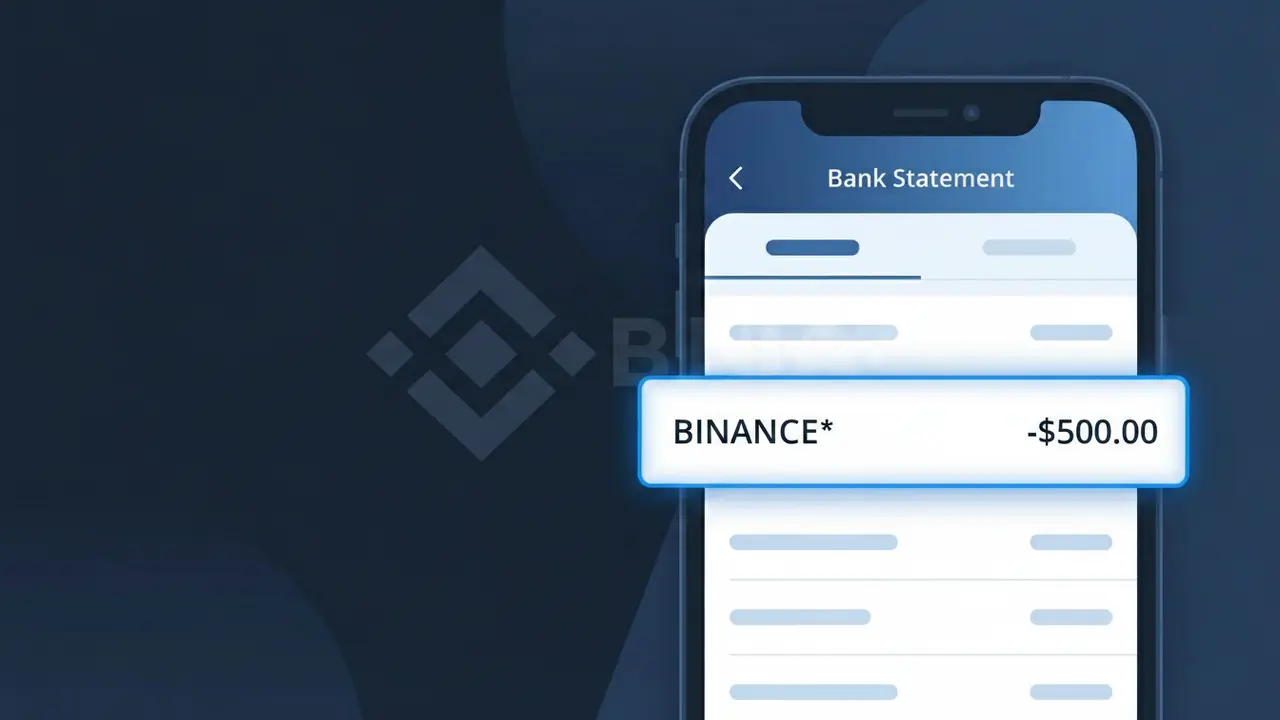
What Is "BINANCE*" on My Bank Statement?
A charge labeled BINANCE* on your bank or credit card statement comes from Binance, one of the world's largest cryptocurrency exchanges. This charge typically represents a trading fee, subscription to Binance's premium services, or a deposit made to fund your Binance account. If you or someone with access to your account uses Binance to buy, sell, or trade digital assets like Bitcoin or Ethereum, this is likely the source. The asterisk following the descriptor is commonly used by payment processors to separate the merchant name from additional transaction details.
The BINANCE* descriptor appears on your bank statement because Binance uses a truncated version of its brand name when processing payments through third-party payment networks and card processors. Financial institutions display the merchant identifier provided at the time of the transaction, which is often shortened or formatted differently than the company's full legal or public-facing name. The asterisk (*) typically indicates that additional characters, such as a transaction type or reference code, may follow depending on your bank's statement formatting.
ℹ️ Note
In most cases, seeing "BINANCE*" on your statement is completely normal. Before assuming fraud, check your recent purchases — most mystery charges have a simple explanation.
Is the BINANCE* Charge Legitimate or Fraud?
The BINANCE* charge on your bank or credit card statement is typically a legitimate transaction from BINANCE, one of the world's largest cryptocurrency exchanges. This charge appears when you deposit funds, purchase crypto, pay trading fees, or subscribe to Binance services using a linked payment method.
Common legitimate reasons you may see a BINANCE* charge include:
- A crypto purchase made directly on Binance.com using a debit or credit card
- A fiat deposit to fund your Binance spot or futures wallet
- Binance Pro or VIP subscription fees charged to your card
- Peer-to-peer (P2P) trading transactions processed through Binance
If you do not recognize the BINANCE* charge and have never created a Binance account, this could indicate unauthorized use of your payment details and should be investigated immediately.
How to Verify the BINANCE* Charge
- 1
Log into your Binance account
Visit Binance.com or open the Binance app, go to 'Wallet' then 'Transaction History' and look for a transaction matching the BINANCE* charge amount and date on your statement.
- 2
Search your email for Binance receipts
Search your inbox for emails from noreply@binance.com or support@binance.com. Binance sends confirmation emails for deposits, purchases, and fee charges that should match the BINANCE* amount.
- 3
Check if a household member used Binance
Ask family members or anyone with access to your payment card whether they created a Binance account or made a crypto purchase on Binance using your card details.
- 4
Review your Binance payment methods
In your Binance account under 'Payment Methods,' confirm whether your card is linked. A saved card can trigger a BINANCE* charge when any account member initiates a buy order.
- 5
Contact your bank for more details
If you still cannot verify the BINANCE* charge, call your bank and ask for the full merchant descriptor and transaction ID, which can help confirm whether the charge originated from Binance.
How to Dispute a BINANCE* Charge
- 1
Act within 60 days
Most banks require you to dispute an unrecognized BINANCE* charge within 60 days of the statement date. Acting quickly improves your chances of a successful chargeback and full refund.
- 2
Contact Binance support first
Submit a support ticket at support.binance.com explaining the unauthorized BINANCE* charge. Binance may reverse the transaction faster than a bank dispute if it was a billing error on their end.
- 3
File a chargeback with your bank
If Binance does not resolve the issue, call your bank or card issuer and formally dispute the BINANCE* charge as unauthorized. Provide the transaction date, amount, and any communication with Binance.
- 4
Request a new card number
If the BINANCE* charge was fraudulent, ask your bank to issue a replacement card with a new number to prevent further unauthorized charges from Binance or any other merchant.
Tips for Managing BINANCE* Charges
Enable Binance account alerts so you receive instant notifications whenever a BINANCE* charge is processed to your card.
Regularly review your Binance transaction history to reconcile each BINANCE* charge with your bank statement.
Secure your Binance account with two-factor authentication (2FA) to prevent unauthorized purchases that result in unexpected BINANCE* charges.
Note the dates of your Binance deposits or buys so recurring BINANCE* charges on your statement are easy to identify each month.
Remove saved card details from your Binance payment methods when not actively trading to reduce the risk of accidental charges.
Use WhatIsThisCharge.net to identify related charges that may appear alongside BINANCE* on your statement.
Frequently Asked Questions About BINANCE* Charges
🔍 Decode this charge instantly
Search our database for BINANCE* and similar charges.
Decode BINANCE* →Was this article helpful?