Why You're Seeing "BIRD*" on Your Bank Statement
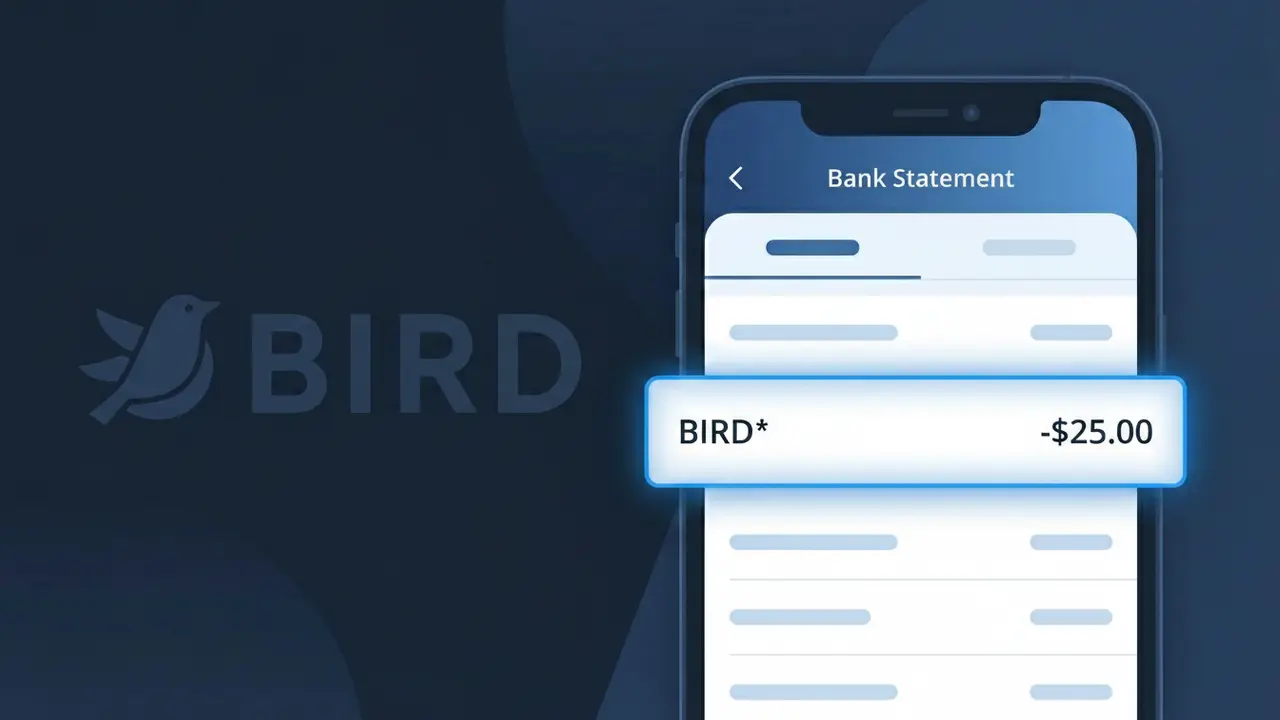
What Is "BIRD*" on My Bank Statement?
The BIRD* charge on your bank statement comes from Bird, a popular electric scooter sharing company operating in cities across the United States. This charge appears when you unlock and ride one of Bird's dockless electric scooters using their mobile app. The BIRD* descriptor is followed by additional characters that may reference a specific transaction or location. If you've recently zipped through a city on a Bird scooter, this is simply the cost of that ride appearing on your account.
Bird processes payments under the shortened descriptor BIRD* rather than displaying their full company name, which is common practice among app-based mobility services to fit within the character limits imposed by payment processors and banks. The asterisk following BIRD is a standard separator used by many companies to append transaction-specific details such as a ride ID or city code. If you don't recognize this charge, it's worth checking whether a family member or friend may have used your payment method through the Bird app.
ℹ️ Note
In most cases, seeing "BIRD*" on your statement is completely normal. Before assuming fraud, check your recent purchases — most mystery charges have a simple explanation.
Is the BIRD* Charge Legitimate or Fraud?
The BIRD* charge on your bank or credit card statement typically comes from BIRD, the popular electric scooter and e-bike sharing company. If you've recently unlocked or ridden a BIRD scooter or e-bike in your city, this charge is almost certainly legitimate and reflects your ride cost or a pre-authorization hold.
Common reasons you may see a BIRD* charge include:
- A completed BIRD scooter or e-bike ride billed per minute
- An unlock fee charged at the start of a BIRD ride
- A BIRD account top-up or prepaid credit purchase
- A BIRD Pass subscription for unlimited or discounted rides
If you don't recall using BIRD services, check whether a family member or friend used your payment method through the BIRD app before assuming fraud.
How to Verify the BIRD* Charge
- 1
Log into your BIRD account
Open the BIRD app or visit bird.co and navigate to your ride history. Match the charge date and amount to a specific ride or transaction listed there.
- 2
Search your email for BIRD receipts
Search your inbox for emails from BIRD or bird.co. BIRD typically sends a ride receipt after each trip with the cost breakdown and ride duration.
- 3
Check household members or friends
Ask family members or friends if they borrowed your card or used your BIRD account. The BIRD app allows saved payment methods that others may have accessed.
- 4
Review any BIRD Pass subscriptions
If you signed up for a BIRD Pass monthly subscription, recurring BIRD* charges will appear on your statement. Check the app's subscription section for active plans.
- 5
Contact your bank for transaction details
Ask your bank for the full merchant descriptor associated with the BIRD* charge. This can help confirm the exact BIRD service or transaction type billed.
How to Dispute a BIRD* Charge
- 1
Act within 60 days of the charge
Most banks require disputes to be filed within 60 days of the BIRD* charge appearing on your statement. Act quickly to preserve your chargeback rights.
- 2
Contact BIRD support first
Reach out to BIRD through the app's Help section or at support.bird.co. Explain the unauthorized or incorrect BIRD* charge — many billing issues are resolved quickly this way.
- 3
File a chargeback with your bank
If BIRD does not resolve the issue, contact your bank or card issuer to dispute the BIRD* charge. Provide your ride history screenshots and any BIRD support correspondence as evidence.
- 4
Request a new card if fraud is confirmed
If the BIRD* charge is confirmed as unauthorized and your card details were compromised, ask your bank to cancel and reissue your card to prevent further fraudulent charges.
Tips for Managing BIRD* Charges
Enable transaction alerts on your bank app to get notified instantly when a BIRD* charge posts.
Review your BIRD ride history monthly to reconcile each BIRD* charge on your statement.
Secure your BIRD account with a strong password and two-factor authentication to prevent unauthorized rides.
Note your BIRD Pass renewal date to avoid surprise recurring BIRD* subscription charges each month.
Use a dedicated prepaid card for BIRD rides to limit exposure if your payment info is ever compromised.
Use WhatIsThisCharge.net to identify related charges that may appear alongside BIRD* on your statement.
Frequently Asked Questions About the BIRD* Charge
Was this article helpful?