Why You're Seeing "BITWARDEN*" on Your Bank Statement
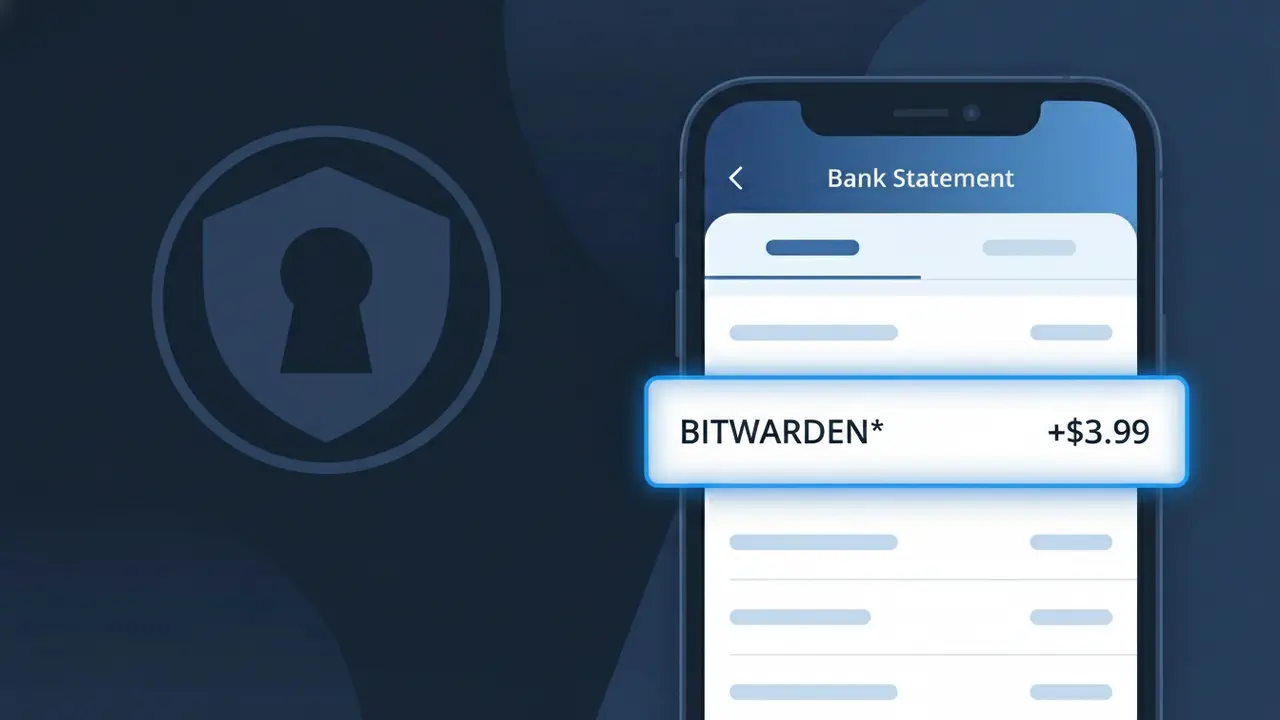
What Is "BITWARDEN*" on My Bank Statement?
A BITWARDEN* charge on your bank statement comes from Bitwarden, a popular open-source password manager that helps users securely store and manage their passwords and sensitive information. This charge typically represents a subscription to Bitwarden's premium individual plan, families plan, or a business/teams plan. Bitwarden offers both free and paid tiers, so if you're seeing this charge, you or someone on your account has upgraded to a paid subscription. The asterisk following BITWARDEN* in the descriptor is commonly used by subscription services to separate the company name from additional billing details.
The BITWARDEN* descriptor appears on your bank statement because Bitwarden uses this shorthand billing identifier when processing payments through their payment provider. The asterisk is a standard formatting convention used by many subscription-based software companies to denote a recurring charge. If you signed up for a Bitwarden Premium, Families, Teams, or Enterprise plan, this is the descriptor you can expect to see on your monthly or annual billing cycle.
ℹ️ Note
In most cases, seeing "BITWARDEN*" on your statement is completely normal. Before assuming fraud, check your recent purchases — most mystery charges have a simple explanation.
Is the BITWARDEN* Charge Legitimate or Fraud?
If you see BITWARDEN* on your bank or credit card statement, this charge almost certainly comes from Bitwarden, the popular open-source password manager. Bitwarden offers a premium subscription plan as well as family and business plans, and the BITWARDEN* descriptor appears when one of these paid tiers is billed to your card.
Common legitimate reasons you might see this charge include:
- An active Bitwarden Premium individual subscription (~$10/year)
- A Bitwarden Families plan billed annually or monthly
- A Bitwarden Teams or Enterprise business plan subscription
- A renewal charge after your free trial of a Bitwarden paid plan ended
If you do not recall signing up for any Bitwarden service, check whether a family member or colleague may have used your payment details, or verify your email inbox for any Bitwarden receipts before assuming the charge is fraudulent.
How to Verify the BITWARDEN* Charge
- 1
Log into your Bitwarden account
Visit bitwarden.com and sign in. Navigate to Settings > Billing to review your active plan and recent payment history to confirm the BITWARDEN* charge.
- 2
Search your email for Bitwarden receipts
Search your inbox for emails from 'bitwarden.com' or subject lines like 'Bitwarden Receipt'. Bitwarden sends a confirmation email for every successful billing transaction.
- 3
Check household or team members
Ask family members or colleagues if they set up a Bitwarden Families or Teams plan using your shared payment method, which would generate a BITWARDEN* charge.
- 4
Review your subscription manager
Check any subscription tracking apps or your device's app store subscriptions to see if a Bitwarden plan is listed as active and billing to your card.
- 5
Contact Bitwarden support
If you still cannot identify the BITWARDEN* charge, reach out to Bitwarden support at bitwarden.com/contact to have them look up the transaction by your email or card details.
How to Dispute a BITWARDEN* Charge
- 1
Act within 60 days
Most banks require disputes to be filed within 60 days of the BITWARDEN* charge appearing on your statement. Act quickly to preserve your right to a chargeback.
- 2
Contact Bitwarden first
Reach out to Bitwarden directly at bitwarden.com/contact before escalating. Bitwarden is known for responsive support and may issue a refund for accidental or duplicate BITWARDEN* charges.
- 3
File a chargeback with your bank
If Bitwarden does not resolve the issue, call the number on the back of your card and dispute the BITWARDEN* charge. Provide any email evidence or screenshots from your Bitwarden account.
- 4
Request a new card number
If you believe the BITWARDEN* charge is fully fraudulent and not tied to any account you own, ask your bank to issue a new card to prevent any further unauthorized charges.
Tips for Managing BITWARDEN* Charges
Set a calendar reminder before your Bitwarden annual renewal date so the BITWARDEN* charge never surprises you.
Download your Bitwarden billing invoices from Settings > Billing and save them for easy reference if a BITWARDEN* charge is ever questioned.
Keep your Bitwarden account email up to date so receipt emails for every BITWARDEN* transaction reach you immediately.
Bitwarden bills annually by default — note the exact renewal date in your calendar to avoid forgetting the yearly BITWARDEN* charge.
Enable two-factor authentication on your Bitwarden account to prevent unauthorized plan upgrades that could create unexpected BITWARDEN* charges.
Use WhatIsThisCharge.net to identify related charges that may appear alongside BITWARDEN* on your statement.
Frequently Asked Questions About the BITWARDEN* Charge
🔍 Decode this charge instantly
Search our database for BITWARDEN* and similar charges.
Decode BITWARDEN* →Was this article helpful?