Why You're Seeing "BLINKIT*" on Your Bank Statement
What Is "BLINKIT*" on My Bank Statement?
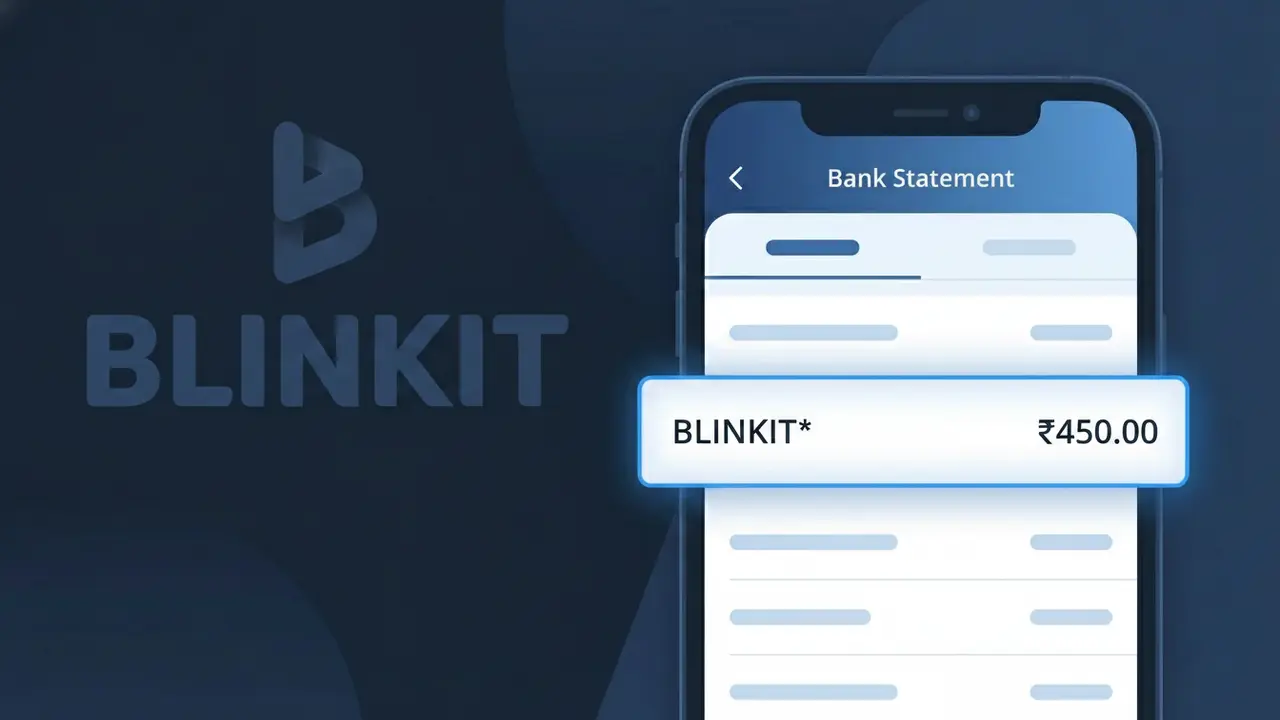
A BLINKIT* charge on your bank statement comes from Blinkit, a rapid grocery and essentials delivery service operating in India. This charge appears when you place an order through the Blinkit app or website, which promises delivery of groceries, snacks, household items, and more within minutes. Whether you ordered fresh produce, beverages, or everyday household needs, this transaction reflects your purchase from Blinkit's hyperlocal delivery platform. If you see this charge and don't recognize it, it's worth checking whether a family member or housemate may have used your payment method.
The BLINKIT* descriptor appears on your bank statement because payment processors often use a shortened or coded version of a company's name to identify transactions, and Blinkit registers its charges under this recognizable prefix. The asterisk following the name is a common formatting convention used by payment gateways to separate the merchant identifier from any additional order reference information. This is standard practice for Indian e-commerce and delivery platforms, which is why you may see BLINKIT* rather than the full company name on your statement.
ℹ️ Note
In most cases, seeing "BLINKIT*" on your statement is completely normal. Before assuming fraud, check your recent purchases — most mystery charges have a simple explanation.
Is the BLINKIT* Charge Legitimate or Fraud?
If you see BLINKIT* on your bank or credit card statement, it most likely comes from Blinkit (formerly Grofers), a popular instant grocery and delivery service operating primarily in India. This charge appears when you place an order for groceries, household essentials, or other products through the Blinkit app or website.
- You or a family member recently ordered groceries or essentials via the Blinkit app
- You have a Blinkit Pass subscription that auto-renews for free delivery benefits
- A one-time convenience or surge delivery fee was applied to your Blinkit order
- Someone with access to your saved payment method placed a Blinkit order on your behalf
While most BLINKIT* charges are legitimate, unauthorized charges could indicate that your payment credentials were compromised or used without your consent, and should be investigated promptly.
How to Verify the BLINKIT* Charge
- 1
Log into your Blinkit account
Open the Blinkit app or visit blinkit.com and navigate to your order history. Match the charge amount and date with a recent order to confirm the BLINKIT* transaction.
- 2
Search your email for Blinkit receipts
Search your inbox for emails from Blinkit (no-reply@blinkit.com or similar). Order confirmation and payment receipt emails will list the exact amount matching the BLINKIT* charge on your statement.
- 3
Check household or shared accounts
Ask family members or anyone who has access to your device or saved payment method if they placed a Blinkit order. Blinkit accounts can have multiple delivery addresses saved.
- 4
Review your Blinkit Pass subscription
If you subscribed to Blinkit Pass for unlimited free deliveries, check your subscription status in the app. Recurring BLINKIT* charges may reflect automatic monthly or annual renewal fees.
- 5
Contact your bank for more details
If you still cannot identify the BLINKIT* charge, call your bank and ask for the full merchant descriptor and transaction date to help narrow down whether the charge is genuine.
How to Dispute a BLINKIT* Charge
- 1
Act within 60 days of the charge
Most banks allow dispute claims within 60 days of the BLINKIT* charge appearing on your statement. Acting quickly improves your chances of a successful chargeback resolution.
- 2
Contact Blinkit customer support first
Reach out to Blinkit via in-app chat, email at support@blinkit.com, or their helpline. Explain the unauthorized or incorrect BLINKIT* charge — Blinkit may issue a direct refund faster than a bank dispute.
- 3
File a chargeback with your bank
If Blinkit does not resolve the issue, contact your bank or card issuer and formally dispute the BLINKIT* charge. Provide your order history, email receipts, and any communication with Blinkit as evidence.
- 4
Request a new card number
If the BLINKIT* charge appears fraudulent and you did not authorize it, ask your bank to cancel your current card and issue a replacement to prevent further unauthorized charges from Blinkit or other merchants.
Tips for Managing BLINKIT* Charges
Enable bank transaction alerts to get notified instantly whenever a BLINKIT* charge is processed on your card.
Regularly review your Blinkit order history to reconcile every BLINKIT* charge appearing on your statement.
Secure your Blinkit account with a strong password and enable two-factor authentication to prevent unauthorized orders.
Note your Blinkit Pass renewal date to anticipate recurring BLINKIT* subscription charges on your billing cycle.
Remove saved card details from Blinkit if you no longer use the service to stop unintended future charges.
Use WhatIsThisCharge.net to identify related charges that may appear alongside BLINKIT* on your statement.
Frequently Asked Questions About the BLINKIT* Charge
🔍 Decode this charge instantly
Search our database for BLINKIT* and similar charges.
Decode BLINKIT* →Was this article helpful?