Why You're Seeing "BLOOMBERG*" on Your Bank Statement
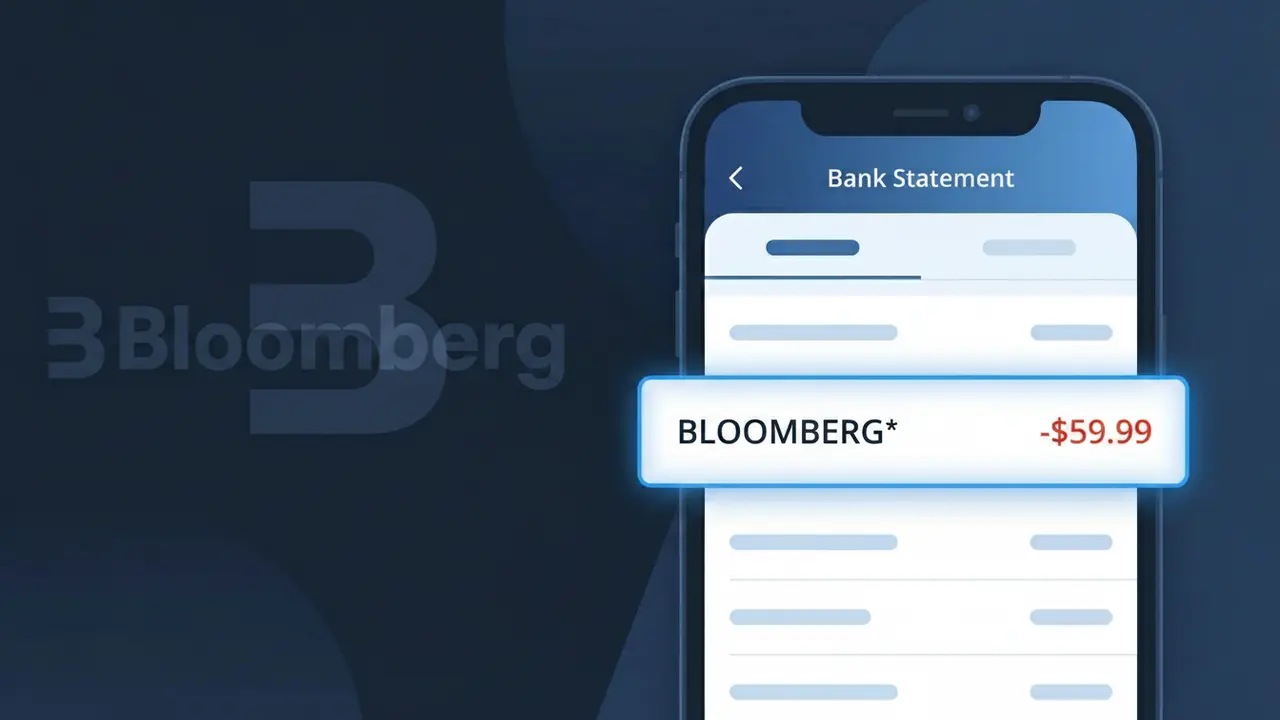
What Is "BLOOMBERG*" on My Bank Statement?
A charge showing BLOOMBERG* on your bank statement comes from Bloomberg, the global financial data and media company headquartered in New York. This charge most commonly represents a subscription to Bloomberg News, which provides in-depth financial journalism, market data, and business analysis. Bloomberg offers several subscription tiers, including Bloomberg Digital, which grants access to their website and app. If you see this descriptor, it is likely tied to a recurring monthly or annual subscription you or someone with access to your payment method signed up for.
The descriptor BLOOMBERG* appears on bank statements because Bloomberg LP uses a truncated version of their company name followed by an asterisk, which is a common billing convention used to indicate a subscription or recurring charge. Payment processors and banks often display shortened merchant identifiers due to character limits on statement descriptions. The asterisk typically signals that the charge is part of an ongoing or recurring billing arrangement rather than a one-time purchase.
ℹ️ Note
In most cases, seeing "BLOOMBERG*" on your statement is completely normal. Before assuming fraud, check your recent purchases — most mystery charges have a simple explanation.
Is the BLOOMBERG* Charge Legitimate or Fraud?
If you see BLOOMBERG* on your bank or credit card statement, it most likely represents a legitimate charge from Bloomberg, the global financial data, news, and media company. Bloomberg offers several paid services including Bloomberg Terminal access, Bloomberg Law, Bloomberg Government, and Bloomberg Media subscriptions that bill directly to your card.
Common legitimate reasons you may see a BLOOMBERG* charge include:
- An active Bloomberg Terminal or Bloomberg Professional subscription
- A Bloomberg Law or Bloomberg Tax research platform subscription
- A Bloomberg Media digital news subscription or Bloomberg Businessweek access
- A Bloomberg Government (BGOV) subscription for policy and regulatory intelligence
However, if you do not recall signing up for any Bloomberg service, the charge could be unauthorized. Always verify before assuming fraud, as a household member or colleague may have initiated the subscription using your payment details.
How to Verify the BLOOMBERG* Charge
- 1
Check your Bloomberg account
Log into your Bloomberg account at bloomberg.com or the specific Bloomberg product portal (e.g., Bloomberg Law, Bloomberg Government) to review your active subscriptions and recent billing history.
- 2
Search your email for Bloomberg receipts
Search your inbox for emails from Bloomberg using keywords like 'Bloomberg subscription', 'Bloomberg receipt', or 'billing@bloomberg.net' to find a matching confirmation or invoice.
- 3
Check with household or workplace members
Ask colleagues, employees, or household members if they signed up for a Bloomberg Terminal, Bloomberg Law, or Bloomberg Media service using your shared payment method.
- 4
Review your active subscriptions
Check your credit card's subscription tracker or a service like Privacy.com to see if a recurring BLOOMBERG* charge has been appearing on your statement monthly or annually.
- 5
Contact Bloomberg customer support
If you still cannot identify the charge, contact Bloomberg directly at 1-212-318-2000 or via the help portal at bloomberg.com/feedback to request details about the billing.
How to Dispute a BLOOMBERG* Charge
- 1
Act within 60 days
Most banks require you to dispute an unauthorized BLOOMBERG* charge within 60 days of the statement date. Act quickly to preserve your right to a full chargeback.
- 2
Contact Bloomberg first
Reach out to Bloomberg's customer service at bloomberg.com/feedback or call 1-212-318-2000. Bloomberg may issue a refund directly, especially for accidental renewals or duplicate charges.
- 3
File a chargeback with your bank
If Bloomberg does not resolve the issue, contact your bank or credit card issuer and formally dispute the BLOOMBERG* charge. Provide any email confirmations or cancellation records as evidence.
- 4
Request a new card number
If you suspect the BLOOMBERG* charge is fraudulent and linked to compromised card details, ask your bank to issue a new card number to prevent any future unauthorized Bloomberg charges.
Tips for Managing BLOOMBERG* Charges
Set a billing alert for BLOOMBERG* charges so you're notified immediately when Bloomberg processes a renewal.
Keep a record of your Bloomberg subscription tier and renewal date to reconcile BLOOMBERG* charges each billing cycle.
Log into your Bloomberg account regularly to review active services and remove any unused Bloomberg subscriptions before renewal.
Bloomberg Terminal and Bloomberg Law subscriptions often renew annually — mark your calendar 30 days before renewal to evaluate continuation.
Use a virtual card number for Bloomberg subscriptions so you can easily block future BLOOMBERG* charges if needed.
Use WhatIsThisCharge.net to identify related charges that may appear alongside BLOOMBERG* on your statement.
Frequently Asked Questions About the BLOOMBERG* Charge
🔍 Decode this charge instantly
Search our database for BLOOMBERG* and similar charges.
Decode BLOOMBERG* →Was this article helpful?