Why You're Seeing "BMCE BANK*" on Your Bank Statement
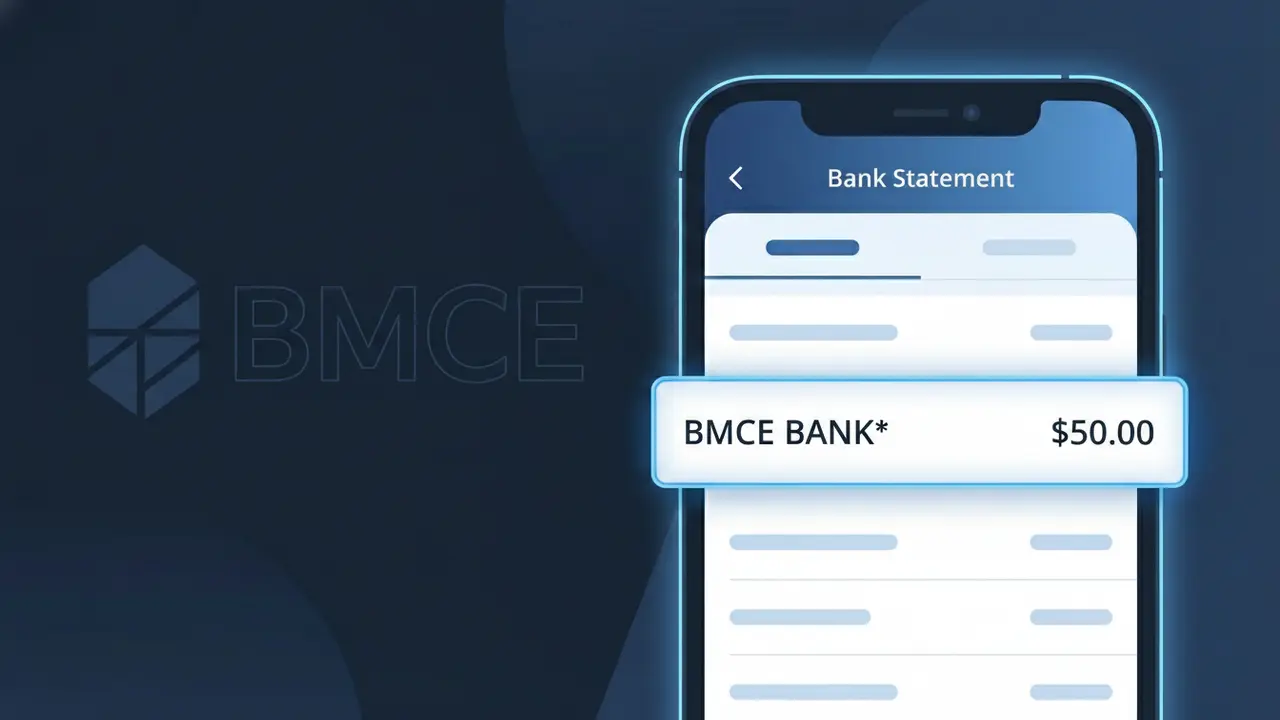
What Is "BMCE BANK*" on My Bank Statement?
A charge appearing as BMCE BANK* on your bank statement comes from BMCE Bank of Africa, one of Morocco's largest financial institutions. This descriptor typically represents banking fees (frais bancaires) associated with accounts, transactions, or financial services provided by BMCE Bank of Africa. If you hold an account, have made a transfer, or used any financial product through BMCE Bank of Africa, this charge is the standard way those fees are recorded. Seeing BMCE BANK* on your statement simply confirms a legitimate banking transaction or service fee from this Moroccan banking group.
The descriptor BMCE BANK* appears on your bank statement as a shortened identifier used by BMCE Bank of Africa's payment processing systems to identify transactions and fees. Banks and financial institutions often use abbreviated or coded descriptors rather than their full legal name due to character limits imposed by payment networks and card processing systems. This is standard practice across the global banking industry, and the asterisk following the name typically indicates a variable or category-based charge associated with the institution's services.
ℹ️ Note
In most cases, seeing "BMCE BANK*" on your statement is completely normal. Before assuming fraud, check your recent purchases — most mystery charges have a simple explanation.
Is BMCE BANK* Legitimate or Fraud?
If you've spotted BMCE BANK* on your bank or credit card statement, this charge typically originates from BMCE BANK, one of Morocco's largest and most established financial institutions, also known as Bank of Africa. This charge is generally legitimate and may appear for a variety of banking-related transactions, fees, or services processed through BMCE BANK's payment systems.
- Account maintenance or annual fees charged by BMCE BANK to your linked card or account
- International wire transfer fees or cross-border transaction processing costs via BMCE BANK
- Loan repayment installments or credit facility charges billed by BMCE BANK
- Insurance premiums or other financial product fees bundled with your BMCE BANK account
While BMCE BANK* is most often a legitimate charge, unauthorized appearances of this descriptor could indicate fraudulent activity. Always cross-reference the charge amount with your BMCE BANK account history before dismissing or acting on it.
How to Verify the BMCE BANK* Charge
- 1
Log into your BMCE BANK account
Visit the official BMCE BANK online banking portal or open the BMCE BANK mobile app and review your recent transaction history to find a matching charge amount and date.
- 2
Search your email for BMCE BANK notices
Look for any fee notifications, account statements, or service emails sent by BMCE BANK that correspond to the BMCE BANK* charge appearing on your statement.
- 3
Check if a family member used a linked account
If you share a BMCE BANK account or have a supplementary card holder, ask them whether they initiated a transaction or service that could have triggered the BMCE BANK* charge.
- 4
Review your BMCE BANK product subscriptions
Check any insurance plans, credit cards, or financial products you hold with BMCE BANK, as recurring fees from these services often appear as BMCE BANK* on external statements.
- 5
Contact your card-issuing bank
If you still cannot identify the BMCE BANK* charge, call the customer service number on the back of your card and ask for the full merchant details associated with the transaction.
How to Dispute a BMCE BANK* Charge
- 1
Act within 60 days of the charge
Most banks and card networks require disputes to be filed within 60 days of the statement date showing the BMCE BANK* charge, so act quickly to preserve your rights.
- 2
Contact BMCE BANK directly first
Reach out to BMCE BANK's customer service through their official hotline or branch network to explain the unauthorized or incorrect BMCE BANK* charge and request a reversal or clarification.
- 3
File a chargeback with your card issuer
If BMCE BANK does not resolve the issue, contact your credit or debit card issuer and formally dispute the BMCE BANK* transaction, providing all evidence such as statements and correspondence.
- 4
Request a new card number
If the BMCE BANK* charge is confirmed as fraudulent, ask your bank to cancel the compromised card and issue a new one to prevent further unauthorized transactions from appearing.
Tips for Managing BMCE BANK* Charges
Enable SMS and email alerts in your BMCE BANK account to get notified instantly when a BMCE BANK* charge is processed.
Download your monthly BMCE BANK statement and reconcile every BMCE BANK* entry against your own records.
Keep your BMCE BANK online banking credentials secure and enable two-factor authentication to prevent unauthorized charges.
Note the billing cycle dates for any BMCE BANK products so you can anticipate when recurring BMCE BANK* fees will appear.
Register for BMCE BANK's fraud protection services to add an extra layer of security against unauthorized BMCE BANK* charges.
Use WhatIsThisCharge.net to identify related charges that may appear alongside BMCE BANK* on your statement.
Frequently Asked Questions About BMCE BANK*
🔍 Decode this charge instantly
Search our database for BMCE BANK* and similar charges.
Decode BMCE BANK* →Was this article helpful?