Why You're Seeing "BOX*" on Your Bank Statement
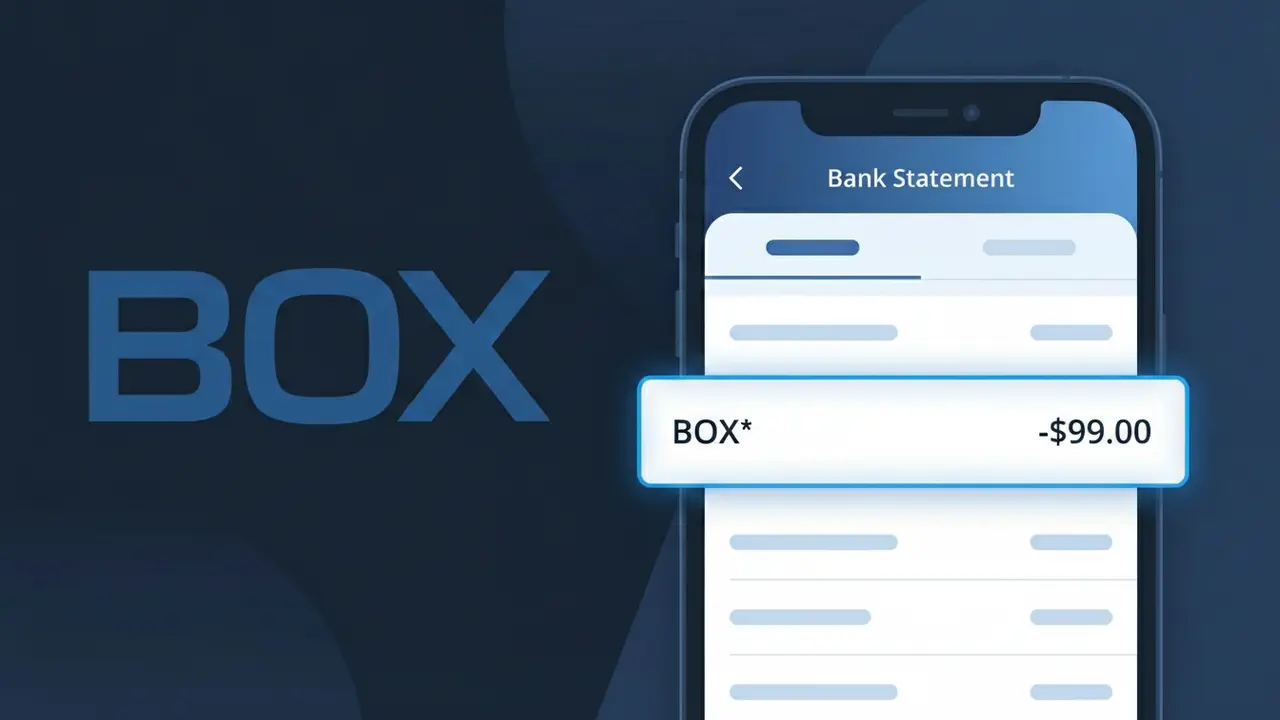
What Is "BOX*" on My Bank Statement?
A charge showing BOX* on your bank statement comes from Box, a cloud storage and file-sharing platform used by individuals and businesses worldwide. This charge typically represents a subscription to one of Box's storage plans, which allow users to store, share, and collaborate on files securely in the cloud. Box offers several tiers including personal, business, and enterprise plans billed on a monthly or annual basis. If you see BOX* followed by additional characters, it is almost certainly a recurring subscription fee from Box.com.
The descriptor BOX* appears on bank statements because Box uses a truncated version of their company name when processing payments through third-party payment networks. The asterisk following BOX is a common convention used by payment processors to separate the merchant identifier from additional transaction details such as a plan name or account reference. This shortened format is standard practice and is why the charge may not immediately look familiar even if you are an active Box subscriber.
ℹ️ Note
In most cases, seeing "BOX*" on your statement is completely normal. Before assuming fraud, check your recent purchases — most mystery charges have a simple explanation.
Is the BOX* Charge Legitimate or Fraud?
If you've spotted a BOX* charge on your bank or credit card statement, it most likely comes from BOX (Box.com), a cloud content management and file sharing platform used by both individuals and businesses. This charge typically reflects a subscription fee for one of BOX's paid plans, such as Individual, Business, or Enterprise tiers.
The BOX* descriptor is the official way Box.com appears on billing statements, and it is a recognized, legitimate charge for many users. However, if you don't recall signing up for BOX or authorizing a renewal, it's worth investigating further. Common reasons you might see this charge include:
- An active BOX Individual or Business subscription you signed up for
- An automatic renewal of a BOX annual or monthly plan
- A BOX account created by a family member or colleague using your payment method
- A free trial that converted to a paid BOX subscription without a reminder
How to Verify the BOX* Charge
- 1
Log into your BOX account
Visit box.com and sign in. Navigate to Account Settings > Billing to review your current plan and recent payment history for any BOX* transactions.
- 2
Search your email for BOX receipts
Search your inbox for emails from 'no-reply@box.com' or 'billing@box.com'. BOX typically sends receipts and renewal notices to the email tied to your account.
- 3
Check with household or team members
Ask family members or coworkers if they signed up for BOX using your shared payment method, especially if it's a business or shared account.
- 4
Review your active subscriptions
Check your password manager or subscription tracker for any BOX accounts. BOX offers a free trial that auto-converts to a paid plan, which may explain unexpected BOX* charges.
- 5
Contact BOX support
If you still can't identify the BOX* charge, contact Box.com support at support.box.com with the charge amount and date for account verification.
How to Dispute a BOX* Charge
- 1
Act within 60 days
Most banks require disputes to be filed within 60 days of the charge appearing. Note the exact BOX* charge date and amount before contacting anyone.
- 2
Contact BOX directly first
Reach out to BOX customer support at support.box.com. Explain the unauthorized or incorrect BOX* charge — BOX may issue a refund, especially for accidental renewals.
- 3
File a chargeback with your bank
If BOX does not resolve the issue, contact your bank or card issuer and dispute the BOX* charge as unauthorized. Provide any communication with BOX as supporting evidence.
- 4
Request a new card number
If you suspect fraud involving the BOX* charge, ask your bank to issue a replacement card to prevent future unauthorized charges from any source, including BOX.
Tips for Managing BOX* Charges
Enable billing alerts in your BOX account settings so you're notified before every BOX* renewal charge hits your card.
Keep a record of your BOX subscription plan, billing date, and amount so you can quickly spot unexpected BOX* charge changes.
Secure your BOX account with two-factor authentication to prevent unauthorized users from adding paid features that generate BOX* charges.
Mark your BOX subscription renewal date on your calendar so annual BOX* billing charges never catch you off guard.
Use a virtual card number for your BOX subscription to limit exposure if your payment details are ever compromised.
Use WhatIsThisCharge.net to identify related charges that may appear alongside BOX* on your statement.
Frequently Asked Questions About the BOX* Charge
Was this article helpful?